

.MRW Dateiendung
Minolta-Rohbild
| Entwickler | Minolta |
| Beliebtheit |
3,2 | 10 Stimmen |
Was ist eine MRW-Datei?
Eine MRW-Datei ist ein Rohbild, das von einer digitalen Minolta-Dimage-Kamera erstellt wurde. Sie enthält unkomprimierte, unverarbeitete Bilddaten, die genau so gespeichert werden, wie sie vom CCD-Sensor der Kamera aufgenommen wurden. Da MRW-Dateien eine große Datenmenge enthalten, haben sie eine recht große Dateigröße.
Weitere Informationen
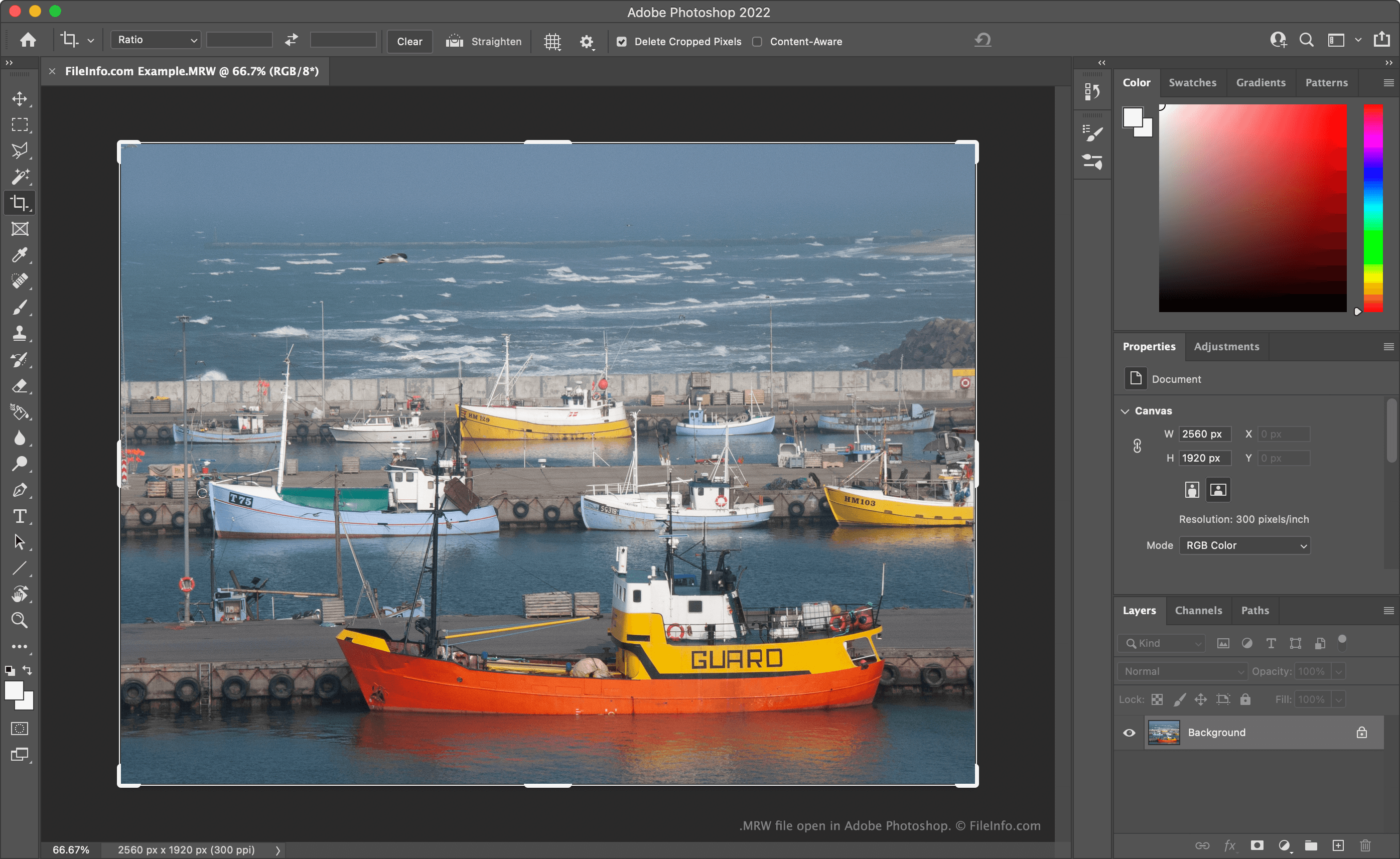
Viele professionelle Digitalkameras speichern Fotos als Rohbilddateien. Diese Dateien enthalten alle Daten, die beim Aufnehmen eines Bildes erfasst wurden. Wenn diese Daten in ihrer Rohform erhalten bleiben, können Fotografen Bildelemente wie Farbtemperatur und Belichtung präziser bearbeiten, als dies möglich wäre, wenn die Daten verarbeitet oder komprimiert worden wären.
Minolta-Dimage-Kameras wie die Dimage 7 und die Dimage Z2 speichern Rohbilder als MRW-Dateien. Nachdem Sony Minolta übernommen hatte, wurde das MRW-Format eingestellt und durch das .ARW-Format ersetzt.
So öffnen Sie eine MRW-Datei
Sie können eine MRW-Datei mit Adobe Photoshop (Windows, Mac), XnViewMP (plattformübergreifend) oder Apple Photos (Mac) öffnen. Sie können MRW-Dateien auch mit Microsoft Photos (Windows) öffnen, nachdem Sie die RAW Image Extension installiert haben.
HINWEIS: Da MRW-Dateien, die von verschiedenen Kameras erstellt wurden, unterschiedlich formatiert sind, können Programme möglicherweise einige MRW-Dateien öffnen, andere jedoch nicht.
So konvertieren Sie eine MRW-Datei
Sie können Adobe Photoshop, Logipole Konvertor oder XnViewMP verwenden, um MRW-Dateien in andere Bildformate zu konvertieren. Beispielsweise kann XnViewMP MRW-Dateien in die folgenden Formate und viele weitere konvertieren:
- .JPEG - JPEG-Bild
- .GIF - Grafisches Austauschformat
- .PNG - Tragbare Netzwerk-Grafik
- .TIFF - Markiertes Bild
- .BMP - Bitmap-Bild
- .PCX - Paintbrush-Bitmap-Bild
- .TGA - Targa-Grafik
- .JP2 - JPEG-2000-Kernbild
- .JXR - JPEG-XR-Bild
- .WEBP - WebP-Bild
Beachten Sie, dass beim Konvertieren einer MRW-Datei in ein Nicht-Rohformat die darin enthaltenen Rohdaten entfernt werden. Daher sollten Sie möglicherweise eine Kopie Ihrer MRW-Datei für zukünftige Bearbeitungen aufbewahren.