

.ACV Bestandsextensie
Photoshop-aanpassingscurve
| Ontwikkelaar | Adobe Systems |
| Populariteit |
3,8 | 5 stemmen |
Wat is een ACV-bestand?
Een ACV-bestand is een kleurcorrectiecurve die is gemaakt met de tool Curves van Adobe Photoshop. Het bevat instellingen die Photoshop gebruikt om de kleuren van een afbeelding aan te passen. ACV-bestanden worden vaak gebruikt om de kleuren van een afbeelding nauwkeurig af te stellen of te corrigeren voordat deze wordt afgedrukt of gepubliceerd.
Meer informatie
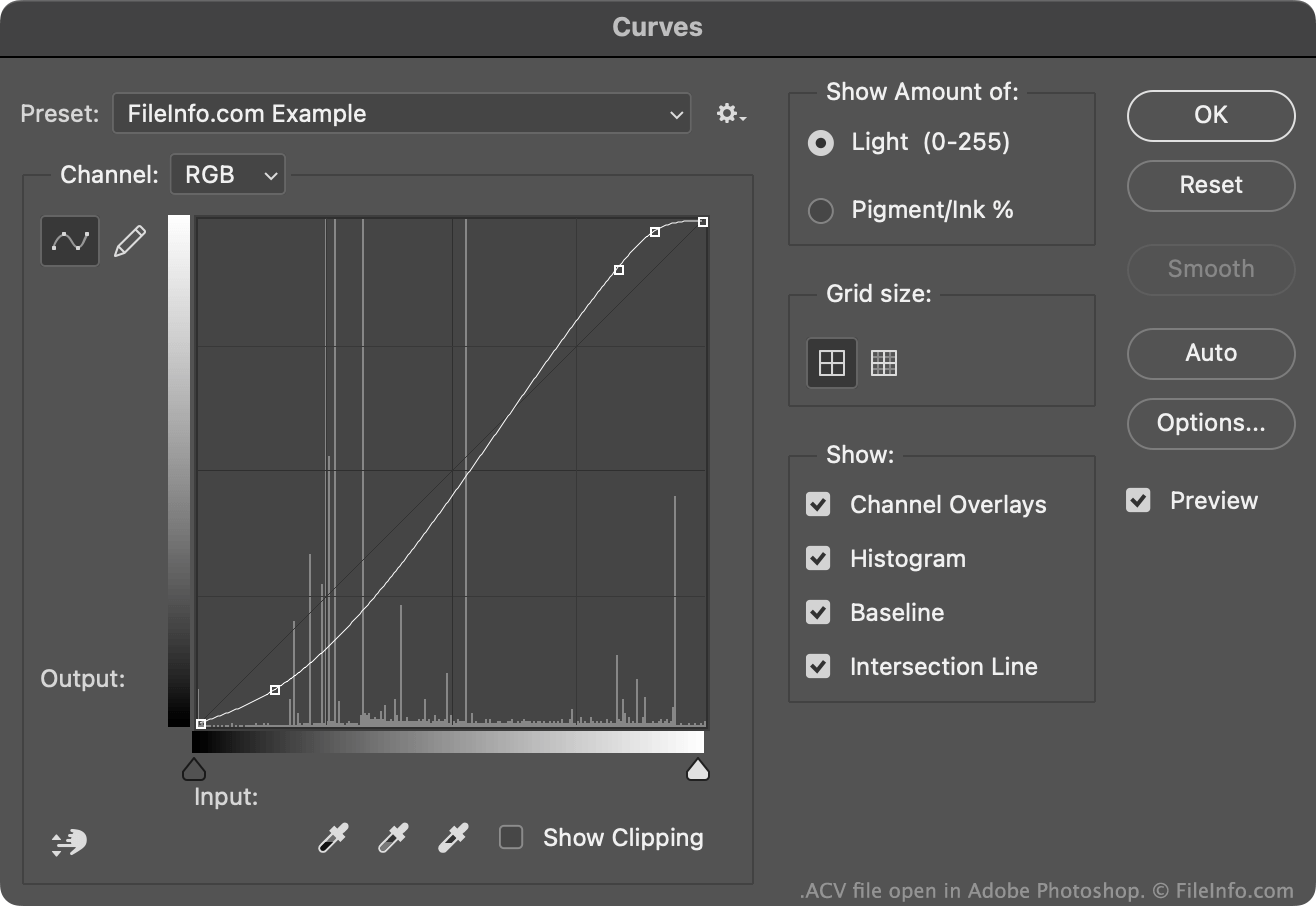
Met de tool Curves van Photoshop kun je de kleuren van een afbeelding aanpassen met een standaard- of aangepaste kleurcorrectiecurve. De meeste van deze curves worden opgeslagen als ACV-bestanden. (Curves die met de vrijehandinstelling van de tool Curves zijn getekend, worden opgeslagen als .AMP-bestanden.)
De standaard-ACV-bestanden die Photoshop bevat, worden opgeslagen in de map Presets/Curves. Zo maak je je eigen ACV-bestand:
- Open de tool Curves ().
- Gebruik de curvebewerkingstool om je curve naar wens aan te passen door punten toe te voegen en/of te verplaatsen.
- Selecteer het tandwielpictogram dat naast het veld verschijnt.
- Selecteer
Hiermee wordt je aangepaste curve als ACV-bestand opgeslagen in je gebruikersspecifieke map Presets/Curves.
Een ACV-bestand openen
Je kunt een ACV-bestand openen met Adobe Photoshop, in de tool Curves:
- Open de tool Curves ().
- Selecteer het tandwielpictogram dat naast het veld verschijnt.
- Selecteer .
- Navigeer naar je ACV-bestand en open het.
De kleurcorrectiecurve in je ACV-bestand verschijnt vervolgens in de tool Curves, waar je deze kunt toepassen op de afbeelding die je bewerkt.