.ACV 文件扩展名
Photoshop Adjustment Curve
| 开发者 | Adobe Systems |
| 受欢迎程度 |
3.8 | 5 票 |
什么是 ACV 文件?
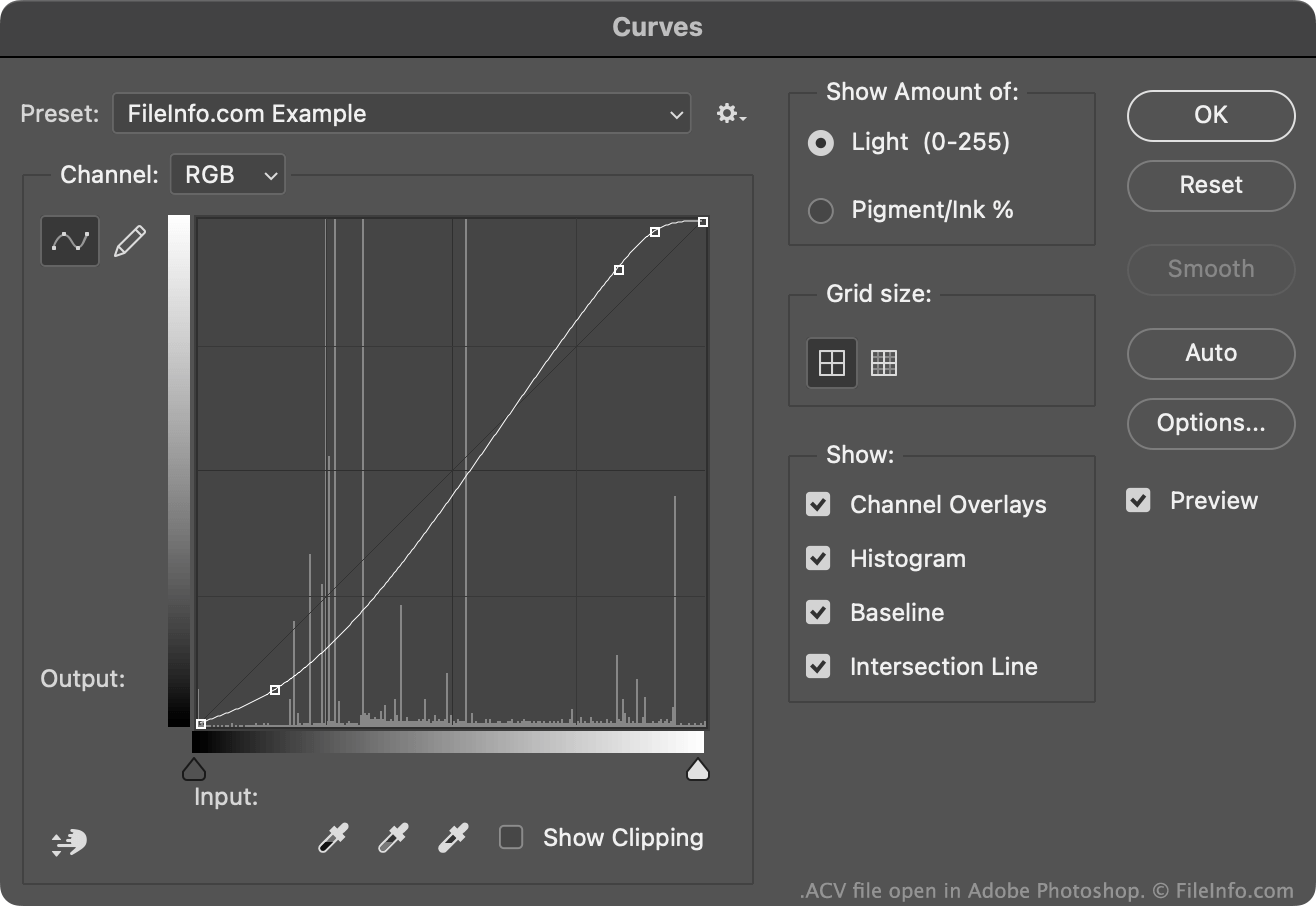
An ACV file is a color adjustment curve created by Adobe Photoshop's Curves tool. It contains settings Photoshop uses to alter an image's colors. ACV files are often used to fine-tune or correct an image's colors before printing or publication.
更多信息
Photoshop's Curves tool allows you to modify an image's colors using either a default or custom color adjustment curve. Most of these curves are saved as ACV files. (Curves drawn using the Curves tool's freehand setting are saved as .AMP files.)
The default ACV files Photoshop includes are saved in its Presets/Curves directory. To create your own ACV file:
- Open the Curves tool (Image → Adjustments → Curves...).
- Use the curve editing tool to adjust your curve to your liking, by adding and/or moving points.
- Select the Gear icon that appears next to the Preset: field.
- Select Save Preset...
This will save your custom curve as an ACV file, in your user-specific Presets/Curves directory.
如何打开 ACV 文件
You can open an ACV file with Adobe Photoshop, in the Curves tool:
- Open the Curves tool (Image → Adjustments → Curves...).
- Select the Gear icon that appears next to the Preset: field.
- Select Load Preset....
- Navigate to and open your ACV file.
The color adjustment curve your ACV file contains will then appear in the Curves tool, where you can apply it to the image you are editing.