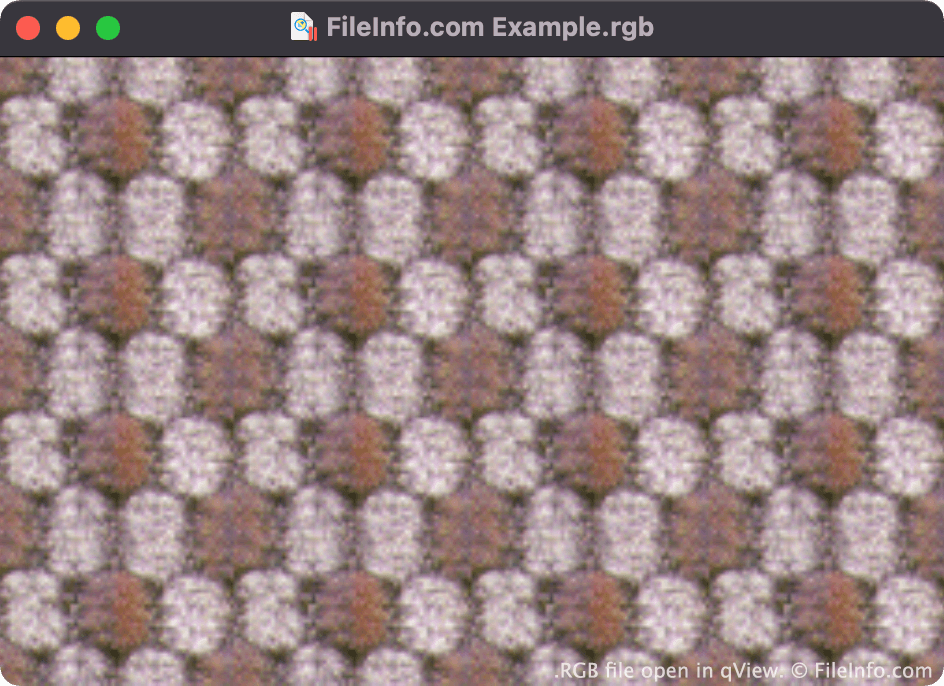
.RGB 파일 확장자
- 1.RGB Bitmap
- 2.Q0 Image
RGB Bitmap
| 개발사 | Silicon Graphics |
| 인기도 |
3.0 | 27 투표 |
RGB 파일이란 무엇인가요?
An RGB file is a color bitmap image, saved in a file format created by Silicon Graphics (SGI). It contains binary data used to show an image using the RGB color model. RGB files are similar to .SGI files.
추가 정보
Paul Haeberli invented the RGB format in 1995. It was used primarily to save raster images for display on Silicon Graphics workstations.
Both RGB and SGI files contain images comprised of three color channels (red, green, and blue). The similar .RGBA format contains images comprised of three color channels and an alpha channel, which stores transparency information.
RGB 파일을 여는 방법
You can open an RGB file in many image viewers and editors, including File Viewer Plus (Windows), Apple Preview (Mac), XnViewMP (Windows, Mac), and qView (multiplatform).
RGB 파일을 변환하는 방법
Most image viewers and editors that can open RGB files can convert them to other image formats. For example, XnViewMP can convert RGB files to the following formats (and many others):
RGB 파일을 여는 프로그램
Q0 Image
| 개발사 | 해당 없음 |
| 인기도 |
1.3 | 7 투표 |
An RGB file is an image saved in the Q0 raster graphic format. Each RGB file is typically paired with an accompanying .FAL file. The FAL file contains header information that image viewers use to open the RGB file.
추가 정보
Some Japanese software programs create and use images saved in the Q0 format. Q0 images are 24-bit Red Green Blue (RGB) bitmap images, whose filenames use the .q0 or .rgb extension.
RGB 파일을 여는 방법
You can open an RGB file with XnViewMP. To do so, open XnViewMP and select File → Open.... Then, navigate to and open your RGB file.
Note that if you do not possess an RGB file's corresponding FAL file, you will not be able to open it.
RGB 파일을 변환하는 방법
XnViewMP can convert RGB files to the following image formats (and many others):