.RGB 文件扩展名

2 种文件类型使用 .rgb 扩展名。

RGB Bitmap

开发者 Silicon Graphics
受欢迎程度
3.0  |  27 
 
🔍使用File Helper直接在您的网络浏览器中打开 .RGB 文件在线查看

什么是 RGB 文件?

An RGB file is a color bitmap image, saved in a file format created by Silicon Graphics (SGI). It contains binary data used to show an image using the RGB color model. RGB files are similar to .SGI files.

更多信息

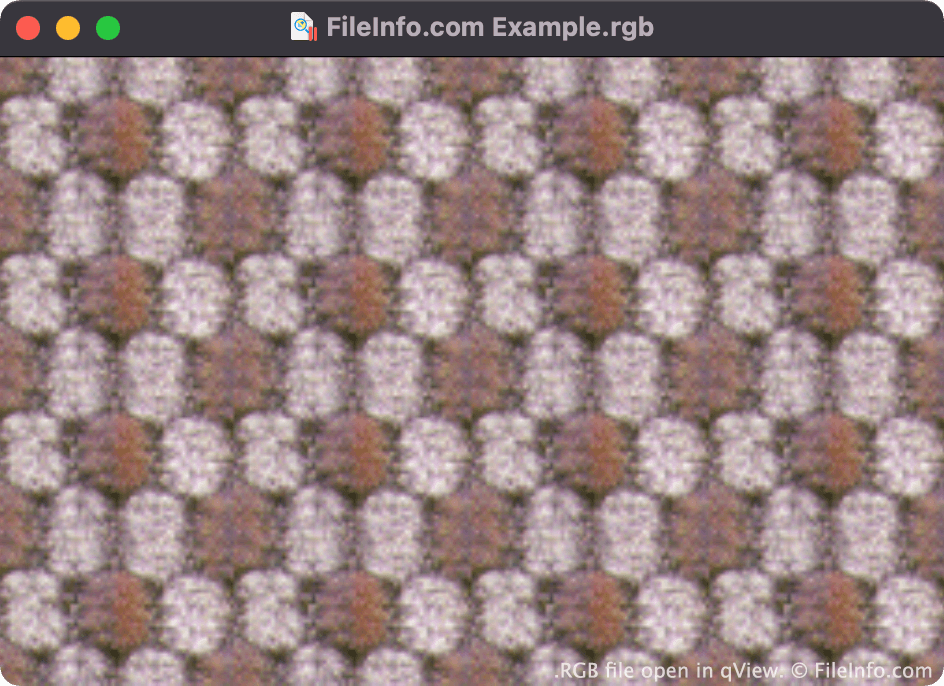
在 qView 中打开的 .rgb 文件截图
在 qView 中打开的 RGB 文件

Paul Haeberli invented the RGB format in 1995. It was used primarily to save raster images for display on Silicon Graphics workstations.

Both RGB and SGI files contain images comprised of three color channels (red, green, and blue). The similar .RGBA format contains images comprised of three color channels and an alpha channel, which stores transparency information.

如何打开 RGB 文件

You can open an RGB file in many image viewers and editors, including File Viewer Plus (Windows), Apple Preview (Mac), XnViewMP (Windows, Mac), and qView (multiplatform).

如何转换 RGB 文件

Most image viewers and editors that can open RGB files can convert them to other image formats. For example, XnViewMP can convert RGB files to the following formats (and many others):

  • .JPEG - JPEG Image
  • .GIF - Graphical Interchange Format
  • .PNG - Portable Network Graphic
  • .TIFF - Tagged Image
  • .BMP - Bitmap Image
  • .PCX - Paintbrush Bitmap Image
  • .TGA - Targa Graphic
  • .JP2 - JPEG 2000 Core Image
  • .JXR - JPEG XR Image
  • .WEBP - WebP Image

可打开 RGB 文件的程序

Windows
Mac
操作系统自带
免费
免费
免费
免费
Linux
免费
免费
免费
Web
Android

Q0 Image

开发者 不适用
受欢迎程度
1.3  |  7 
 

An RGB file is an image saved in the Q0 raster graphic format. Each RGB file is typically paired with an accompanying .FAL file. The FAL file contains header information that image viewers use to open the RGB file.

更多信息

Some Japanese software programs create and use images saved in the Q0 format. Q0 images are 24-bit Red Green Blue (RGB) bitmap images, whose filenames use the .q0 or .rgb extension.

如何打开 RGB 文件

You can open an RGB file with XnViewMP. To do so, open XnViewMP and select File → Open.... Then, navigate to and open your RGB file.

Note that if you do not possess an RGB file's corresponding FAL file, you will not be able to open it.

如何转换 RGB 文件

XnViewMP can convert RGB files to the following image formats (and many others):

  • .JPG - JPEG Image
  • .GIF - Graphical Interchange Format
  • .PNG - Portable Network Graphic
  • .TIFF - Tagged Image File Format
  • .BMP - Bitmap Image
  • .PCX - Paintbrush Bitmap Image
  • .TGA - Targa Graphic
  • .JP2 - JPEG 2000 Core Image
  • .JXR - JPEG XR Image
  • .WEBP - WebP Image

可打开 RGB 文件的程序

Windows
免费
Mac
免费
Linux
免费

验证者 FileInfo.com

FileInfo.com 团队 独立研究了本页面列出的所有文件格式和软件程序。 我们的目标是达到 100% 的准确率,并且仅发布我们已验证过的文件类型信息。

如果您想为此页面提出新增或更新建议,请告诉我们