

.RGB Extensão de arquivo
- 1.Bitmap RGB
- 2.Imagem Q0
Bitmap RGB
| Desenvolvedor | Silicon Graphics |
| Popularidade |
3,0 | 27 Votos |
O que é um arquivo RGB?
Um arquivo RGB é uma imagem bitmap colorida, salva em um formato de arquivo criado pela Silicon Graphics (SGI). Ele contém dados binários usados para exibir uma imagem usando o modelo de cores RGB. Os arquivos RGB são semelhantes aos arquivos .SGI.
Mais informações
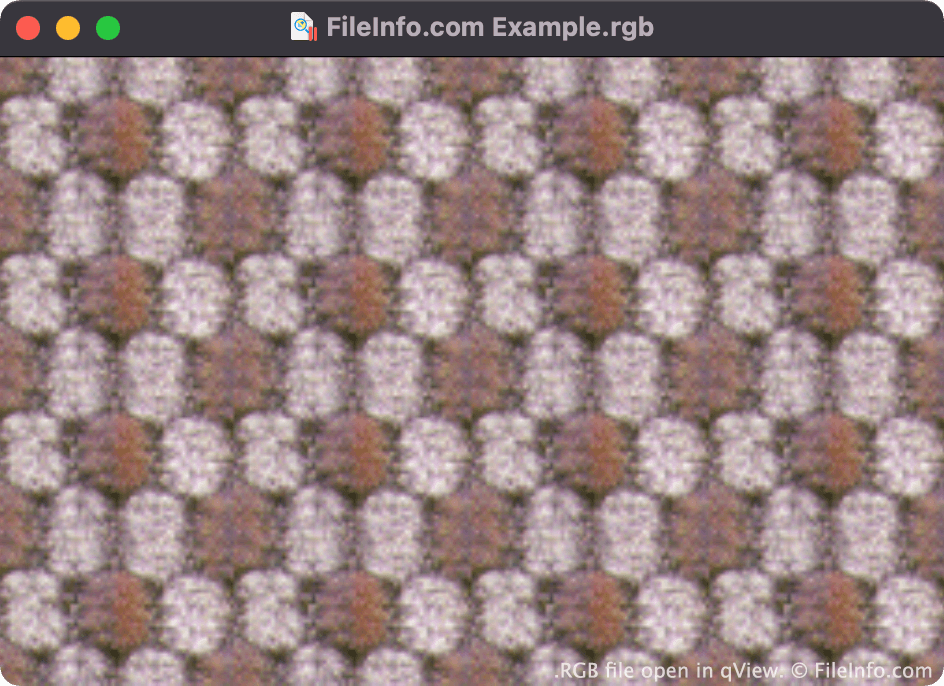
Paul Haeberli inventou o formato RGB em 1995. Ele era usado principalmente para salvar imagens rasterizadas para exibição em estações de trabalho Silicon Graphics.
Tanto os arquivos RGB quanto os SGI contêm imagens compostas por três canais de cores (vermelho, verde e azul). O formato semelhante .RGBA contém imagens compostas por três canais de cores e um canal alfa, que armazena informações de transparência.
Como abrir um arquivo RGB
Você pode abrir um arquivo RGB em vários visualizadores e editores de imagens, incluindo o File Viewer Plus (Windows), o Apple Preview (Mac), o XnViewMP (Windows, Mac) e o qView (multiplataforma).
Como converter um arquivo RGB
A maioria dos visualizadores e editores de imagens que podem abrir arquivos RGB também pode convertê-los para outros formatos de imagem. Por exemplo, o XnViewMP pode converter arquivos RGB para os seguintes formatos (e muitos outros):