

.DICTIONARY 파일 확장자
Apple Dictionary
| 개발사 | Apple |
| 인기도 |
1.5 | 2 표 |
DICTIONARY 파일이란 무엇인가요?
DICTIONARY 파일은 macOS에 번들로 제공되는 앱인 Apple Dictionary에서 사용하는 사전입니다. 여러 파일이 포함된 macOS 패키지이며, 이 파일들은 단어와 구문, 정의, 이미지와 같은 사전 정보를 저장합니다.
추가 정보
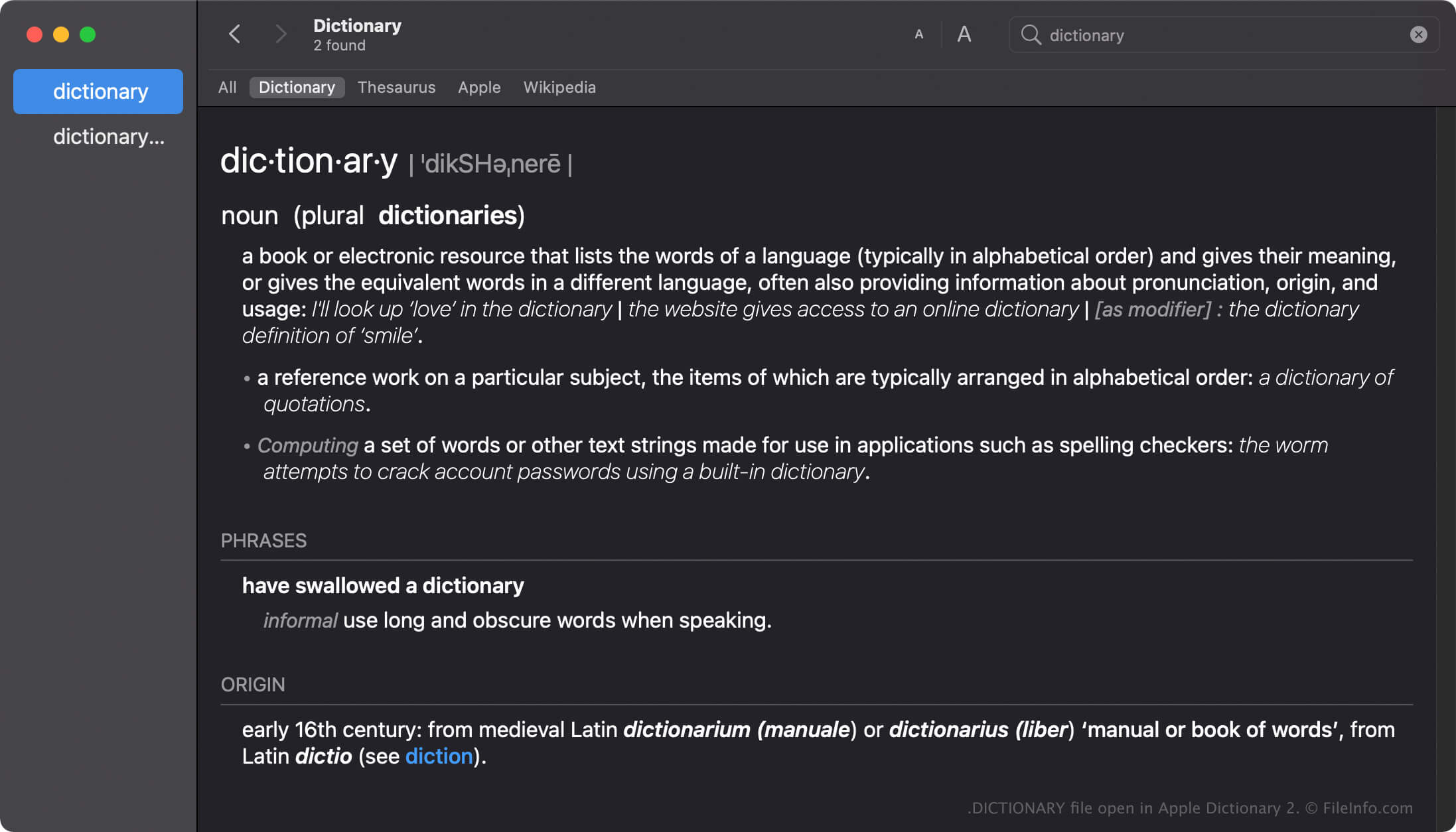
Apple Dictionary는 macOS 사용자가 단어와 구문의 정의를 빠르게 찾아볼 수 있도록 해 주는 도구입니다. 이 앱에는 New Oxford American Dictionary와 Wikipedia 같은 여러 사전이 포함되어 있으며, 원하는 대로 사전을 활성화하거나 비활성화하고 순서를 지정할 수 있습니다.
Dictionary 앱에는 여러 사전이 함께 제공되며, 각 사전에는 해당 사전의 이름을 딴 DICTIONARY 파일이 있습니다. 예를 들어 Apple Dictionary DICTIONARY 파일의 이름은 Apple Dictionary.dictionary입니다.
macOS에서 DICTIONARY 파일 만들기
Dictionary 앱에는 여러 사전이 번들로 제공되지만, 개발자는 Dictionary Development Kit를 사용하여 사용자 지정 사전을 만들 수 있습니다. DICTIONARY 파일을 만들려면 개발자가 사전 소스 파일을 만들고, 스타일 시트를 준비하고, 속성 목록 파일(.PLIST)을 편집한 다음 사전에 필요한 리소스를 추가해야 합니다.
macOS에서 DICTIONARY 파일의 위치
Mac 운영 체제마다 DICTIONARY 파일을 저장하는 위치가 다릅니다. 예를 들어 macOS Monterrey는 다음 위치에 DICTIONARY 파일을 저장합니다.
/System/Library/AssetsV2/com_apple_MobileAsset_DictionaryServices_dictionaryOSX
그러나 이전 버전의 macOS에서는 /System/Library/Dictionary 위치에 DICTIONARY 파일을 저장합니다.
일반적인 .DICTIONARY 파일 이름
Apple Dictionary.dictionary - Apple Dictionary에 포함된 기본 사전의 이름입니다.
DICTIONARY 파일을 여는 방법
DICTIONARY 파일을 직접 열려고 해서는 안 됩니다. 대신 Apple Dictionary 앱이 DICTIONARY 파일의 정보를 자동으로 불러옵니다.
macOS 패키지로 DICTIONARY 파일 열기
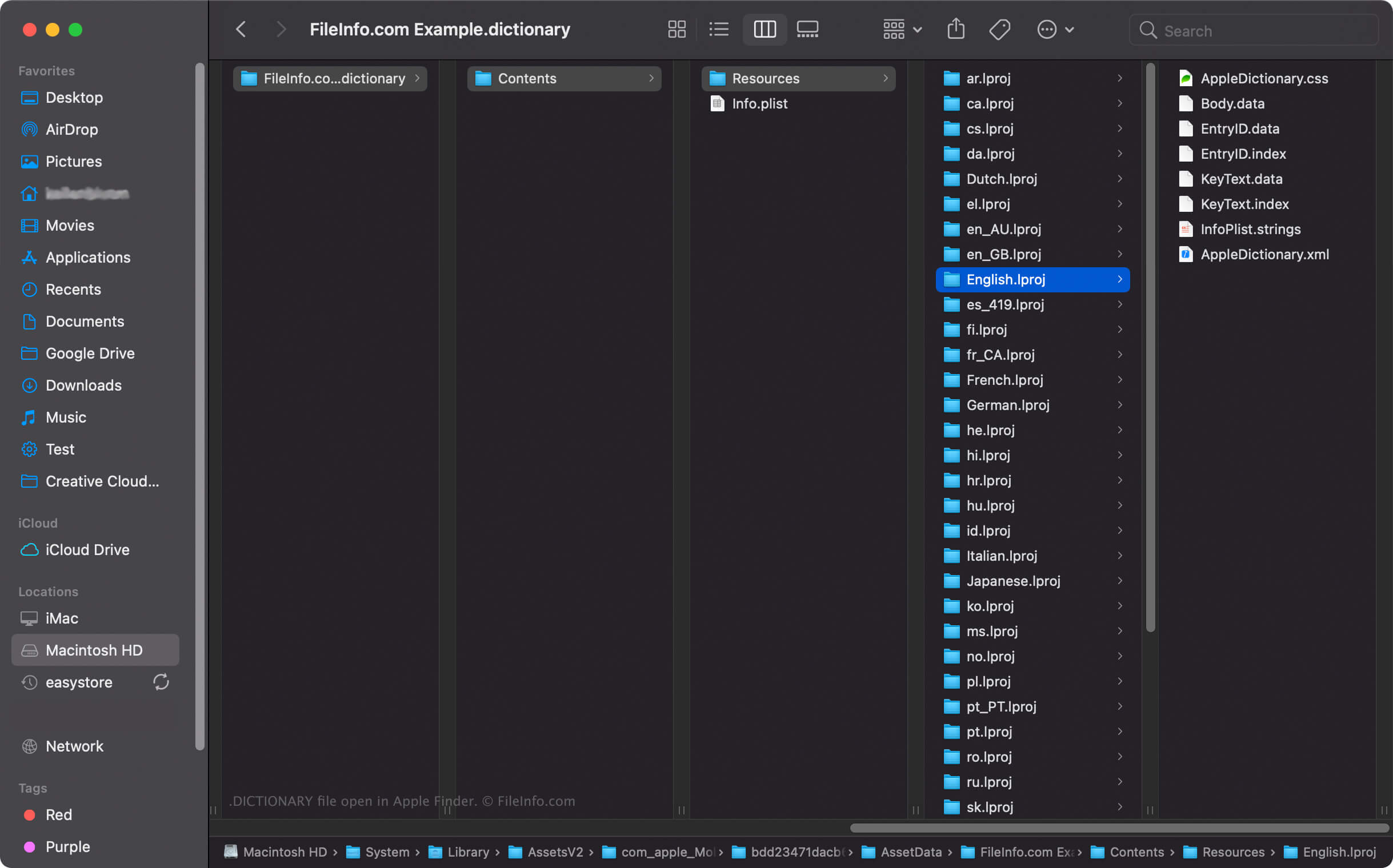
macOS에서는 DICTIONARY 파일을 마우스 오른쪽 버튼으로 클릭한 다음 를 선택하여 Apple Finder에서 패키지의 디렉터리와 파일을 볼 수 있습니다. 예를 들어 각 DICTIONARY 파일에는 사전에 있는 단어 목록을 저장하는 바이너리 Body.data 파일이 Dictionary Contents/Resources/ 디렉터리에 포함되어 있습니다.
참고: DICTIONARY 파일의 내용을 수정하면 사전이 작동하지 않을 수 있습니다.