

.DICTIONARY Extension de fichier
Dictionnaire Apple
| Développeur | Apple |
| Popularité |
1,5 | 2 Votes |
Qu'est-ce qu'un fichier DICTIONARY ?
Un fichier DICTIONARY est un dictionnaire utilisé par Apple Dictionary, une application incluse avec macOS. Il s'agit d'un paquet macOS qui contient plusieurs fichiers stockant des informations de dictionnaire, comme des mots, des expressions, leurs définitions et des images.
Plus d'informations
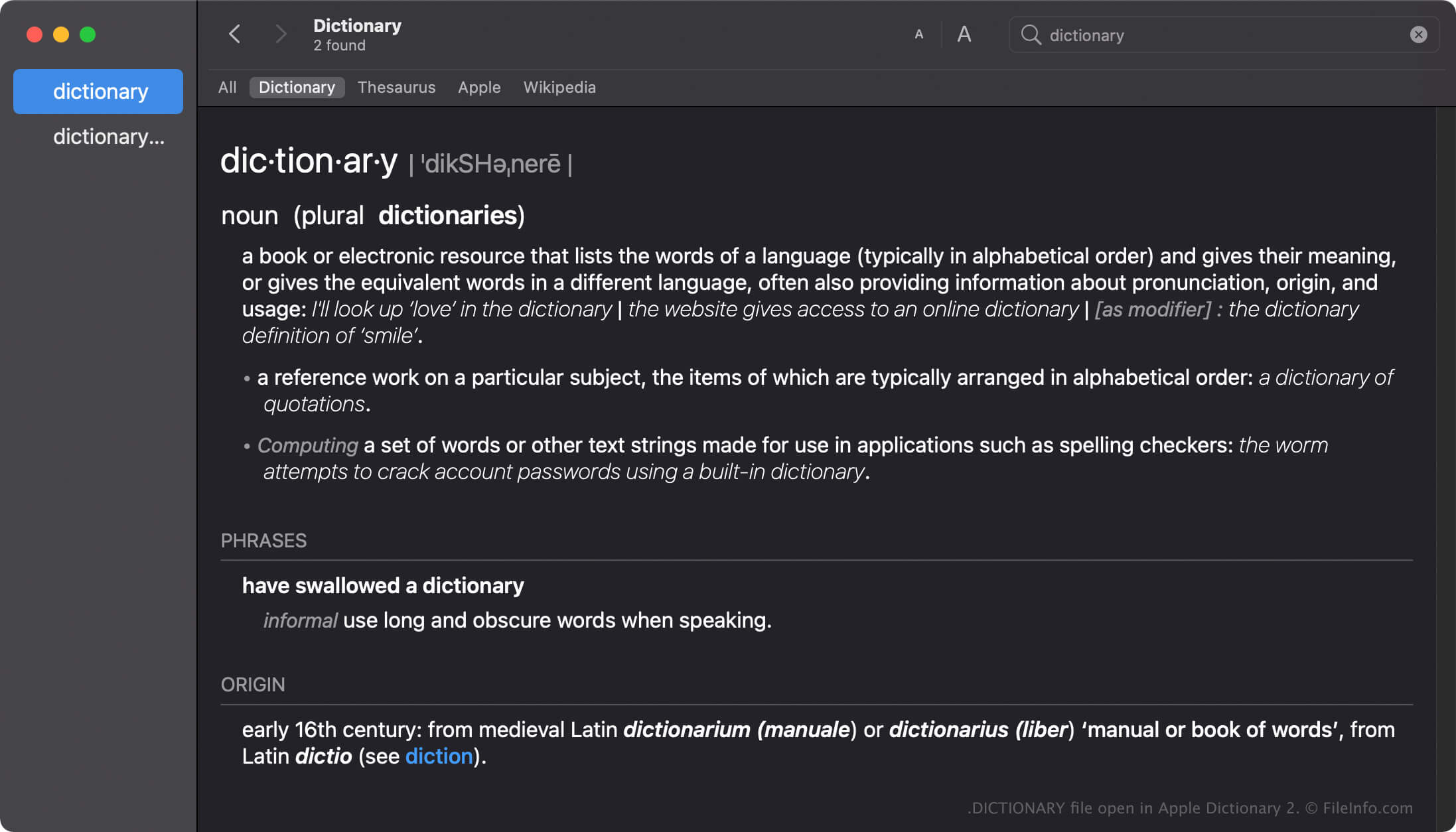
Apple Dictionary est un outil qui permet aux utilisateurs de macOS de rechercher rapidement les définitions de mots et d'expressions. L'application est fournie avec plusieurs dictionnaires, comme New Oxford American Dictionary et Wikipedia, que vous pouvez activer, désactiver ou réorganiser selon vos préférences.
L'application Dictionary est fournie avec de nombreux dictionnaires, chacun contenant un fichier DICTIONARY portant le nom du dictionnaire. Par exemple, le nom du fichier DICTIONARY d'Apple Dictionary est Apple Dictionary.dictionary.
Créer des fichiers DICTIONARY dans macOS
Même si l'application Dictionary est fournie avec de nombreux dictionnaires, les développeurs peuvent créer des dictionnaires personnalisés avec le Dictionary Development Kit. Pour créer un fichier DICTIONARY, les développeurs doivent créer un fichier source de dictionnaire, préparer une feuille de style, modifier le fichier de liste de propriétés (.PLIST) et ajouter toutes les ressources requises par leur dictionnaire.
Emplacement des fichiers DICTIONARY dans macOS
Les différents systèmes d'exploitation Mac stockent les fichiers DICTIONARY à des emplacements différents. Par exemple, macOS Monterrey stocke les fichiers DICTIONARY à l'emplacement suivant :
/System/Library/AssetsV2/com_apple_MobileAsset_DictionaryServices_dictionaryOSX
Cependant, les versions antérieures de macOS stockent les fichiers DICTIONARY à l'emplacement /System/Library/Dictionary.
Noms de fichiers .DICTIONARY courants
Apple Dictionary.dictionary - Nom du dictionnaire par défaut inclus avec Apple Dictionary.
Comment ouvrir un fichier DICTIONARY
Vous ne devez pas essayer d'ouvrir manuellement les fichiers DICTIONARY. À la place, l'application Apple Dictionary charge automatiquement les informations contenues dans le fichier DICTIONARY.
Ouvrir un fichier DICTIONARY en tant que paquet macOS
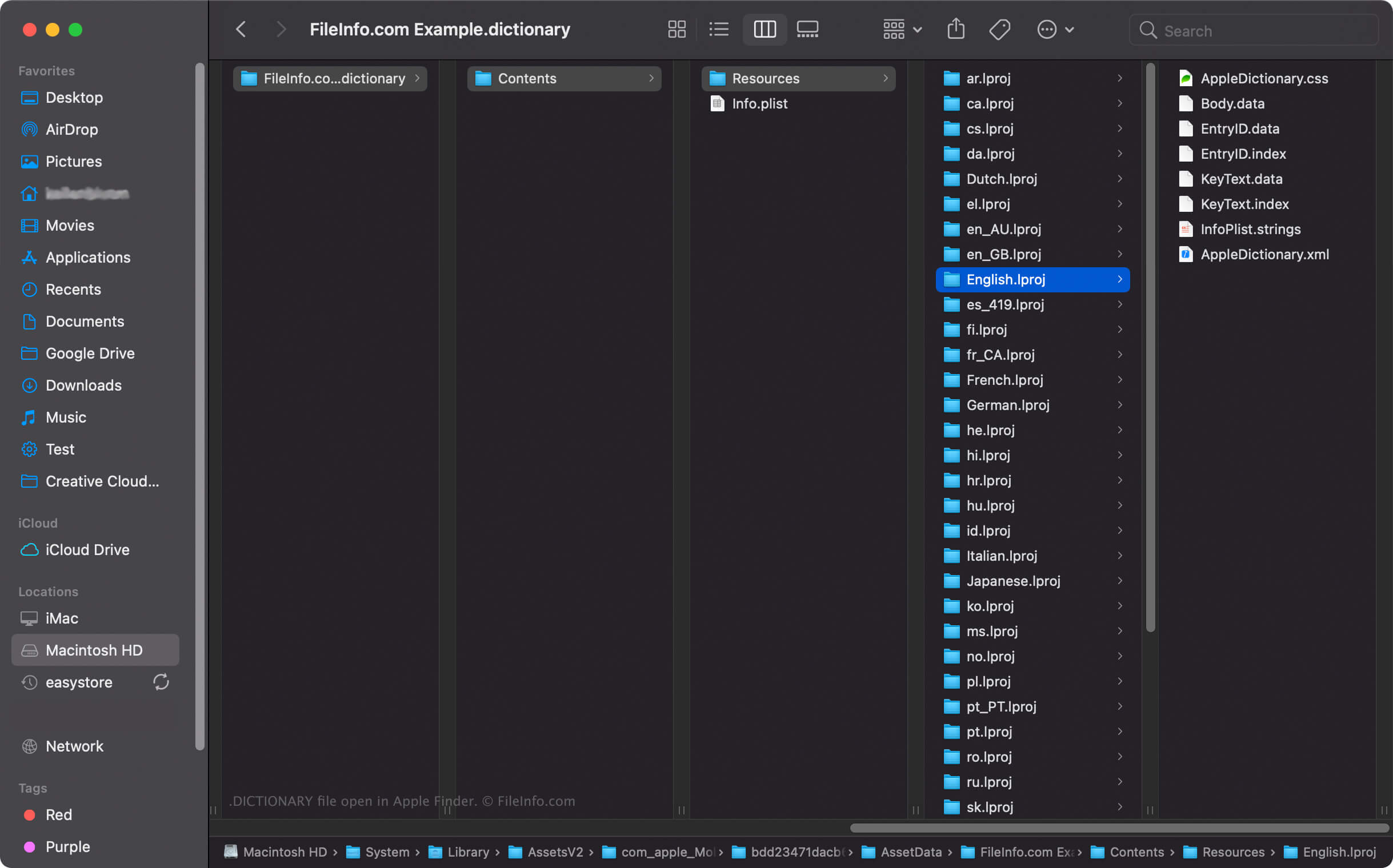
Dans macOS, vous pouvez cliquer avec le bouton droit sur un fichier DICTIONARY et sélectionner pour afficher les répertoires et les fichiers du paquet avec Apple Finder. Par exemple, chaque fichier DICTIONARY contient un fichier binaire Body.data dans le répertoire Dictionary Contents/Resources/ qui stocke la liste des mots du dictionnaire.
REMARQUE : Modifier le contenu d'un fichier DICTIONARY peut empêcher le dictionnaire de fonctionner.