

.DICTIONARY ファイル拡張子
Apple Dictionary
| 開発元 | Apple |
| 人気度 |
1.5 | 2 票 |
DICTIONARYファイルとは?
DICTIONARYファイルは、macOSに付属するアプリ、Apple Dictionaryで使用される辞書です。複数のファイルを含むmacOSパッケージで、単語やフレーズとその定義、画像などの辞書情報を保存しています。
詳細情報
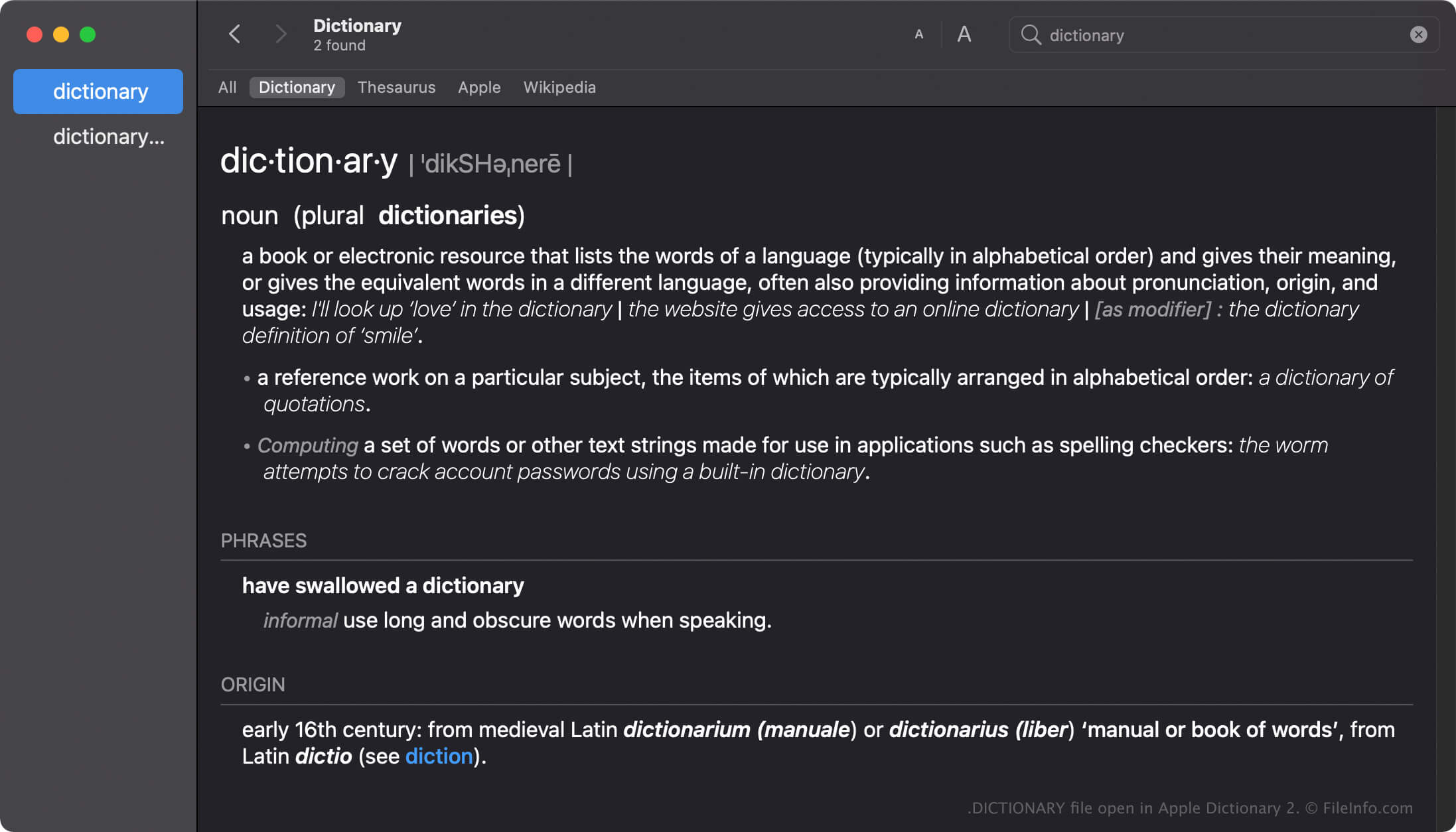
Apple Dictionaryは、macOSユーザーが単語やフレーズの定義をすばやく調べるためのツールです。このアプリには、New Oxford American DictionaryやWikipediaなどの複数の辞書が付属しており、好みに応じて有効化、無効化、または順序の変更ができます。
Dictionaryアプリには多数の辞書がパッケージとして付属しており、それぞれのDICTIONARYファイルには辞書にちなんだ名前が付けられています。たとえば、Apple DictionaryのDICTIONARYファイルの名前はApple Dictionary.dictionaryです。
macOSでDICTIONARYファイルを作成する
Dictionaryアプリには多数の辞書が付属していますが、開発者はDictionary Development Kitを使ってカスタム辞書を作成できます。DICTIONARYファイルを作成するには、辞書のソースファイルを作成し、スタイルシートを準備し、プロパティリストファイル(.PLIST)を編集して、辞書に必要なリソースを追加する必要があります。
macOSでのDICTIONARYファイルの場所
Macのオペレーティングシステムによって、DICTIONARYファイルが保存される場所は異なります。たとえば、macOS Monterreyでは、DICTIONARYファイルは次の場所に保存されます。
/System/Library/AssetsV2/com_apple_MobileAsset_DictionaryServices_dictionaryOSX
ただし、以前のバージョンのmacOSでは、DICTIONARYファイルは/System/Library/Dictionaryに保存されます。
一般的な.DICTIONARYファイル名
Apple Dictionary.dictionary - Apple Dictionaryに含まれるデフォルトの辞書の名前。
DICTIONARYファイルの開き方
DICTIONARYファイルを手動で開こうとしないでください。代わりに、Apple DictionaryアプリがDICTIONARYファイル内の情報を自動的に読み込みます。
macOSパッケージとしてDICTIONARYファイルを開く
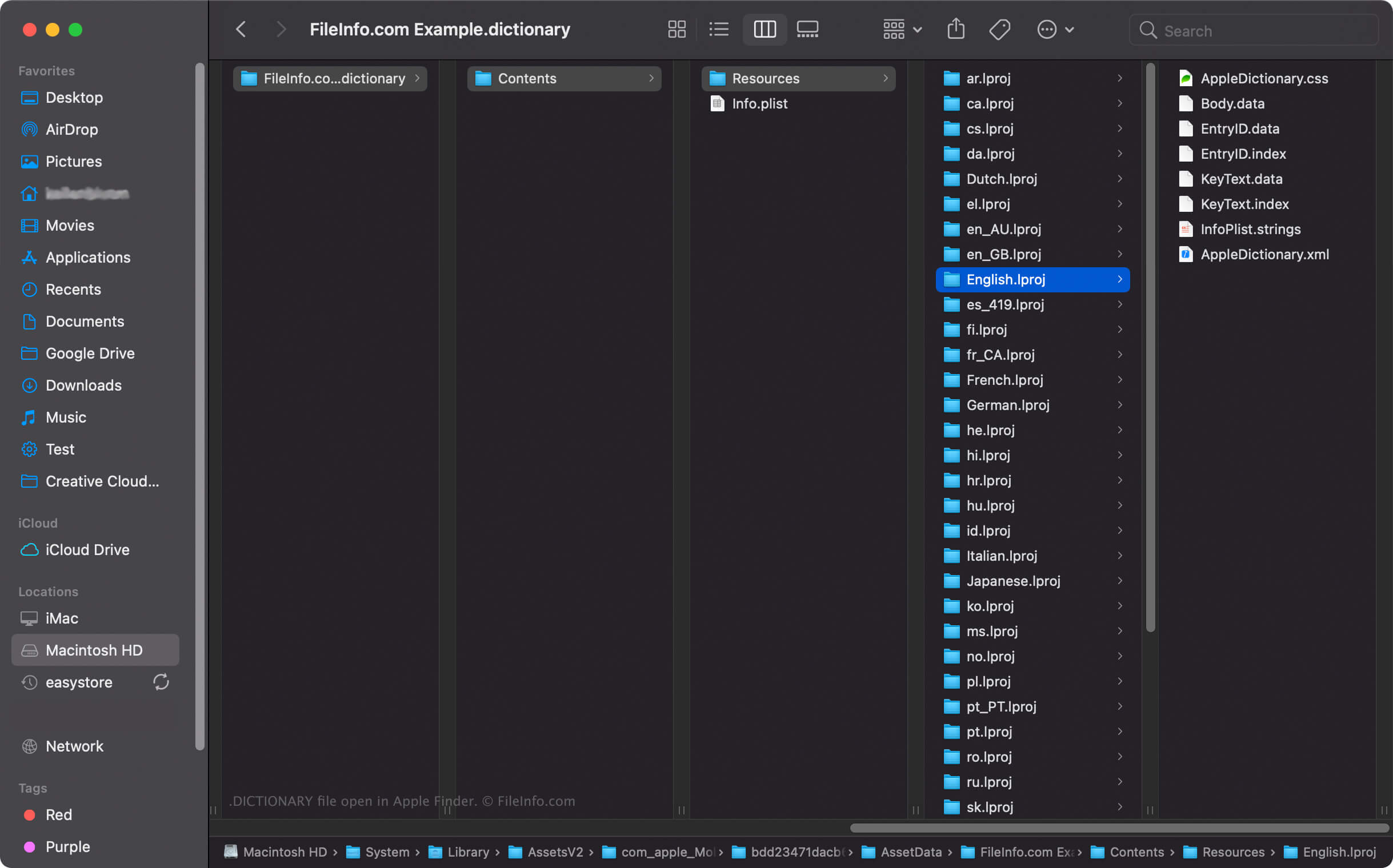
macOSでは、DICTIONARYファイルを右クリックしてを選択すると、Apple Finderでパッケージのディレクトリとファイルを表示できます。たとえば、各DICTIONARYファイルには、辞書内の単語の一覧を保存するバイナリファイルBody.dataが、DictionaryのContents/Resources/ディレクトリに含まれています。
注: DICTIONARYファイルの内容を変更すると、辞書が正常に動作しなくなる可能性があります。