

.CAMTEMPLATE 파일 확장자
Camtasia 템플릿
| 개발사 | TechSmith |
| 인기도 |
2.0 | 2 표 |
CAMTEMPLATE 파일이란 무엇인가요?
CAMTEMPLATE 파일은 화면 녹화 및 동영상 편집 애플리케이션인 TechSmith Camtasia로 만든 프로젝트 템플릿입니다. 템플릿을 구성하는 미디어 파일, 동영상 편집 내용 및 타임라인 속성을 저장합니다. CAMTEMPLATE 파일은 .TSCPROJ 및 .CMPROJ 프로젝트 파일과 비슷하지만, Camtasia 사용자는 콘텐츠, 테마 등을 포함하여 반복해서 사용하려는 동영상을 저장하기 위해 CAMTEMPLATE 파일을 만듭니다.
추가 정보
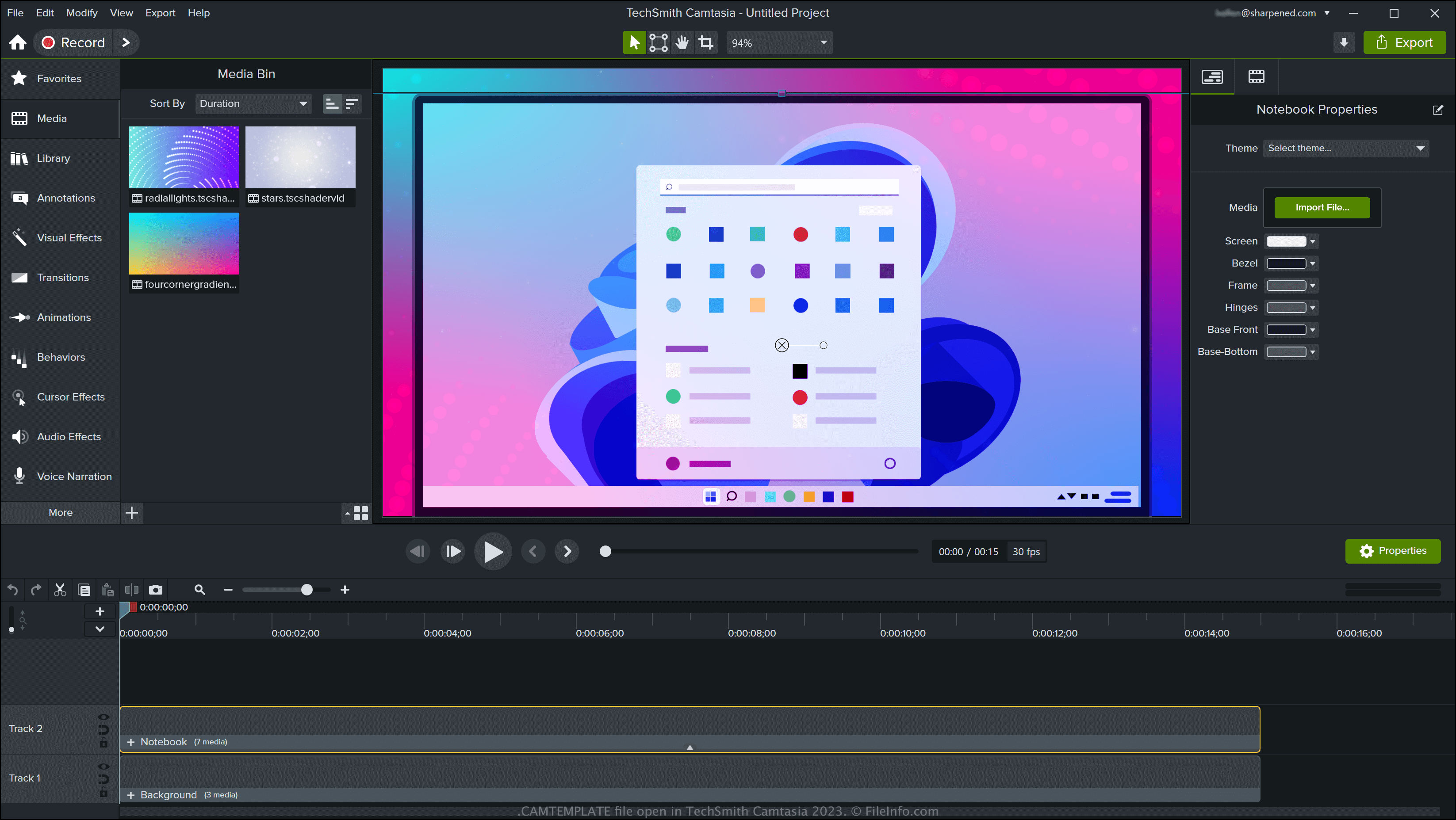
Camtasia는 Windows 및 macOS에서 사용할 수 있으며, 튜토리얼, 비디오 게임 녹화, 시연 등 다양한 화면 캡처 동영상을 만들 수 있습니다. 이 소프트웨어에는 템플릿이 포함되어 있지만, TechSmith의 온라인 라이브러리에서 템플릿을 다운로드하거나 직접 만들 수도 있습니다.
Camtasia로 CAMTEMPLATE 파일을 만드는 방법
Camtasia로 CAMTEMPLATE 파일을 만들려면 프로젝트를 연 다음 또는 (macOS 버전만 해당)을 선택합니다. 템플릿을 내보낸 후에는 다른 Camtasia 사용자와 공유할 수 있으며, 다른 사용자는 이를 자신의 프로젝트로 가져올 수 있습니다.
CAMTEMPLATE 파일을 여는 방법
Windows 및 macOS에서 TechSmith Camtasia로 CAMTEMPLATE 파일을 열 수 있습니다. Camtasia로 CAMTEMPLATE 파일을 열려면 을 선택하거나 을 선택합니다.
CAMTEMPLATE 파일을 변환하는 방법
Camtasia는 CAMTEMPLATE 파일을 다음과 같은 다양한 파일 형식으로 변환할 수 있습니다:
- .TSCPROJ - TechSmith Camtasia Windows 프로젝트
- .CMPROJ - Camtasia macOS 프로젝트(macOS만 해당)
- .MP4 - MPEG-4 동영상
- .GIF - 그래픽 교환 형식
- .M4A - MPEG-4 오디오(Windows만 해당)
- .MOV - Apple QuickTime 동영상(macOS만 해당)
CAMTEMPLATE 파일을 .CAMPACKAGE로 내보내 다른 Camtasia 사용자와 리소스를 백업하거나 공유할 수도 있습니다. 이렇게 하려면 를 선택합니다.