

.CAMPACKAGE 파일 확장자
Camtasia 패키지
| 개발사 | TechSmith |
| 인기도 |
2.0 | 2 표 |
CAMPACKAGE 파일이란 무엇인가요?
CAMPACKAGE 파일은 화면 녹화 및 동영상 편집 애플리케이션인 TechSmith Camtasia에서 만든 동영상 리소스 패키지입니다. 템플릿, 테마, 라이브러리, 사전 설정, 바로 가기 등 Camtasia 사용자가 동영상을 향상하는 데 활용하는 하나 이상의 리소스를 저장합니다. CAMPACKAGE 파일의 주된 목적은 리소스를 백업하거나 다른 Camtasia 사용자와 공유하는 것입니다.
추가 정보
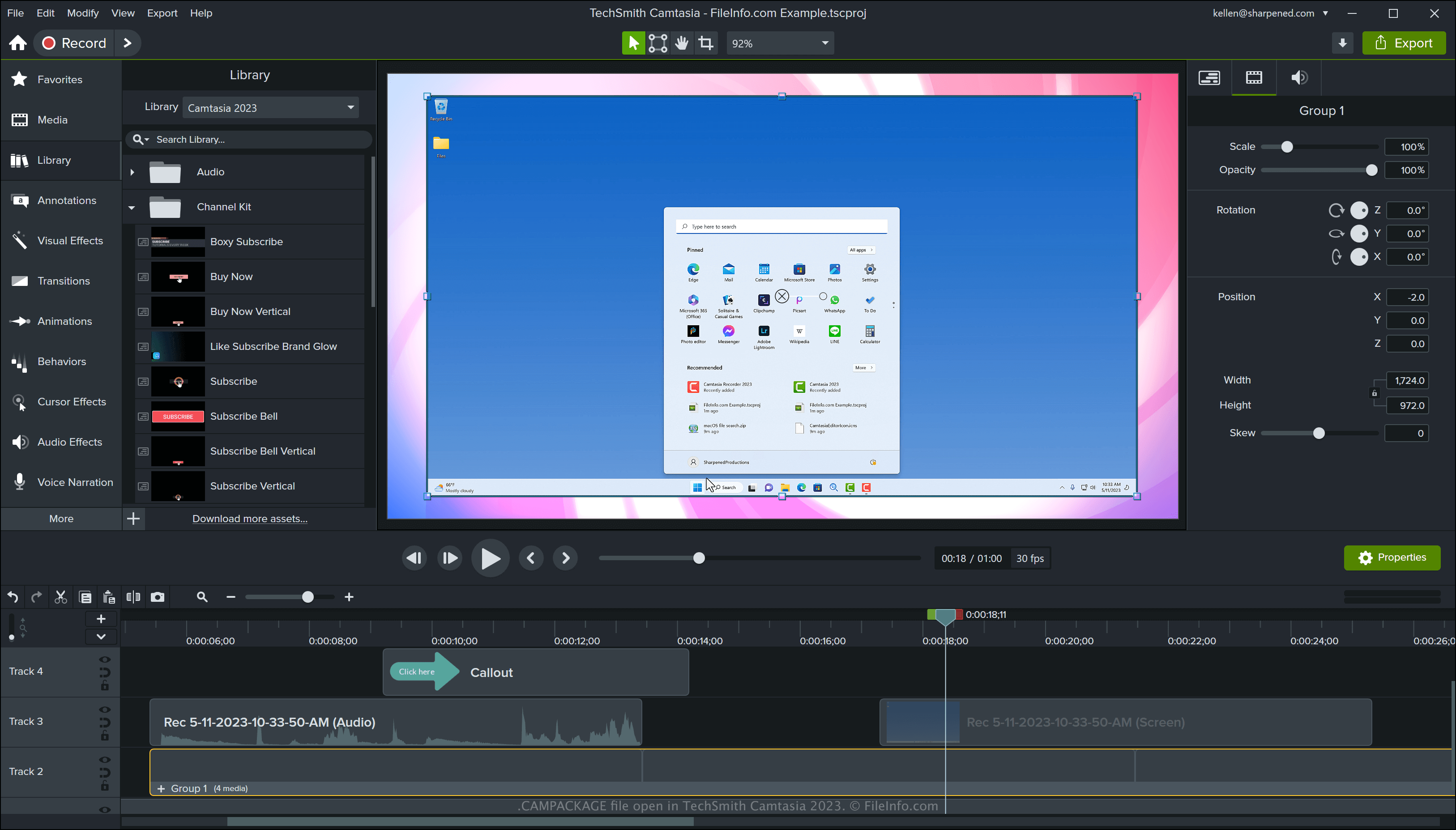
Camtasia는 소프트웨어 시연, 사용 방법 튜토리얼, 화상 회의 또는 온라인 게임 세션과 같은 화면 활동을 캡처하는 Windows 및 macOS 도구입니다. 이 소프트웨어에는 템플릿, 모션 그래픽, 로워 서드, 테마 등 동영상을 향상하기 위한 다양한 리소스가 함께 제공됩니다. Camtasia로 사용자 지정 리소스를 만들 수도 있습니다.
TechSmith는 프로젝트를 공유하거나 백업할 때 프로젝트에서 참조하는 리소스를 전송할 수 있도록 CAMPACKAGE 파일 형식을 개발했습니다. 그런 다음 사용자 또는 다른 Camtasia 사용자가 리소스를 .TSCPROJ 또는 .CMPROJ 프로젝트로 가져올 수 있습니다.
Camtasia로 CAMPACKAGE 파일을 만드는 방법
Camtasia로 CAMPACKAGE 파일을 만들려면 프로젝트를 연 다음 를 선택합니다. 패키지를 내보낸 후 다른 Camtasia 사용자와 공유하거나 백업용으로 안전한 위치에 저장할 수 있습니다.
CAMPACKAGE 파일을 여는 방법
Windows 및 macOS에서 TechSmith Camtasia로 CAMPACKAGE 파일을 열 수 있습니다. Camtasia로 CAMPACKAGE 파일을 열려면 를 선택합니다.