

.CAMPACKAGE Dateiendung
Camtasia-Paket
| Entwickler | TechSmith |
| Beliebtheit |
2,0 | 2 Stimmen |
Was ist eine CAMPACKAGE-Datei?
Eine CAMPACKAGE-Datei ist ein Paket mit Vide recursos, das von TechSmith Camtasia, einer Anwendung für Bildschirmaufnahmen und Videobearbeitung, erstellt wird. Sie enthält eine oder mehrere Ressourcen, die Camtasia-Nutzer zur Verbesserung eines Videos verwenden, z. B. Vorlagen, Designs, Bibliotheken, Voreinstellungen und Tastenkürzel. Der Hauptzweck von CAMPACKAGE-Dateien besteht darin, Ressourcen zu sichern oder mit anderen Camtasia-Nutzern zu teilen.
Weitere Informationen
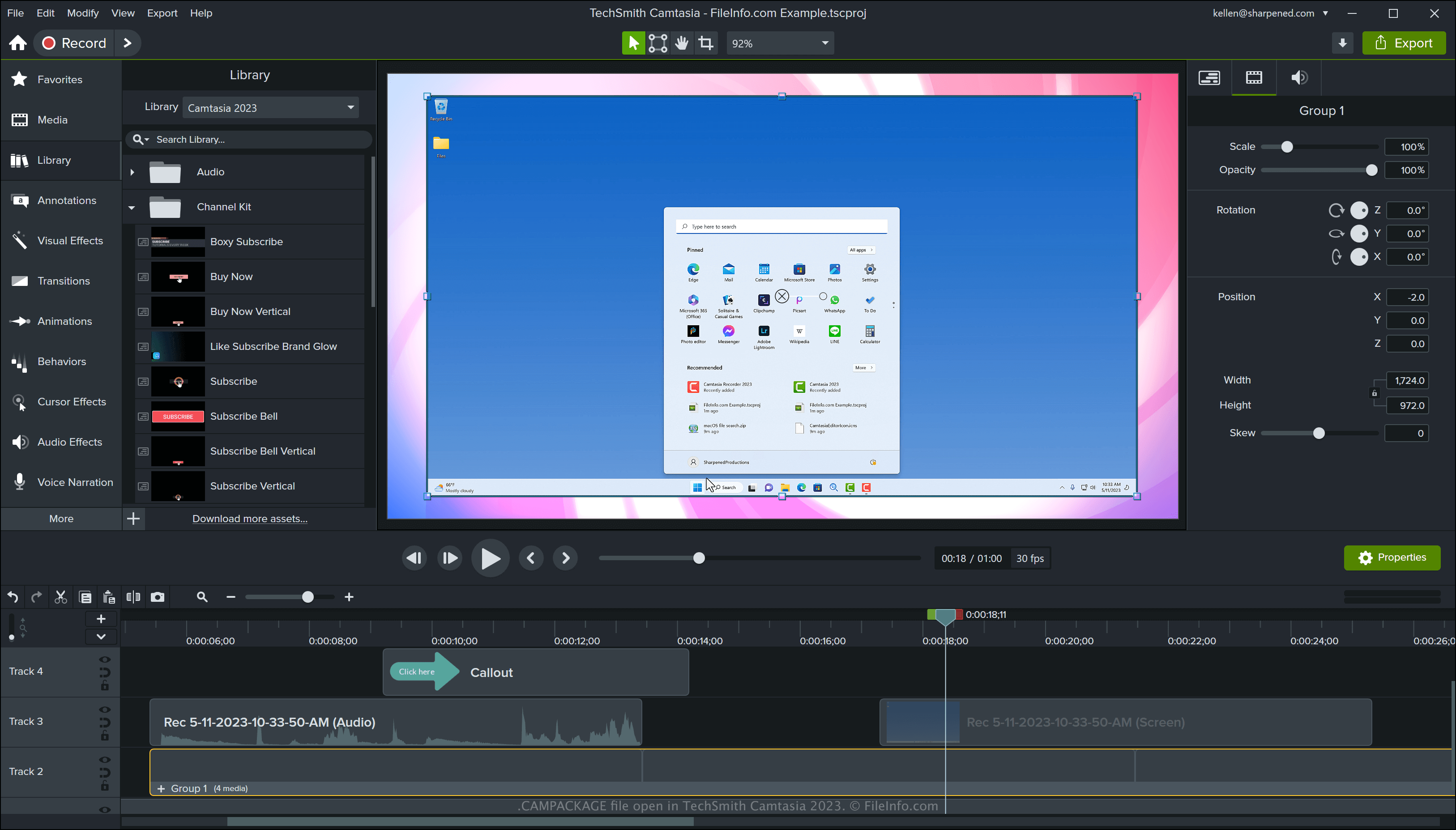
Camtasia ist ein Windows- und macOS-Programm, das Bildschirmaktivitäten aufzeichnet, z. B. eine Software-Demonstration, ein Anleitungsvideo, eine Videokonferenz oder eine Online-Gaming-Sitzung. Die Software enthält verschiedene Ressourcen zur Verbesserung von Videos, z. B. Vorlagen, Bewegungsgrafiken, Bauchbinden und Designs. Sie können mit Camtasia auch benutzerdefinierte Ressourcen erstellen.
TechSmith entwickelte den CAMPACKAGE-Dateityp, damit Sie beim Teilen oder Sichern eines Projekts die von diesem Projekt referenzierten Ressourcen übertragen können. Anschließend können Sie oder ein anderer Camtasia-Nutzer die Ressourcen in ein .TSCPROJ- oder .CMPROJ-Projekt importieren.
So erstellen Sie eine CAMPACKAGE-Datei mit Camtasia
Um eine CAMPACKAGE-Datei mit Camtasia zu erstellen, öffnen Sie ein Projekt und wählen Sie anschließend . Nachdem Sie das Paket exportiert haben, können Sie es mit anderen Camtasia-Nutzern teilen oder als Sicherungskopie an einem sicheren Ort speichern.
So öffnen Sie eine CAMPACKAGE-Datei
Sie können eine CAMPACKAGE-Datei unter Windows und macOS mit TechSmith Camtasia öffnen. Um eine CAMPACKAGE-Datei mit Camtasia zu öffnen, wählen Sie .