

.CAMTEMPLATE Přípona souboru
Šablona Camtasia
| Vývojář | TechSmith |
| Popularita |
2,0 | 2 hlasy |
Co je soubor CAMTEMPLATE?
Soubor CAMTEMPLATE je šablona projektu vytvořená aplikací TechSmith Camtasia pro nahrávání obrazovky a úpravu videa. Ukládá mediální soubory, úpravy videa a vlastnosti časové osy, ze kterých se šablona skládá. Soubory CAMTEMPLATE jsou podobné souborům projektu .TSCPROJ a .CMPROJ, ale uživatelé Camtasie je vytvářejí, aby uložili videa s obsahem, motivy apod., které chtějí opakovat.
Další informace
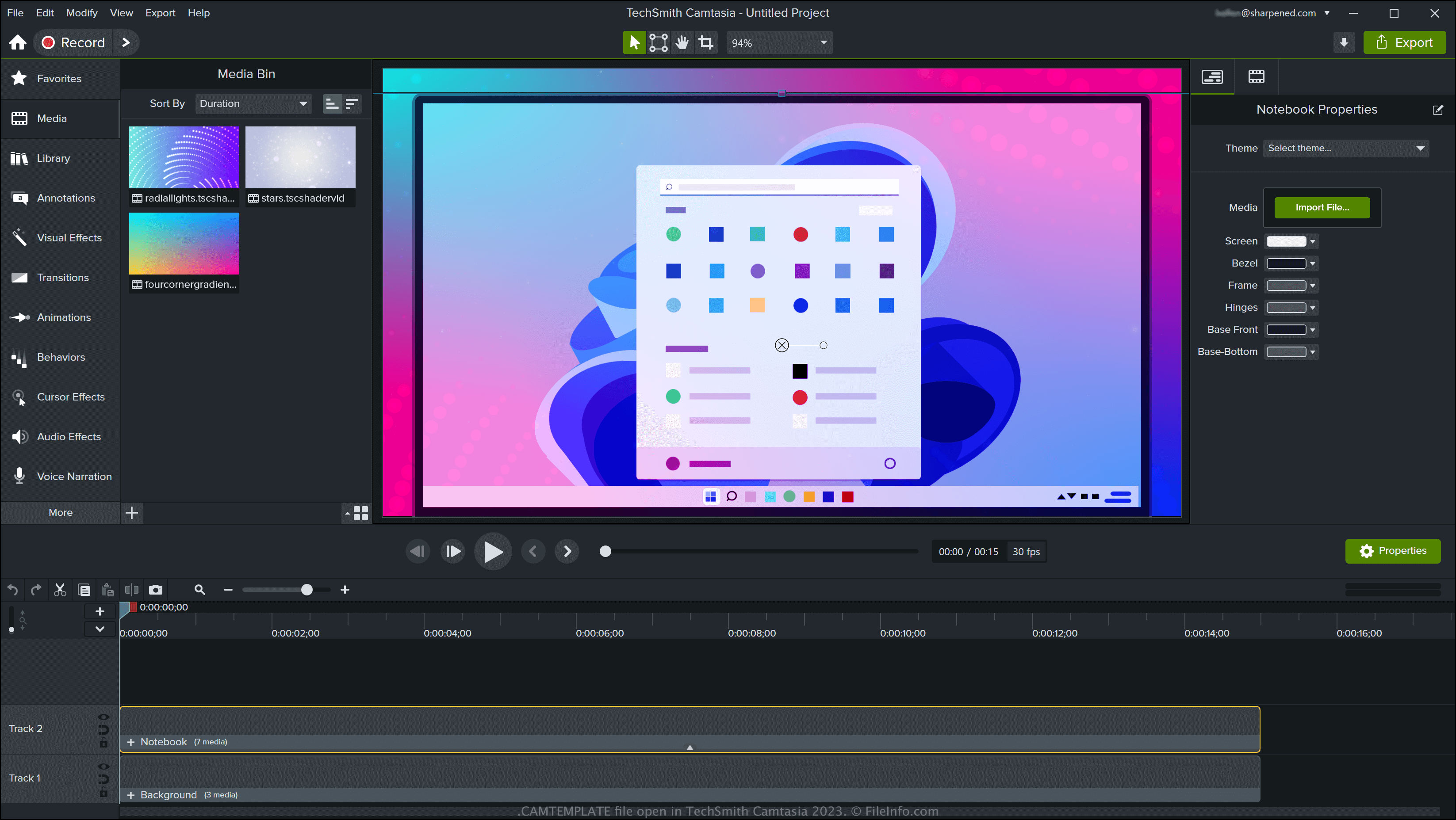
Camtasia je k dispozici pro Windows a macOS a umožňuje vytvářet různé typy videí se záznamem obrazovky, například výukové programy, nahrávky videoher a ukázky. Software obsahuje šablony, ale šablony si můžete stáhnout z online knihovny TechSmith nebo si vytvořit vlastní.
Jak vytvořit soubor CAMTEMPLATE pomocí Camtasie
Chcete-li v Camtasii vytvořit soubor CAMTEMPLATE, otevřete projekt a vyberte nebo (pouze verze pro macOS). Po exportu šablony ji můžete sdílet s dalšími uživateli Camtasie, kteří ji mohou importovat do svých projektů.
Jak otevřít soubor CAMTEMPLATE
Soubory CAMTEMPLATE můžete otevřít v aplikaci TechSmith Camtasia v systému Windows a macOS. Chcete-li otevřít soubor CAMTEMPLATE v Camtasii, vyberte nebo vyberte .
Jak převést soubor CAMTEMPLATE
Camtasia dokáže převést soubory CAMTEMPLATE do různých typů souborů, včetně následujících formátů:
- .TSCPROJ – projekt TechSmith Camtasia pro Windows
- .CMPROJ – projekt Camtasia pro macOS (pouze macOS)
- .MP4 – video MPEG-4
- .GIF – formát Graphical Interchange Format
- .M4A – zvuk MPEG-4 (pouze Windows)
- .MOV – film Apple QuickTime (pouze macOS)
Soubor CAMTEMPLATE můžete také exportovat jako .CAMPACKAGE a zálohovat tak zdroje nebo je sdílet s dalšími uživateli Camtasie. Provedete to výběrem .