

.CAMTHEME Přípona souboru
Soubor motivu Camtasia
| Vývojář | TechSmith |
| Popularita |
3,5 | 2 hlasy |
Co je soubor CAMTHEME?
Soubor CAMTHEME obsahuje předvolby motivu, které upravují vzhled videí vytvořených v aplikaci TechSmith Camtasia pro nahrávání obrazovky a úpravu videa. Ukládá nastavení, která tvoří motiv, včetně písem, barev a loga. Uživatelé Camtasie exportují a importují soubory CAMTHEME, aby mohli sdílet motivy a použít je na videa a zachovat tak podobný vzhled.
Další informace
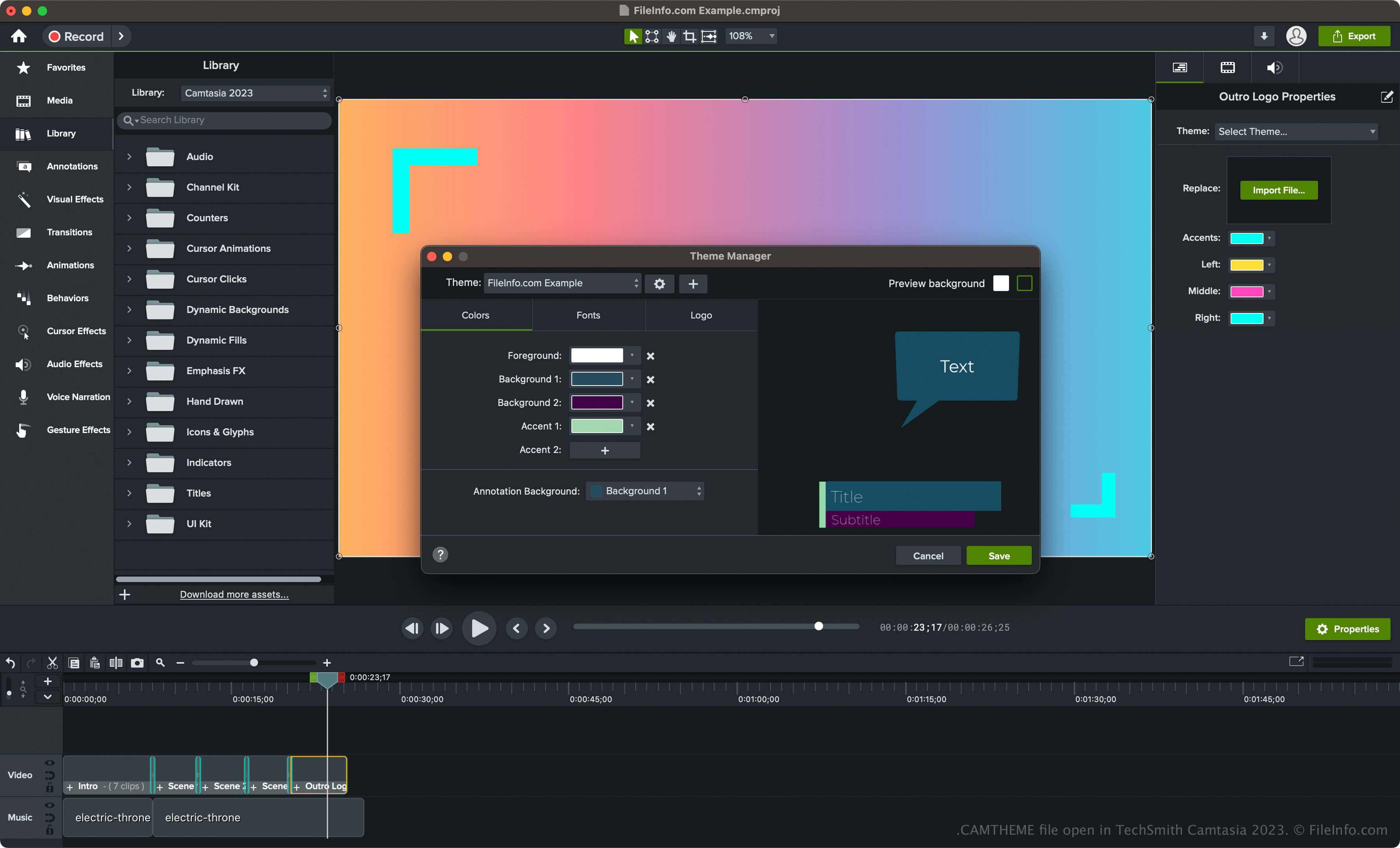
Camtasia je aplikace pro Windows a macOS, která slouží k zachycení dění na obrazovce, například instruktážního videa, videokonference, ukázky používání softwaru nebo online herní relace. Software také obsahuje různé nástroje pro úpravu videí, včetně motivů videa.
Chcete-li v aplikaci Camtasia vytvořit motiv a uložit ho jako soubor CAMTHEME, postupujte takto:
- V systému Windows vyberte nebo v systému macOS .
- Klikněte na tlačítko „Create New Theme“ (ikona +), pojmenujte motiv a klikněte na .
- Nastavte barvy, písma a ikonu a klikněte na .
Jak otevřít soubor CAMTHEME
Soubory CAMTHEME lze otevřít pouze v aplikaci TechSmith Camtasia. Chcete-li otevřít soubor CAMTHEME, postupujte takto:
- Vyberte prvek na časové ose.
- Kliknutím na otevřete panel Properties.
- V rozevírací nabídce „Theme“ vyberte motiv, který chcete použít na prvek videa.
POZNÁMKA: Soubor CAMTHEME můžete také otevřít dvojitým kliknutím v aplikaci Camtasia a použít motiv.