

.CAMTHEME Extensão de arquivo
Arquivo de tema do Camtasia
| Desenvolvedor | TechSmith |
| Popularidade |
3,5 | 2 Votos |
O que é um arquivo CAMTHEME?
Um arquivo CAMTHEME contém predefinições de tema que modificam a aparência dos vídeos criados pelo TechSmith Camtasia, um aplicativo de gravação de tela e edição de vídeo. Ele armazena configurações que compõem um tema, incluindo fontes, cores e um logotipo. Os usuários do Camtasia exportam e importam arquivos CAMTHEME para compartilhar e aplicar temas aos vídeos, mantendo uma aparência semelhante.
Mais informações
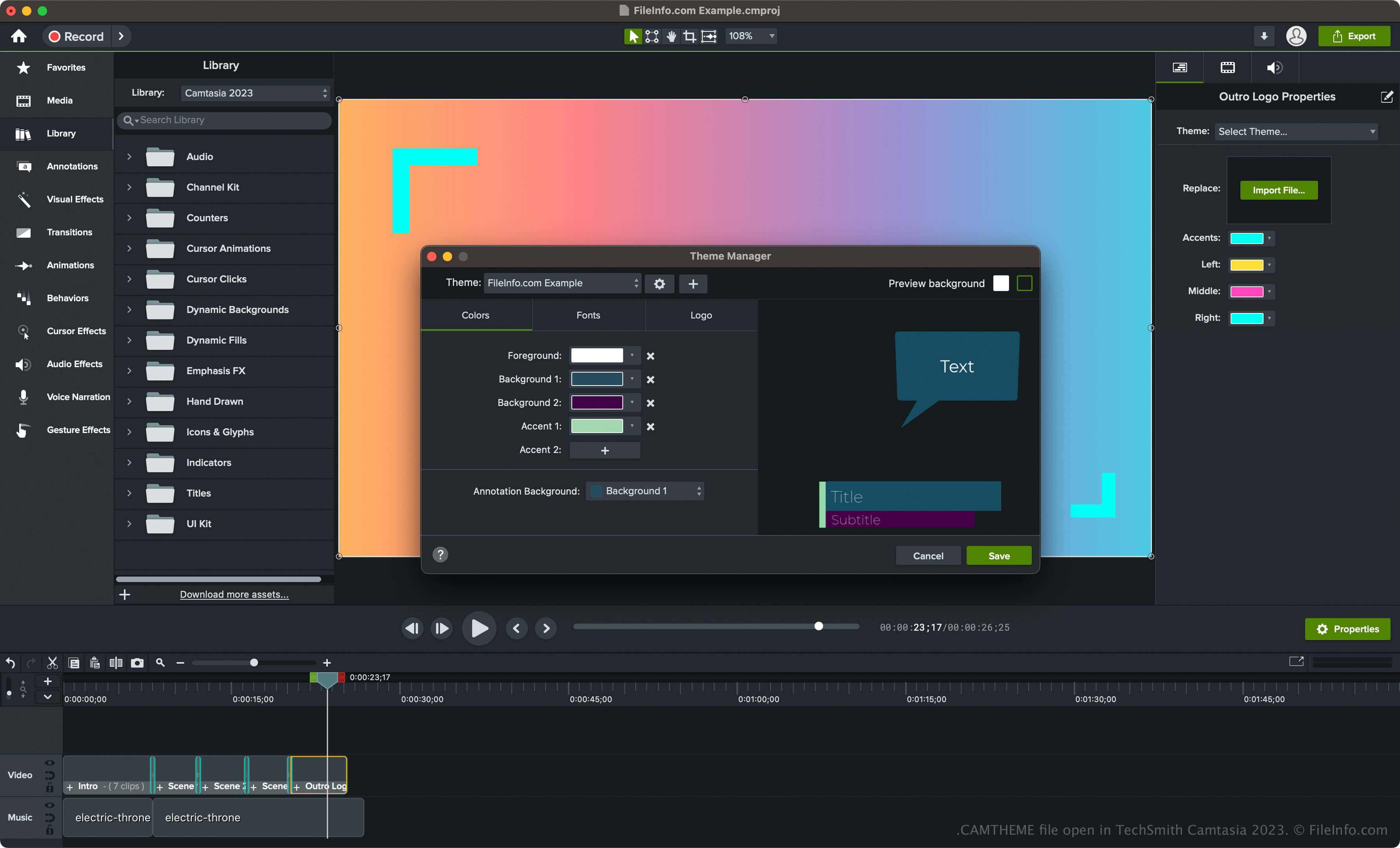
O Camtasia é um aplicativo para Windows e macOS usado para capturar atividades da tela, como um tutorial explicativo, uma videoconferência, uma demonstração de software ou uma sessão de jogo online. Além disso, o software inclui várias ferramentas para personalizar seus vídeos, entre elas, temas de vídeo.
Para criar um tema com o Camtasia e salvá-lo como um arquivo CAMTHEME, siga estas etapas:
- Selecione no Windows ou no macOS.
- Clique no botão "Criar novo tema" (ícone +), dê um nome ao tema e clique em .
- Defina as cores, as fontes e o ícone e clique em .
Como abrir um arquivo CAMTHEME
Você só pode abrir arquivos CAMTHEME com o TechSmith Camtasia. Para abrir um arquivo CAMTHEME, siga estas etapas:
- Selecione um elemento na linha do tempo.
- Clique em para abrir o painel Propriedades.
- Escolha o tema no menu suspenso "Tema" para aplicá-lo ao elemento de vídeo.
NOTA: Você também pode clicar duas vezes no arquivo CAMTHEME para abri-lo no Camtasia e aplicar o tema.