.TSCSHADERVID ファイル拡張子

Camtasia Dynamic Background

開発元 TechSmith
人気度
2.0  |  1 
 

TSCSHADERVIDファイルとは?

A TSCSHADERVID file contains a dynamic background used by TechSmith Camtasia, a screen recording and video editing application. It stores plain text settings that make up the appearance and movement of the background that Camtasia users add to videos to enhance them. Users primarily open TSCSHADERVID files in Camtasia but may also open them with a text editor to view their contents.

詳細情報

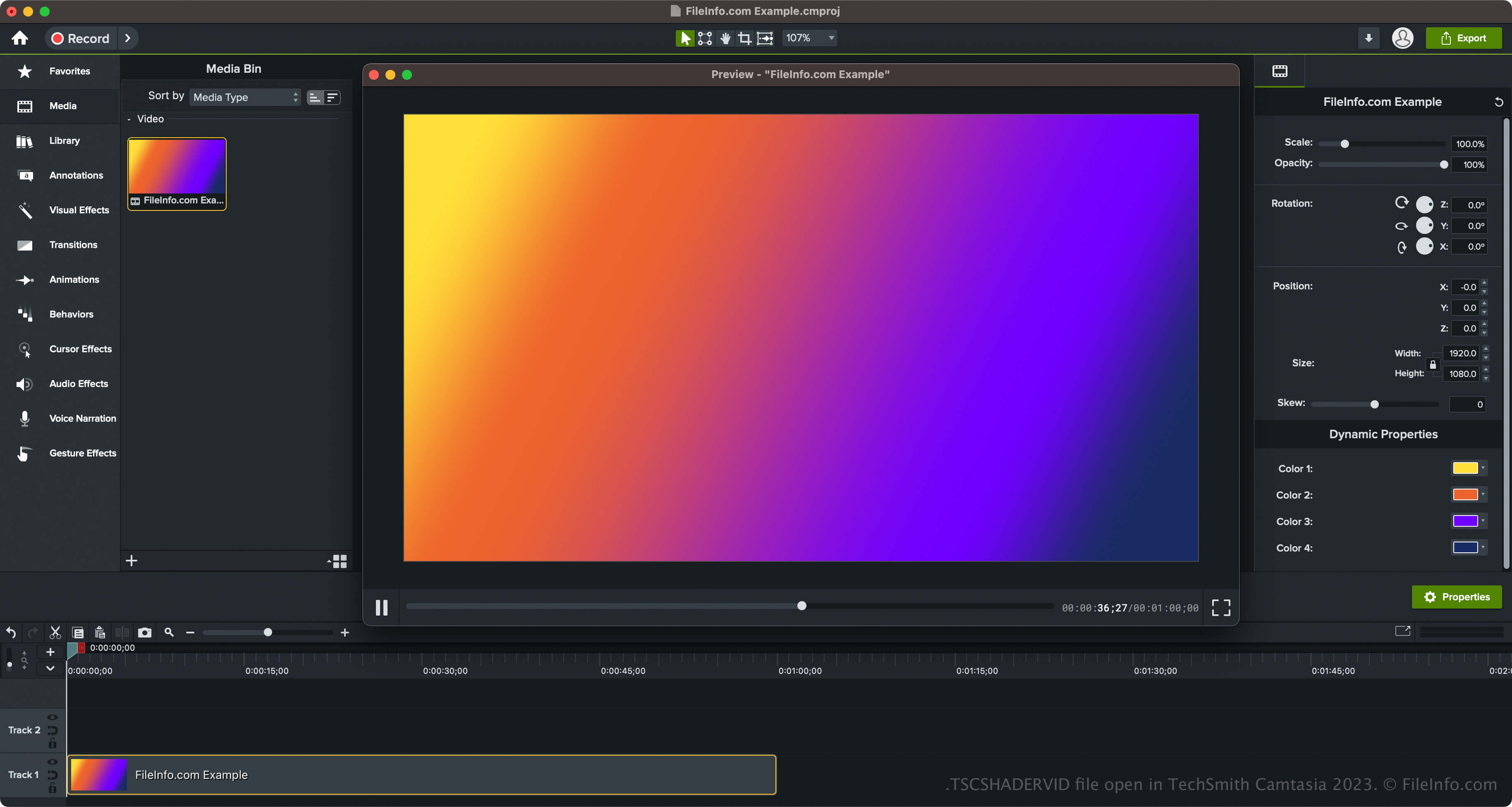
TechSmith Camtasia 2023で開いた.tscshadervidファイルのスクリーンショット
TechSmith Camtasia 2023で開いたTSCSHADERVIDファイル

TechSmith introduced dynamic backgrounds and the TSCSHADERVID file type when it released Camtasia 2023. The software comes packaged with various styles of backgrounds, including rings, stars, sunbursts, triangles, neon ripples, and radial lights.

How to access dynamic backgrounds in Camtasia

You can access the dynamic backgrounds in Camtasia by selecting "Library" in the pane on the left side of the program interface, then opening the "Dynamic Backgrounds" folder. You can then drag and drop the dynamic background onto your video.

Camtasia also lets you export your dynamic background in a .LIBZIP file to share the asset with other Camtasia 2023 and later users. To export the asset, which includes the TSCSHADERVID file, an .ASSETPROJ file, and other resources, right-click the dynamic background and select Export Asset.

TSCSHADERVIDファイルの開き方

You can open TSCSHADERVID files with TechSmith Camtasia in Windows and macOS. To open and add TSCDF files in Camtasia, you can simply double-click the file, and Camtasia will add it to the "Media Bin" (located within "Media" in the pane on the left side of the program interface. You can also drag and drop the TSCSHADERVID file into an opened Camtasia video project.

Additionally, if you are opening a dynamic background exported as an asset in a LIBZIP file, you can select File → Import → Zipped Project.

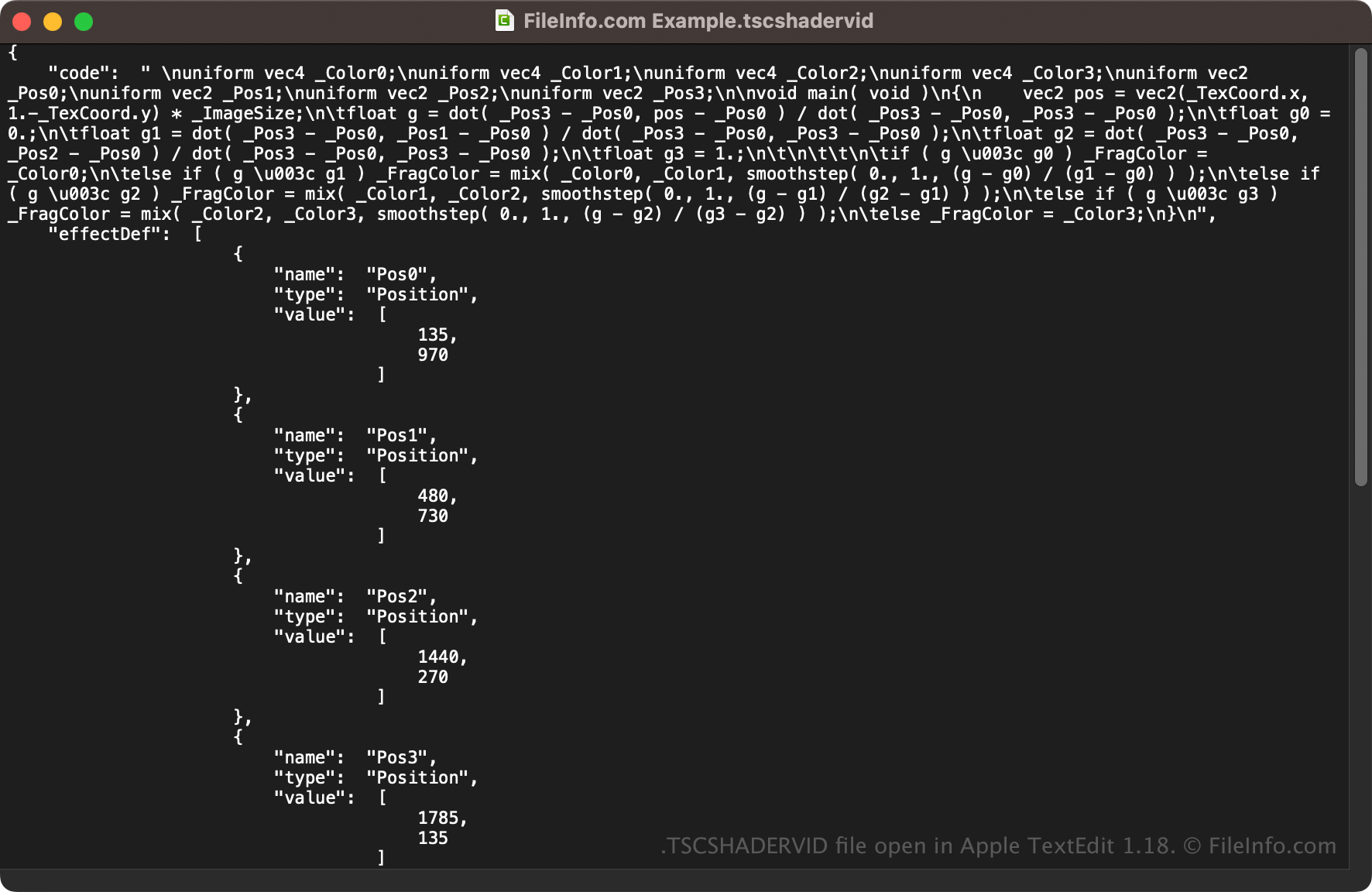
Opening a TSCSHADERVID file with a text editor

TSCSHADERVID file open in Apple TextEdit 1.18

Since TSCSHADERVID files are saved in plain text, you can also open them with a text editor, such as Microsoft Notepad (Windows) or Apple TextEdit (macOS), or a source code editor. You may need to rename the .tscshadervid file extension to .txt for the text editor to recognize it.

When opened in a text editor or source code editor, you can modify the properties of the TSCSHADERVID file. However, if you incorrectly edit the file, you may inadvertently break the dynamic background.

File Viewer Plusで400種類以上のファイル形式を開けます。無料ダウンロード

TSCSHADERVIDファイルを開くプログラム

Windows
無料体験版
Mac
無料体験版
カテゴリ: その他
更新日: 2023-05-18

検証者 FileInfo.com

FileInfo.comチーム は、このページに掲載されているCamtasia Dynamic Backgroundファイル形式とMac and Windowsアプリについて独自に調査しました。 私たちの目標は100%の正確性であり、検証済みのファイルタイプに関する情報のみを公開しています。

このページへの追加や更新をご提案いただける場合は、お知らせください。