

.TSCSHADERVID Extension de fichier
Arrière-plan dynamique Camtasia
| Développeur | TechSmith |
| Popularité |
2,0 | 1 Vote |
Qu'est-ce qu'un fichier TSCSHADERVID ?
Un fichier TSCSHADERVID contient un arrière-plan dynamique utilisé par TechSmith Camtasia, une application d’enregistrement d’écran et de montage vidéo. Il stocke les paramètres en texte brut qui définissent l’apparence et le mouvement de l’arrière-plan que les utilisateurs de Camtasia ajoutent aux vidéos pour les améliorer. Les utilisateurs ouvrent principalement les fichiers TSCSHADERVID dans Camtasia, mais peuvent également les ouvrir avec un éditeur de texte pour afficher leur contenu.
Plus d'informations
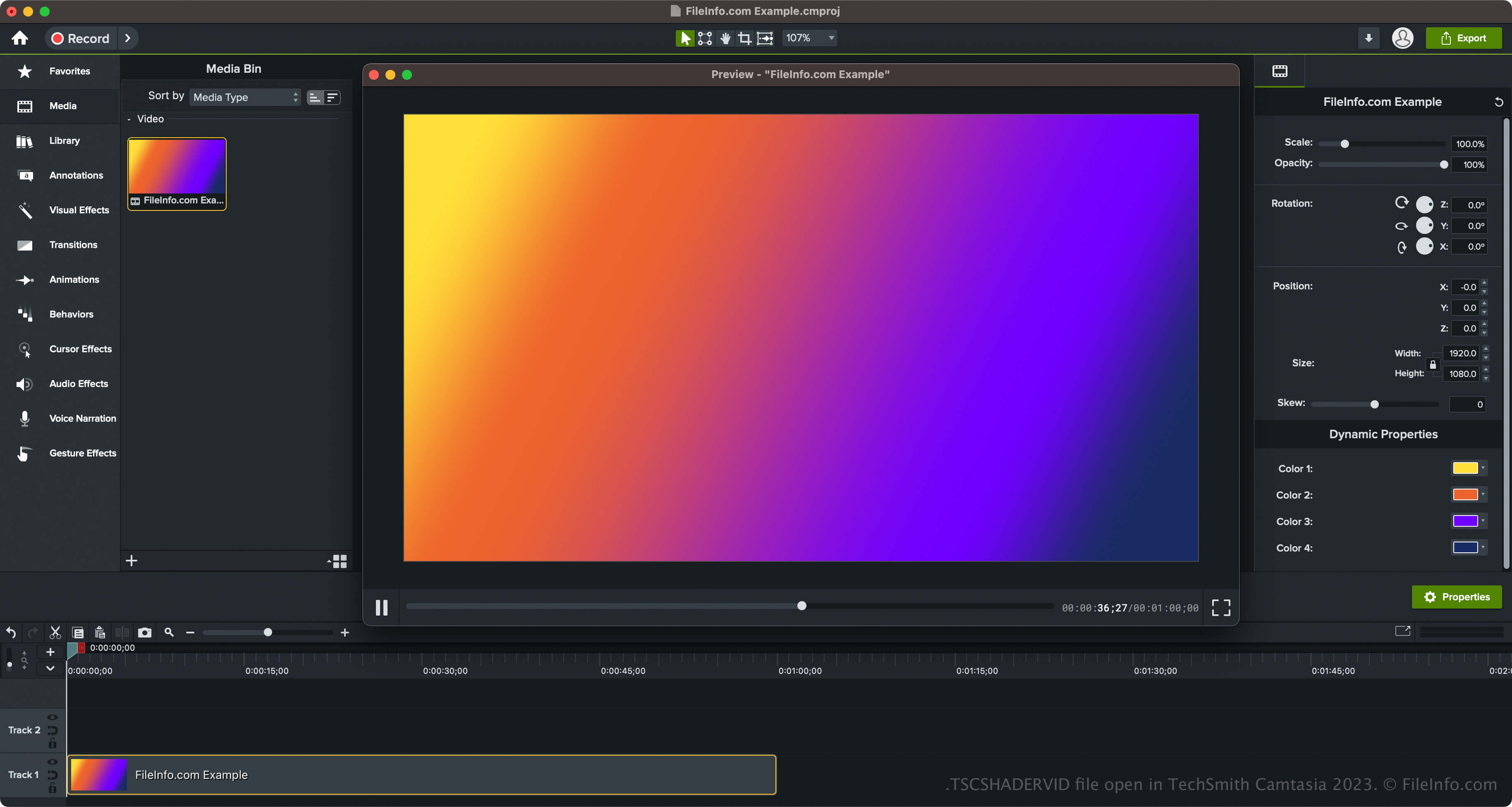
TechSmith a ajouté les arrière-plans dynamiques et le type de fichier TSCSHADERVID lors de la sortie de Camtasia 2023. Le logiciel est fourni avec différents styles d’arrière-plans, notamment des anneaux, des étoiles, des rayons de soleil, des triangles, des ondulations néon et des lumières radiales.
Comment accéder aux arrière-plans dynamiques dans Camtasia
Vous pouvez accéder aux arrière-plans dynamiques dans Camtasia en sélectionnant « Library » dans le volet situé à gauche de l’interface du programme, puis en ouvrant le dossier « Dynamic Backgrounds ». Vous pouvez ensuite faire glisser l’arrière-plan dynamique sur votre vidéo.
Camtasia vous permet également d’exporter votre arrière-plan dynamique dans un fichier .LIBZIP afin de partager cet élément avec d’autres utilisateurs de Camtasia 2023 et versions ultérieures. Pour exporter l’élément, qui comprend le fichier TSCSHADERVID, un fichier .ASSETPROJ et d’autres ressources, cliquez avec le bouton droit de la souris sur l’arrière-plan dynamique et sélectionnez .
Comment ouvrir un fichier TSCSHADERVID
Vous pouvez ouvrir les fichiers TSCSHADERVID avec TechSmith Camtasia sous Windows et macOS. Pour ouvrir et ajouter des fichiers TSCDF dans Camtasia, il vous suffit de double-cliquer sur le fichier, et Camtasia l’ajoutera au « Media Bin » (situé dans « Media », dans le volet à gauche de l’interface du programme). Vous pouvez également faire glisser le fichier TSCSHADERVID dans un projet vidéo Camtasia ouvert.
De plus, si vous ouvrez un arrière-plan dynamique exporté comme élément dans un fichier LIBZIP, vous pouvez sélectionner .
Ouvrir un fichier TSCSHADERVID avec un éditeur de texte
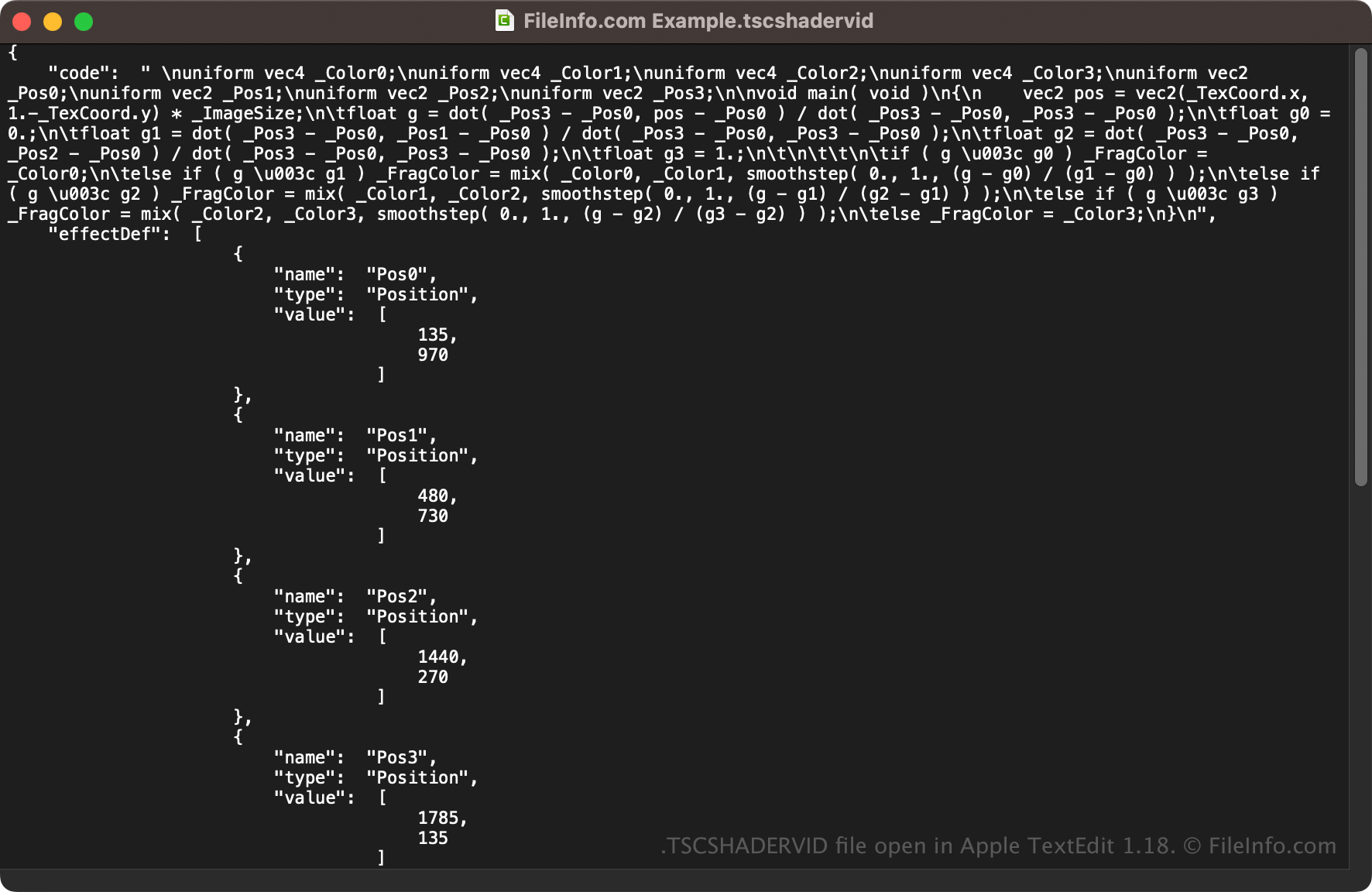
Comme les fichiers TSCSHADERVID sont enregistrés en texte brut, vous pouvez également les ouvrir avec un éditeur de texte, tel que Microsoft Notepad (Windows) ou Apple TextEdit (macOS), ou avec un éditeur de code source. Vous devrez peut-être renommer l’extension du fichier .tscshadervid en .txt pour que l’éditeur de texte puisse le reconnaître.
Lorsqu’il est ouvert dans un éditeur de texte ou un éditeur de code source, vous pouvez modifier les propriétés du fichier TSCSHADERVID. Toutefois, si vous modifiez incorrectement le fichier, vous risquez de rendre l’arrière-plan dynamique inutilisable.