.TRASHES ファイル拡張子

macOS USB Flash Drive Trash Folder

開発元 Apple
人気度
2.9  |  15 
 

TRASHESファイルとは?

A folder with the .TRASHES extension is a hidden folder macOS created on a USB flash drive to store files marked for deletion. If you need to free up space on a flash drive that contains a .TRASHES folder, you can delete the folder.

詳細情報

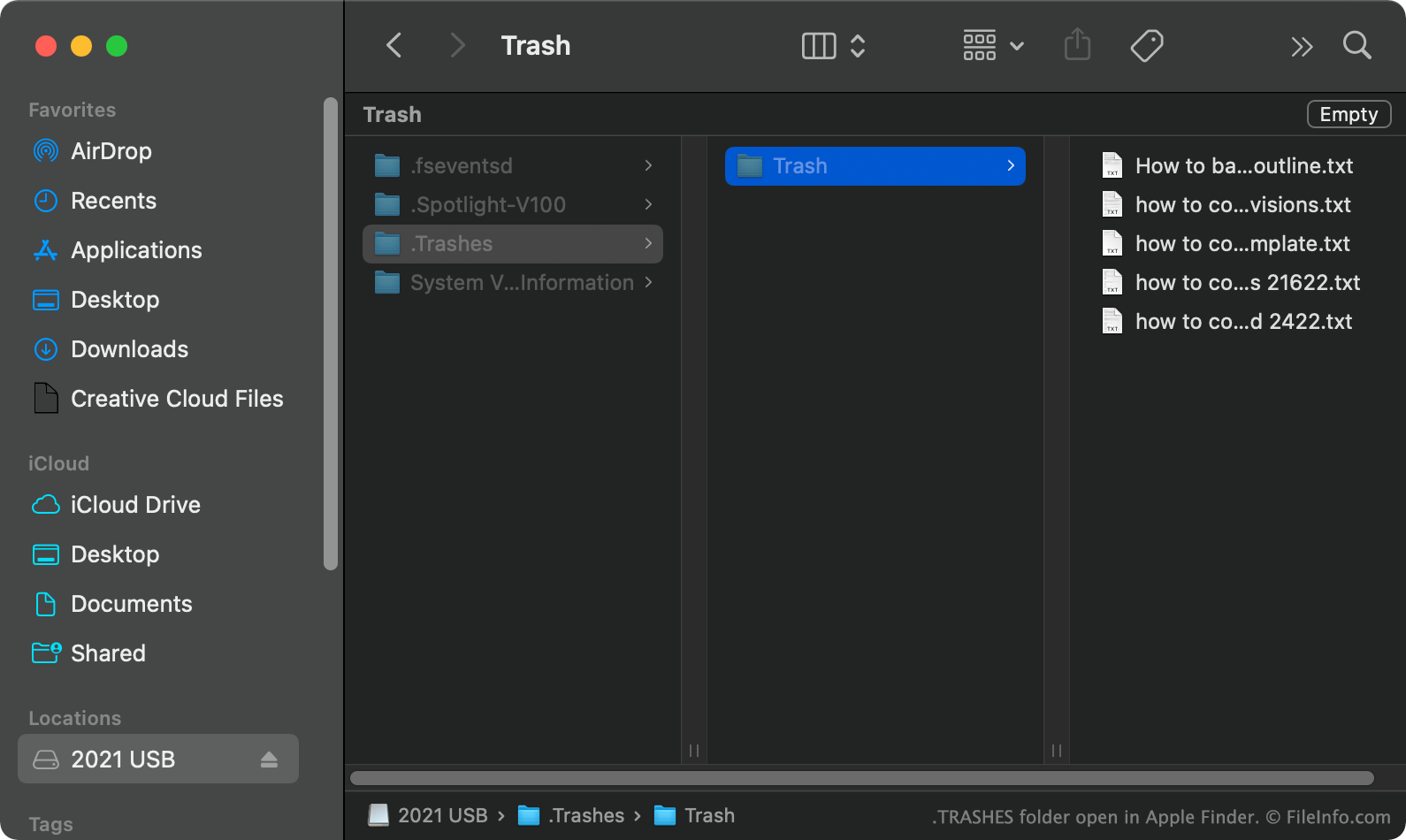
Apple Finderで開いた.trashesファイルのスクリーンショット
Apple Finderで開いたTRASHESファイル

In macOS, when you move a file from a USB flash drive to Trash, macOS creates a hidden .TRASHES folder and places a copy of the file in that folder. This allows you to restore the file if necessary. When you empty your Trash while the USB flash drive is connected to your computer, macOS automatically deletes all files in the drive's .TRASHES folder.

How do I find the TRASHES folder on my USB flash drive?

In macOS, you can see the .TRASHES folder by pressing CMD + SHIFT + . to show hidden files. You can also see the .TRASHES folder in Windows using File Explorer and ChromeOS using the Files app.

Can I delete the TRASHES folder on my USB flash drive?

As long as you are okay with losing the copies of to-be-deleted files stored in the .TRASHES folder, you can delete the folder and files to free up space on your USB flash drive.

注: iOS devices can also create .TRASHES folders on USB flash drives connected to them.

TRASHESファイルの開き方

After you've found the .TRASHES folder on your USB flash drive, you can open and explore it as you would any other folder.

File Viewer Plusで400種類以上のファイル形式を開けます。無料ダウンロード

TRASHESファイルを開くプログラム

Windows
Mac
OSに同梱
Chrome OS
OSに同梱

検証者 FileInfo.com

FileInfo.comチーム は、このページに掲載されているmacOS USB Flash Drive Trash Folderファイル形式とMac and Windowsアプリについて独自に調査しました。 私たちの目標は100%の正確性であり、検証済みのファイルタイプに関する情報のみを公開しています。

このページへの追加や更新をご提案いただける場合は、お知らせください。