

.TRASHES Estensione file
Cartella del Cestino di un'unità flash USB di macOS
| Sviluppatore | Apple |
| Popolarità |
2,9 | 15 Voti |
Che cos'è un file TRASHES?
Una cartella con l'estensione .TRASHES è una cartella nascosta creata da macOS su un'unità flash USB per archiviare i file contrassegnati per l'eliminazione. Se devi liberare spazio su un'unità flash che contiene una cartella .TRASHES, puoi eliminare la cartella.
Maggiori informazioni
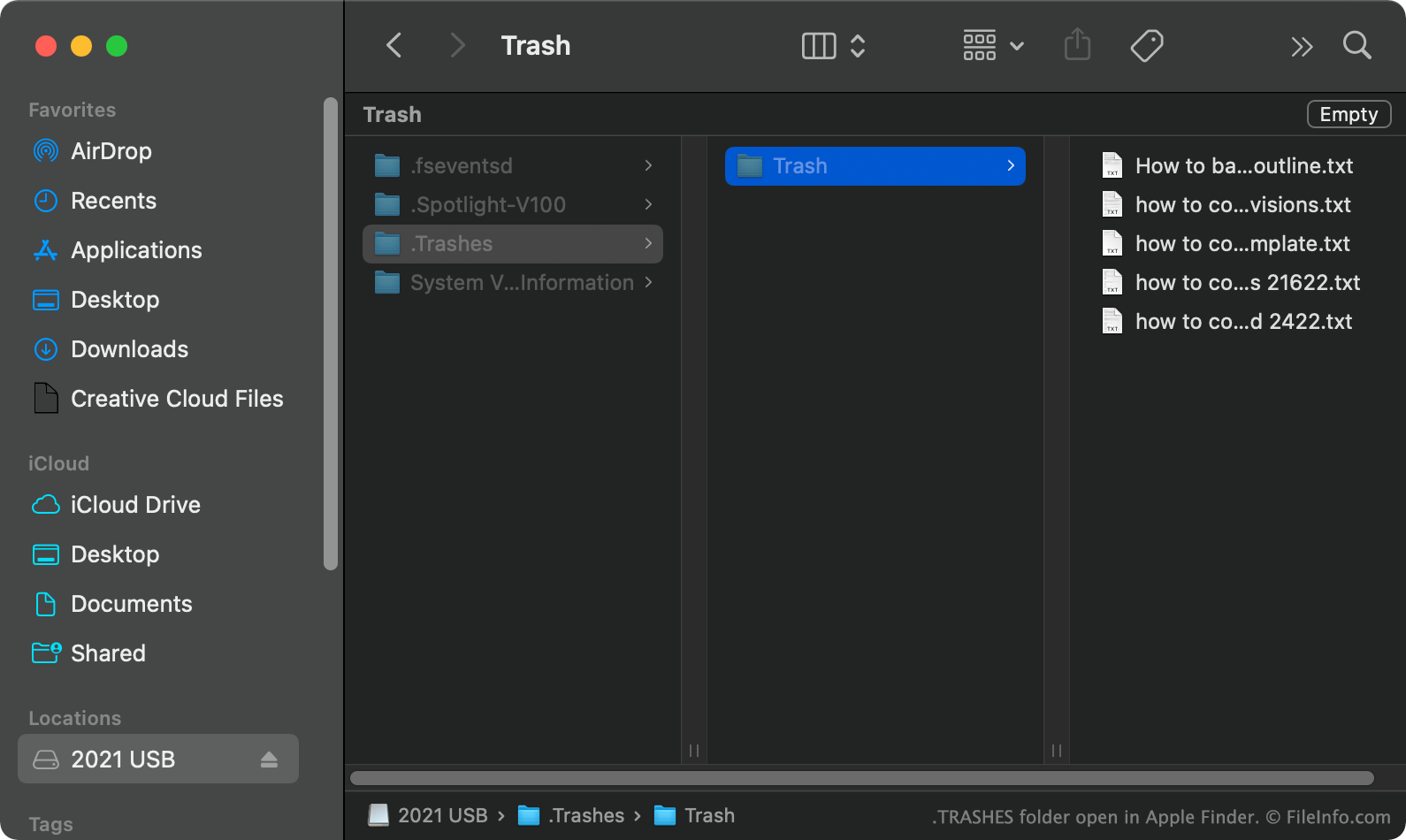
In macOS, quando sposti un file da un'unità flash USB nel Cestino, macOS crea una cartella nascosta .TRASHES e inserisce una copia del file in quella cartella. Questo ti permette di ripristinare il file, se necessario. Quando svuoti il Cestino mentre l'unità flash USB è collegata al computer, macOS elimina automaticamente tutti i file nella cartella .TRASHES dell'unità.
Come trovo la cartella TRASHES sulla mia unità flash USB?
In macOS, puoi vedere la cartella .TRASHES premendo CMD + SHIFT + . per mostrare i file nascosti. Puoi vedere la cartella .TRASHES anche in Windows usando Esplora file e in ChromeOS usando l'app File.
Posso eliminare la cartella TRASHES dalla mia unità flash USB?
Finché non ti preoccupa perdere le copie dei file in attesa di eliminazione archiviate nella cartella .TRASHES, puoi eliminare la cartella e i file per liberare spazio sulla tua unità flash USB.
NOTA: Anche i dispositivi iOS possono creare cartelle .TRASHES sulle unità flash USB a cui sono collegati.
Come aprire un file TRASHES
Dopo aver trovato la cartella .TRASHES sulla tua unità flash USB, puoi aprirla ed esplorarla come faresti con qualsiasi altra cartella.