.GPL ファイル拡張子

GIMP Palette

開発元 GIMP
人気度
3.7  |  3 
 

GPLファイルとは?

A GPL file is a color palette created for use in GIMP or another image editing program. It contains settings that allow you to quickly load and select from a group of related colors while editing an image. You can create GPL files in GIMP, or you can create them using a separate color palette creation tool, like Paletton.

詳細情報

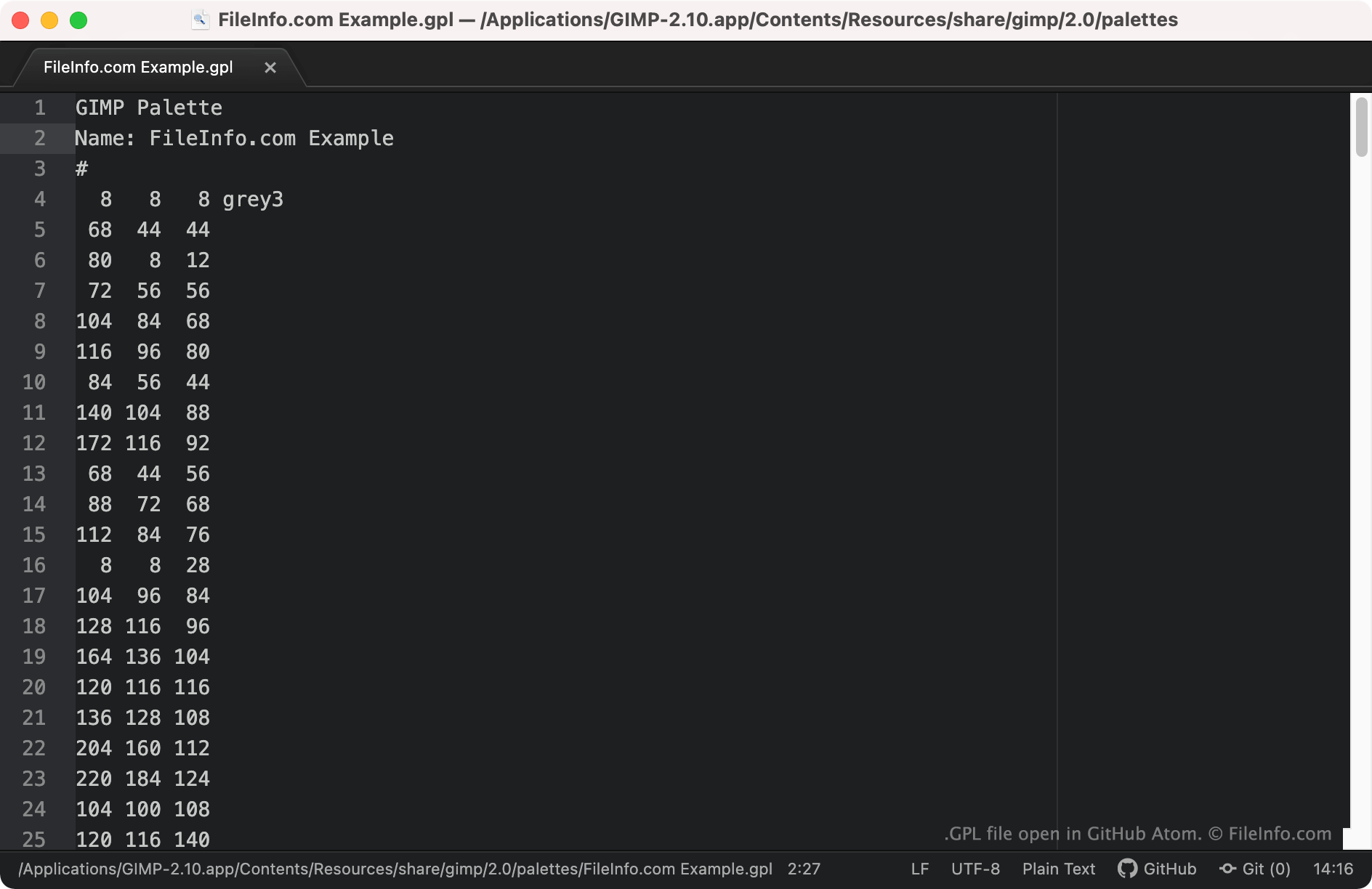
GitHub Atomで開いた.gplファイルのスクリーンショット
GitHub Atomで開いたGPLファイル

Graphic designers use color palettes to group specific colors together, making it easy to use the correct colors when designing an image. For example, a graphic designer might create a color palette for a particular brand, to ensure they use the correct colors while designing that brand's marketing materials.

GIMP and some other image editing programs allow users to create, save, and import color palettes saved as GPL files. These files are plain text files that contain RGB values for each color included in the palette. GPL files are recognizable because they always start with the header GIMP Palette.

GPLファイルの開き方

You can open a GPL file with GIMP (cross-platform) and other image editing applications that support the GIMP Palette format. To import a GPL file into GIMP:

  1. Open GIMP and select Windows → Dockable Dialogs → Palettes.
  2. When the Palettes window appears, right-click in it and select Import Palette....
  3. In the Import a New Palette window, select the Palette file radio button. Then select the Import File icon.
  4. Navigate to and open your GPL file.

If you want to view the RGB values a GPL file contains, you can open the file in any text editor, such as Microsoft Notepad (Windows), Apple TextEdit (Mac), or GitHub Atom (cross-platform).

File Viewer Plusで400種類以上のファイル形式を開けます。無料ダウンロード

GPLファイルを開くプログラム

Windows
無料
無料
無料体験版
Mac
無料
無料
無料体験版
OSに同梱
Linux
無料
無料
無料体験版
Web
無料
カテゴリ: 設定
更新日: 2021-10-08

検証者 FileInfo.com

FileInfo.comチーム は、このページに掲載されているGIMP Paletteファイル形式とMac, Windows, and Linuxアプリについて独自に調査しました。 私たちの目標は100%の正確性であり、検証済みのファイルタイプに関する情報のみを公開しています。

このページへの追加や更新をご提案いただける場合は、お知らせください。