

.GPL Rozszerzenie pliku
Paleta GIMP
| Deweloper | GIMP |
| Popularność |
3,7 | 3 Głosy |
Czym jest plik GPL?
Plik GPL to paleta kolorów utworzona do użytku w programie GIMP lub innym programie do edycji obrazów. Zawiera ustawienia, które pozwalają szybko wczytać grupę powiązanych kolorów i wybierać spośród nich podczas edycji obrazu. Pliki GPL można tworzyć w programie GIMP albo za pomocą osobnego narzędzia do tworzenia palet kolorów, takiego jak Paletton.
Więcej informacji
Graficy używają palet kolorów do grupowania określonych kolorów, dzięki czemu mogą łatwo używać właściwych kolorów podczas projektowania obrazu. Na przykład grafik może utworzyć paletę kolorów dla konkretnej marki, aby mieć pewność, że używa właściwych kolorów podczas projektowania materiałów marketingowych tej marki.
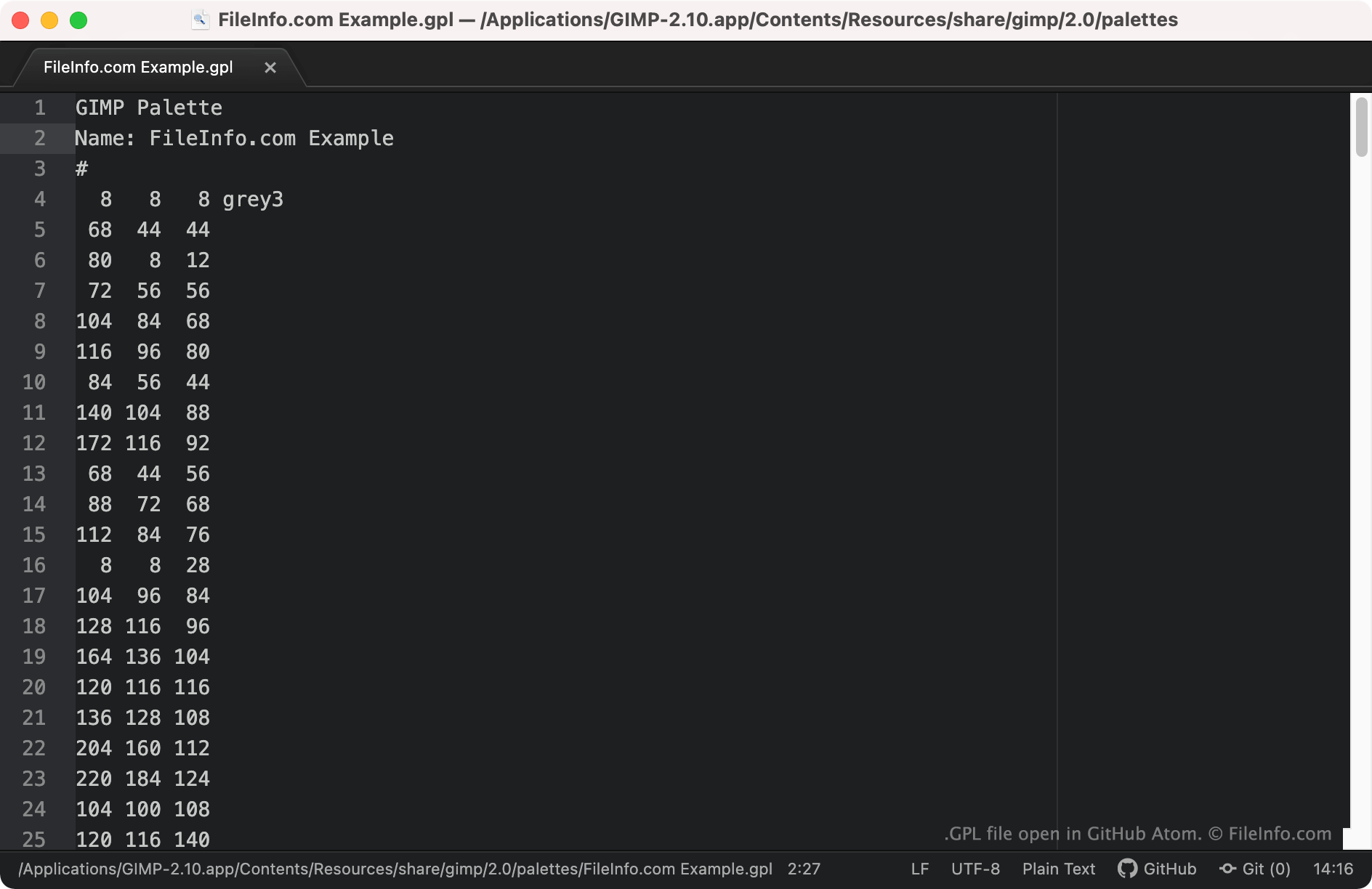
Program GIMP i niektóre inne programy do edycji obrazów umożliwiają użytkownikom tworzenie, zapisywanie i importowanie palet kolorów zapisanych jako pliki GPL. Są to pliki zwykłego tekstu, które zawierają wartości RGB dla każdego koloru uwzględnionego w palecie. Pliki GPL można rozpoznać po tym, że zawsze zaczynają się od nagłówka GIMP Palette.
Jak otworzyć plik GPL
Plik GPL można otworzyć za pomocą programu GIMP (w wielu systemach operacyjnych) oraz innych aplikacji do edycji obrazów obsługujących format GIMP Palette. Aby zaimportować plik GPL do programu GIMP:
- Otwórz program GIMP i wybierz .
- Gdy pojawi się okno Palettes, kliknij je prawym przyciskiem myszy i wybierz .
- W oknie wybierz przycisk opcji . Następnie wybierz ikonę Import File.
- Przejdź do swojego pliku GPL i otwórz go.
Jeśli chcesz wyświetlić wartości RGB zawarte w pliku GPL, możesz otworzyć go w dowolnym edytorze tekstu, takim jak Microsoft Notepad (Windows), Apple TextEdit (Mac) lub GitHub Atom (w wielu systemach operacyjnych).