

.ALAC ファイル拡張子
Apple Lossless Audio Codecファイル
| 開発元 | Apple |
| 人気度 |
4.1 | 23 票 |
ALACファイルとは?
ALACファイルは、Apple Lossless Audio Codec(ALAC)を使用してエンコードされたオーディオファイルです。通常、Apple iTunesまたはApple Musicで再生する曲が含まれています。ALACファイルは、より一般的には.M4A拡張子を使用します。
詳細情報
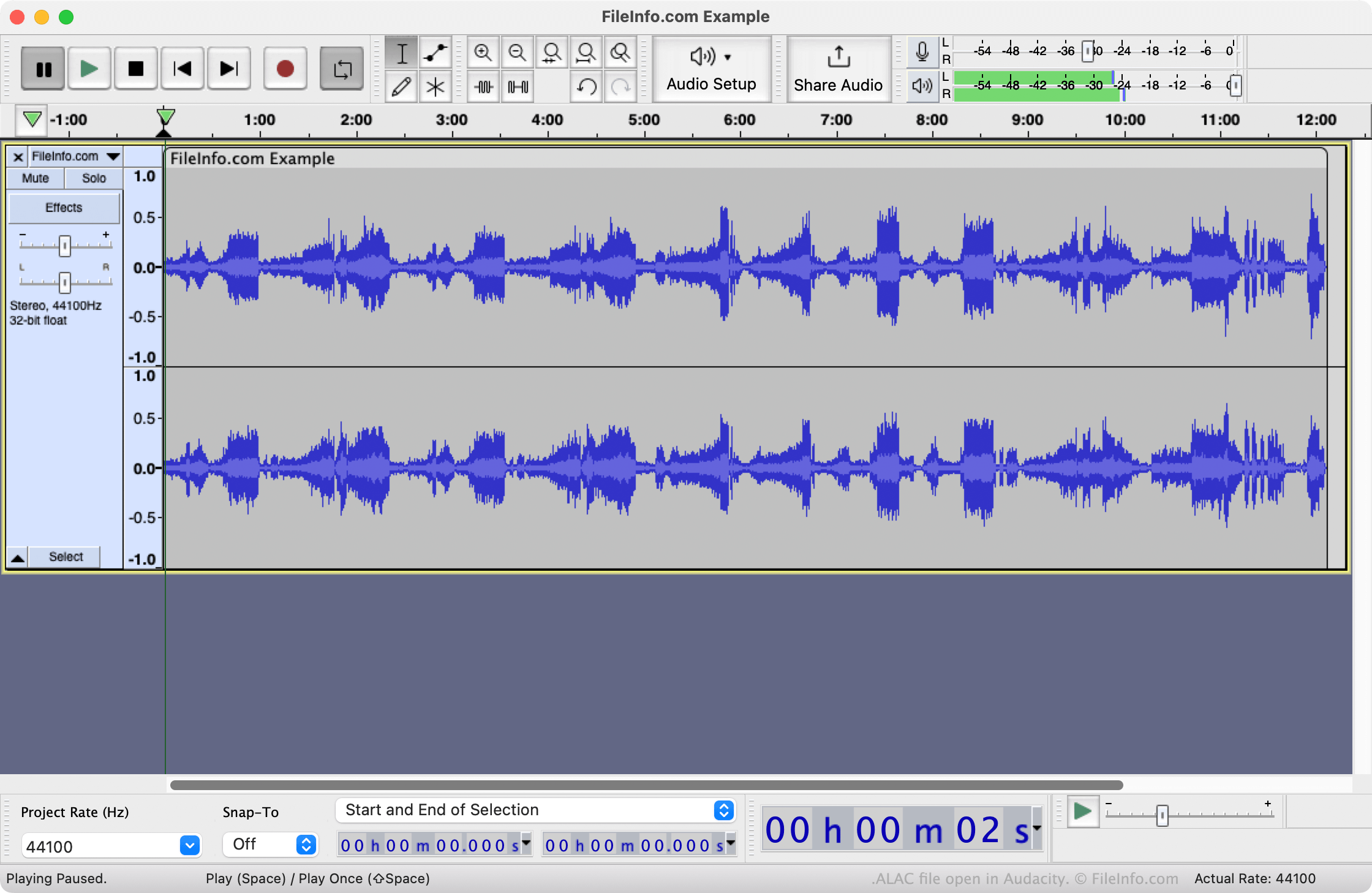
2004年、AppleはApple Lossless Audio Codecを作成しました。FLAC(Free Lossless Audio Codec)と同様に、ALACはオーディオファイルを無劣化で圧縮するために使用されます。ただし、ALACでエンコードされたファイルは通常、同じオーディオから作成したFLACエンコードファイルよりもファイルサイズが小さくなります。
主にApple iTunesやApple MusicなどのAppleの音楽アプリケーションが、ALACを使用してオーディオを無劣化で圧縮し、ユーザーに配信します。ただし、ALACはコーデックにすぎず、オーディオコンテナ形式ではないため、これらのALACエンコードファイルは通常、M4A(MPEG-4 Audio)ファイルとして保存されます。ファイルが.alac拡張子を使用している場合、名前が変更されただけのM4Aファイルである可能性があります。
ALACファイルの開き方
ALACファイルは、Apple Music(Mac)、Apple QuickTime Player(Mac)、Microsoft Windows Media Player(Windows)、またはVideoLAN VLC media player(マルチプラットフォーム)で開くことができます。その前に、メディアプレーヤーがファイルをMPEG-4 Audioファイルとして認識できるよう、ファイルの拡張子を.m4aに変更しなければならない場合があります。
ALACファイルの変換方法
VideoLAN VLC media playerとAudacity(プログラムのオプションのFFmpegライブラリをインストール済みの場合)を使用すると、ALACファイルを他のオーディオ形式に変換できます。たとえば、VLCではALACファイルを次の形式に変換できます。
ALACファイルをVLCまたはAudacityで開く前に、ファイルの拡張子を.m4aに変更しなければならない場合があることに注意してください。