

.ALAC Estensione file
File Apple Lossless Audio Codec
| Sviluppatore | Apple |
| Popolarità |
4,1 | 23 Voti |
Che cos'è un file ALAC?
Un file ALAC è un file audio codificato utilizzando Apple Lossless Audio Codec (ALAC). Molto probabilmente contiene una canzone destinata alla riproduzione in Apple iTunes o Apple Music. Più comunemente, i file ALAC utilizzano l'estensione .M4A.
Maggiori informazioni
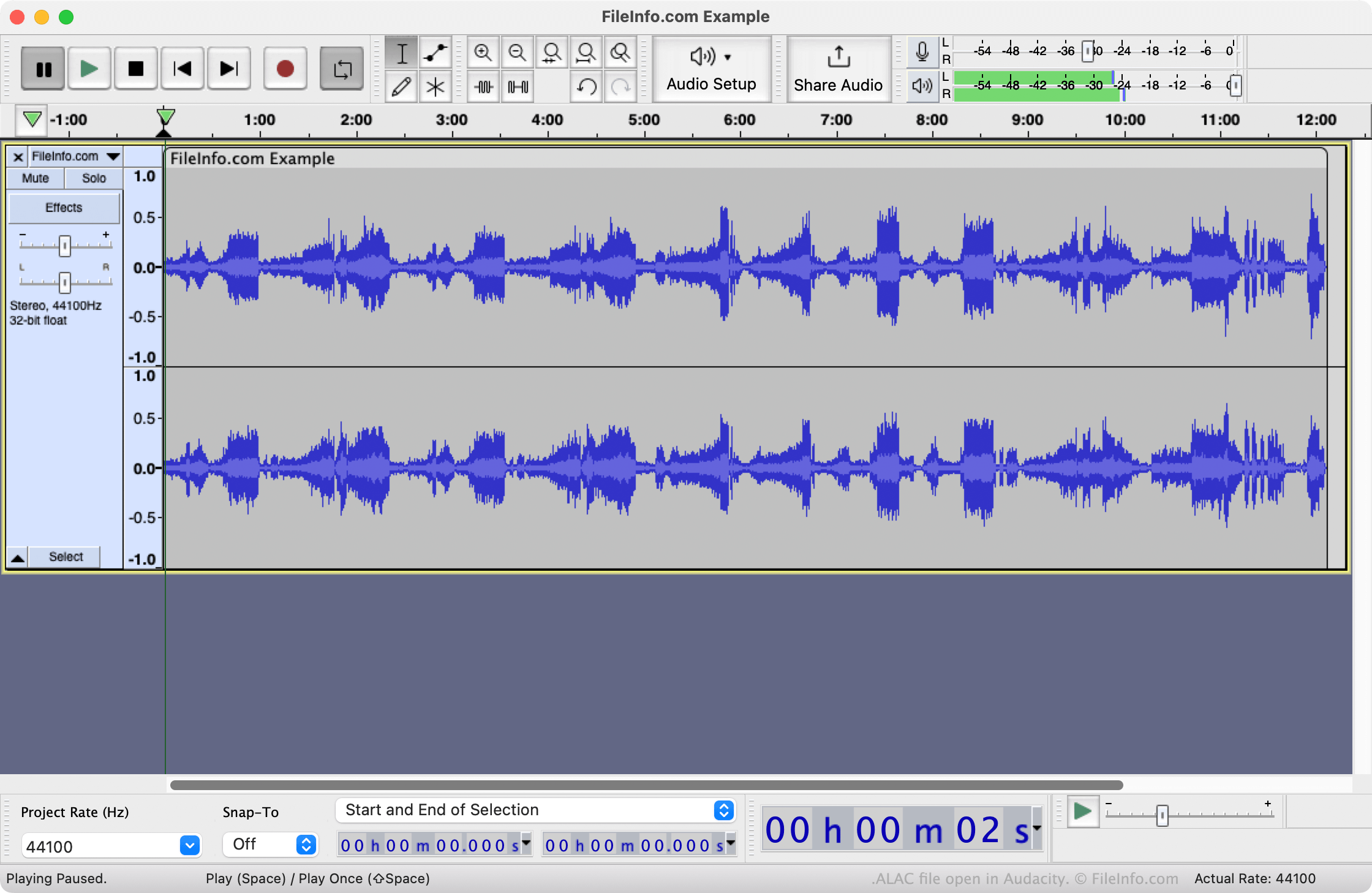
Nel 2004, Apple ha creato Apple Lossless Audio Codec. Come FLAC (Free Lossless Audio Codec), ALAC viene utilizzato per comprimere file audiosenza perdita. Tuttavia, i file codificati con ALAC hanno in genere dimensioni inferiori rispetto ai file codificati con FLAC (creati dallo stesso audio).
Principalmente, le applicazioni musicali di Apple, come Apple iTunes e Apple Music, utilizzano ALAC per comprimere senza perdita e distribuire contenuti audio agli utenti. Tuttavia, poiché ALAC è semplicemente un codec e non un formato contenitore audio, questi file codificati con ALAC vengono in genere salvati come file M4A (MPEG-4 Audio). Se un file utilizza l'estensione .alac, probabilmente si tratta di un file M4A con un nome errato.
Come aprire un file ALAC
Puoi aprire un file ALAC con Apple Music (Mac), Apple QuickTime Player (Mac), Microsoft Windows Media Player (Windows) o VideoLAN VLC media player (multipiattaforma). Prima di farlo, potresti dover modificare l'estensione del file in .m4a, in modo che il lettore multimediale riconosca il file come un file MPEG-4 Audio.
Come convertire un file ALAC
VideoLAN VLC media player e Audacity (con la libreria FFmpeg opzionale del programma installata) possono convertire i file ALAC in altri formati audio. Ad esempio, VLC può convertire i file ALAC in:
Ricorda che potresti dover modificare l'estensione del file ALAC in .m4a prima di poterlo aprire in VLC o Audacity.