

.TSX Estensione file
Set di tessere Tiled
| Sviluppatore | Thorbjørn Lindeijer |
| Popolarità |
2,4 | 5 Voti |
Un file TSX è un set di tessere creato per essere usato con Tiled, un editor di livelli per videogiochi 2D. Contiene dati XML usati per caricare un'immagine sorgente (in genere un file .PNG) e dividere quell'immagine in tessere. Dopo aver caricato un file TSX, gli utenti di Tiled possono posizionare le tessere che descrive su una mappa di livello di Tiled (file .TMX).
Maggiori informazioni
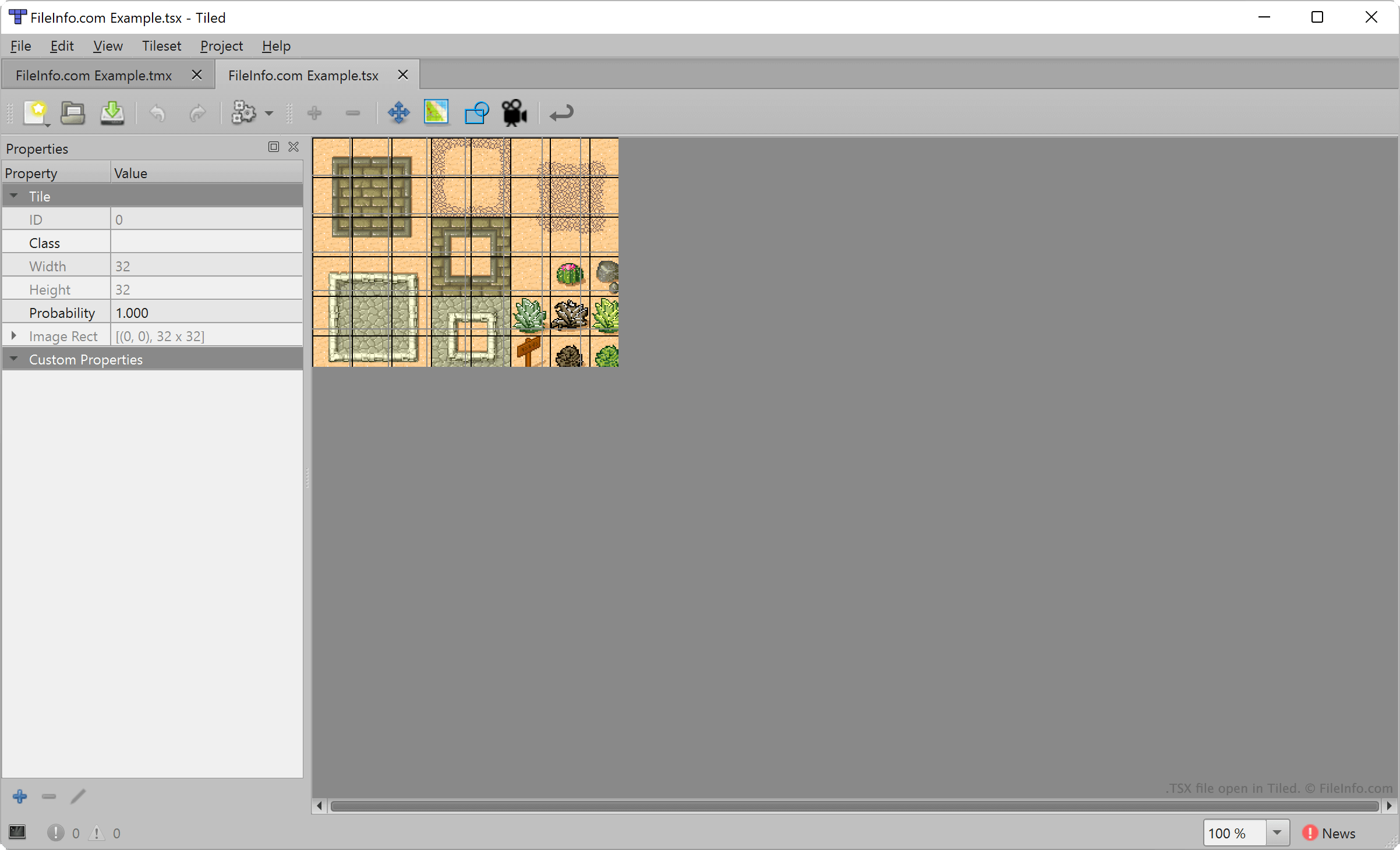
Tiled permette agli sviluppatori di videogiochi di creare ed esportare mappe di livelli 2D da usare nei progetti di sviluppo di videogiochi. Ogni mappa è costituita da un insieme di tessere di terreno posizionate, selezionate da uno o più file TSX.
Per creare un file TSX, gli sviluppatori selezionano dalla barra dei menu di Tiled. Importano quindi un'immagine che costituirà il loro set di tessere (in genere un'immagine rettangolare costituita da diverse caratteristiche del terreno) e specificano l'area di ogni tessera (per impostazione predefinita, 32 x 32 pixel). Tiled associa quindi le impostazioni relative alle dimensioni delle tessere dell'utente all'immagine importata, creando un set di tessere.
Tuttavia, i file TSX non contengono una copia dell'immagine importata dall'utente di Tiled per creare quel set di tessere. Contengono invece un riferimento al percorso in cui è archiviata l'immagine importata. Di conseguenza, se sposti l'immagine a cui fa riferimento un file TSX, Tiled non potrà caricare quel set di tessere.
Come aprire un file TSX
Puoi aprire un file TSX con Tiled per caricare e modificare il set di tessere che descrive. Per farlo, seleziona . Quindi, individua e apri il tuo file TSX.
Per aggiungere un file TSX all'elenco dei set di tessere disponibili mentre crei una mappa di Tiled (file .TMX), seleziona . Quindi, individua e apri il tuo file TSX.
Se necessario, puoi anche aprire un file TSX con Microsoft Visual Studio Code o qualsiasi altro editor di testo, per visualizzare il testo in formato XML che contiene.