

.SVP Estensione file
Progetto Synthesizer V
| Sviluppatore | Dreamtonics |
| Popolarità |
4,8 | 9 Voti |
Che cos'è un file SVP?
Un file SVP è un progetto Dreamtronics Synthesizer V. Contiene testo formattato in JSON usato per caricare un progetto di sintesi vocale in Synthesizer V. Quando vengono aperti in Synthesizer V, i file SVP vengono visualizzati come una serie di note musicali, spesso disposte su più tracce audio.
Maggiori informazioni
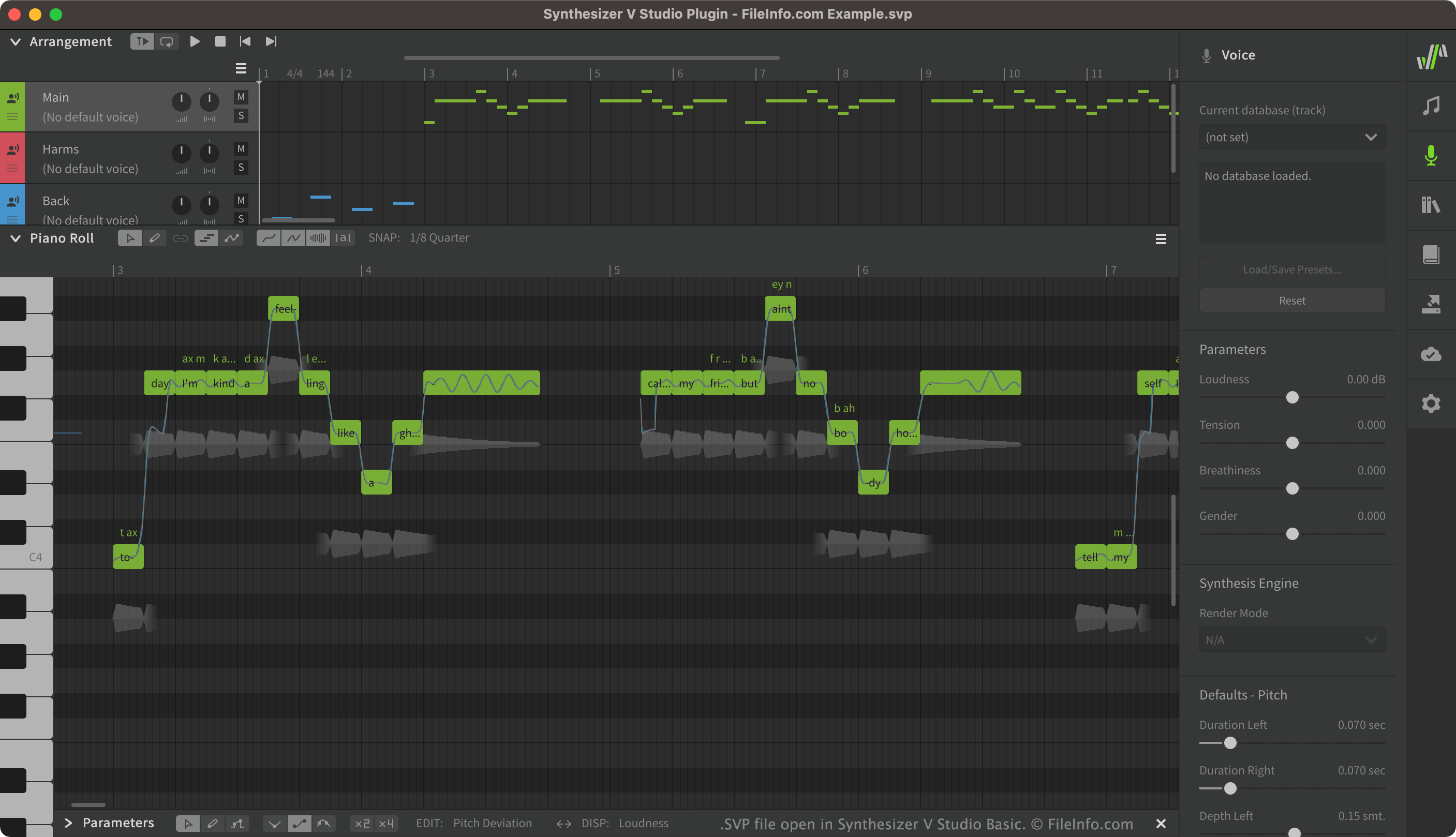
Synthesizer V consente agli utenti di creare, modificare e riprodurre voci cantate sintetizzate. Gli utenti possono quindi esportare le voci create come .UST o .MID. I progetti Synthesizer V, salvati come file SVP, contengono spesso molte tracce vocali diverse, tra cui voci principali, cori ed effetti applicati a tali voci.
Sebbene i file SVP vengano visualizzati come tracce vocali in Synthesizer V, in realtà sono file JSON di testo semplice. Quando apri un file SVP in Synthesizer V, il programma converte il testo contenuto nel file negli elementi grafici visualizzati in Synthesizer V.
Come aprire un file SVP
Puoi aprire un file SVP in Synthesizer V (multipiattaforma). Per farlo, seleziona dalla barra dei menu di Synthesizer V. Quindi, individua e apri il file SVP.
Se vuoi visualizzare il testo JSON contenuto nel file SVP, puoi aprirlo in qualsiasi editor di testo, come Microsoft Notepad (Windows) o Apple TextEdit (Mac).
Programmi che aprono i file SVP
Progetto di Subsurface Viewer
| Sviluppatore | INSIGHT |
| Popolarità |
1,7 | 3 Voti |
Un file SVP è un progetto creato da INSIGHT Subsurface Viewer, un programma geologico usato per visualizzare e analizzare in 3D i dati sismici del sottosuolo. Contiene un modello geologico del sottosuolo, che può includere sezioni, mappe, dati sulle unità geologiche, registri dei sondaggi, strati, modelli VOXEL, faglie e proprietà delle rocce.
Maggiori informazioni
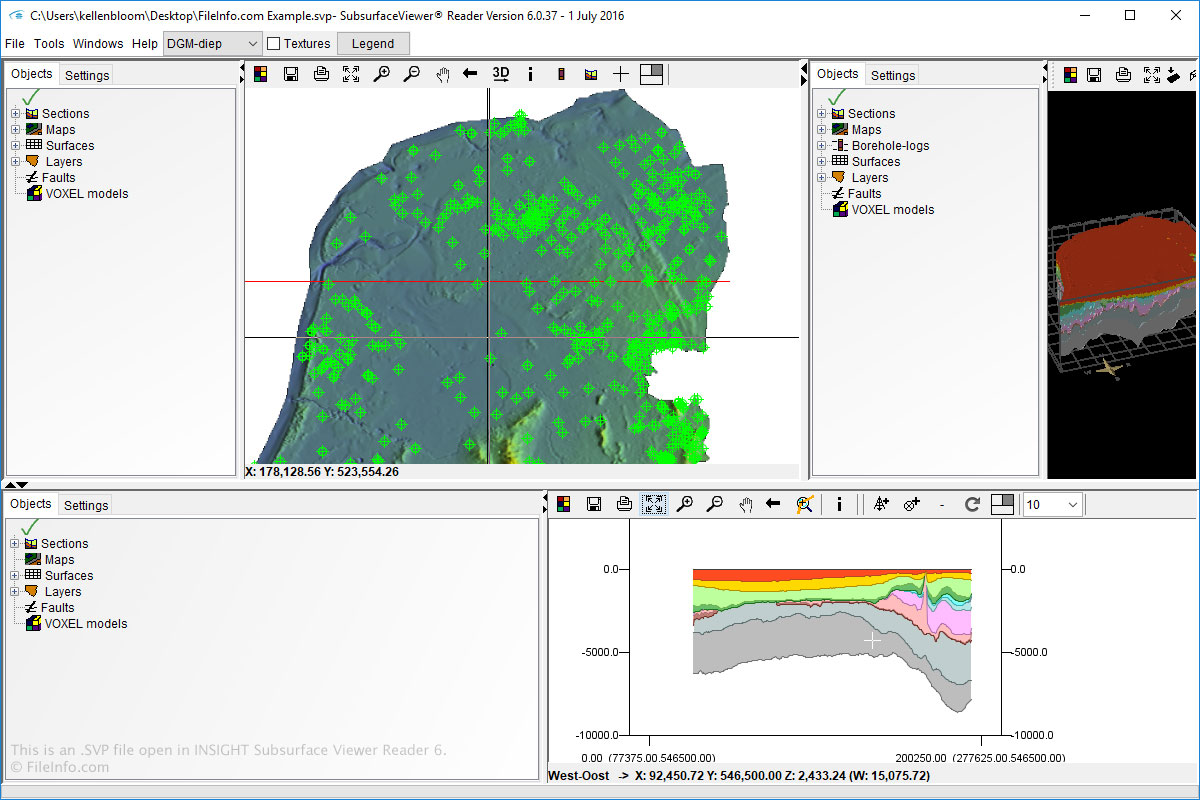
Puoi aprire e creare file SVP in Windows usando Subsurface Viewer. Puoi anche aprire file SVP usando Subsurface Viewer Reader, disponibile per Windows e macOS.
Per aprire file SVP in Subsurface Viewer e Subsurface Viewer Reader, seleziona semplicemente e individua il file SVP.
NOTA: Il software INSIGHT Subsurface Viewer non è più disponibile.