

.SVP Přípona souboru
Projekt Synthesizer V
| Vývojář | Dreamtonics |
| Popularita |
4,8 | 9 hlasů |
Co je soubor SVP?
Soubor SVP je projekt Synthesizer V od společnosti Dreamtronics. Obsahuje text ve formátu JSON, který se používá k načtení projektu hlasového syntezátoru v Synthesizer V. Po otevření v Synthesizer V se soubory SVP zobrazí jako řada hudebních not, často uspořádaných mezi více zvukovými stopami.
Další informace
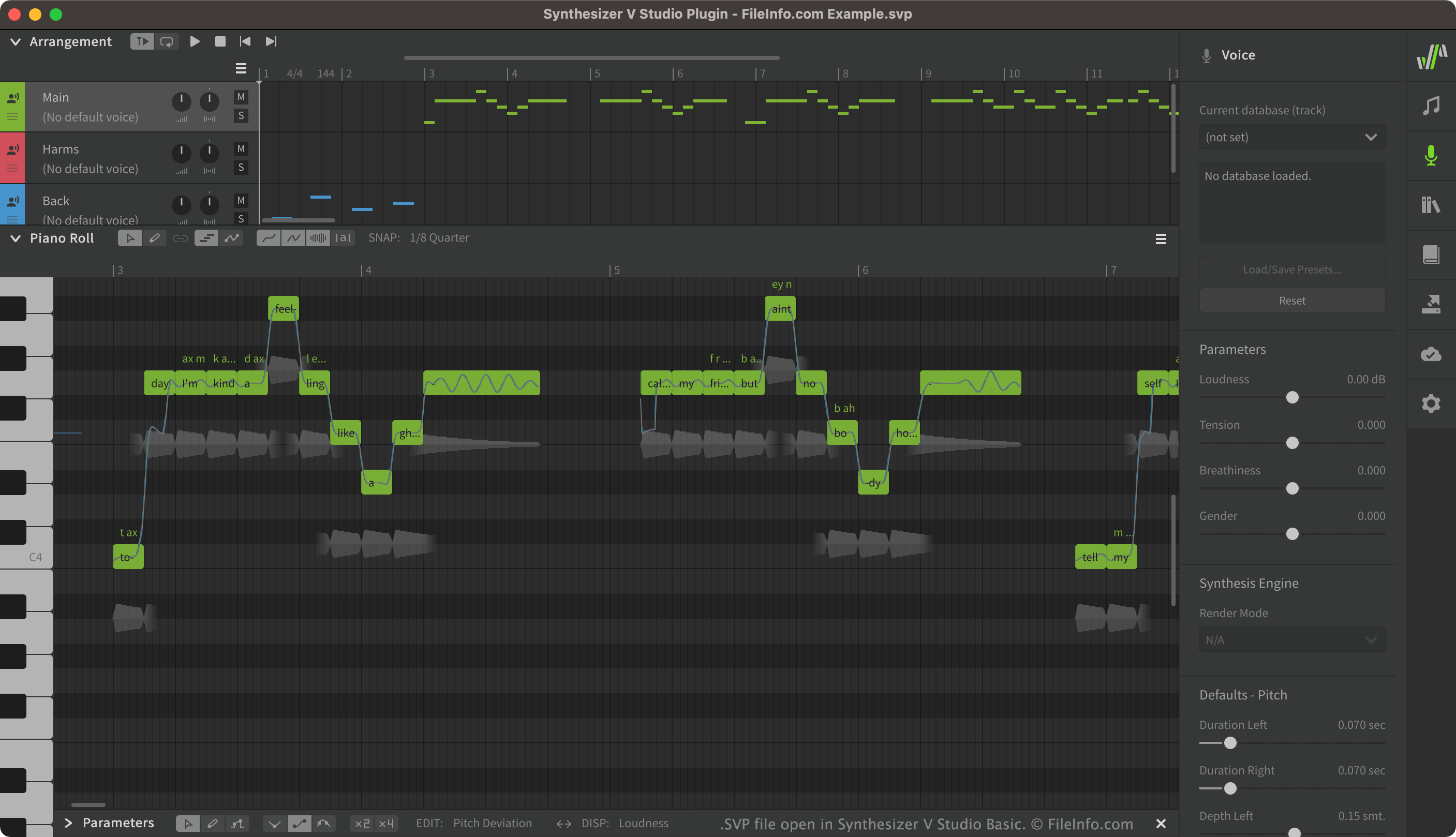
Synthesizer V umožňuje uživatelům vytvářet, upravovat a přehrávat syntetizované zpěvní vokály. Uživatelé pak mohou vytvořené vokály exportovat jako soubory .UST nebo .MID. Projekty Synthesizer V, které se ukládají jako soubory SVP, často obsahují mnoho různých vokálních stop včetně hlavních vokálů, doprovodných vokálů a efektů použitých na těchto vokálech.
Ačkoli se soubory SVP v Synthesizer V zobrazují jako vokální stopy, ve skutečnosti jde o soubory JSON obsahující prostý text. Když soubor SVP otevřete v Synthesizer V, program převede text, který soubor obsahuje, na grafické prvky zobrazované v Synthesizer V.
Jak otevřít soubor SVP
Soubor SVP můžete otevřít v Synthesizer V (funguje na více platformách). Uděláte to tak, že na panelu nabídek Synthesizer V vyberete možnost . Poté vyhledejte a otevřete svůj soubor SVP.
Pokud si chcete prohlédnout text JSON, který váš soubor SVP obsahuje, můžete jej otevřít v libovolném textovém editoru, například v programu Microsoft Notepad (Windows) nebo Apple TextEdit (Mac).
Programy, které otevírají soubory SVP
Projekt Subsurface Viewer
| Vývojář | INSIGHT |
| Popularita |
1,7 | 3 hlasy |
Soubor SVP je projekt vytvořený v programu INSIGHT Subsurface Viewer, geologickém programu používaném k vizualizaci a analýze podpovrchových seismických dat ve 3D. Obsahuje podpovrchový geologický model, který může zahrnovat řezy, mapy, data o geologických jednotkách, vrtné profily, vrstvy, VOXEL modely, zlomy a vlastnosti hornin.
Další informace
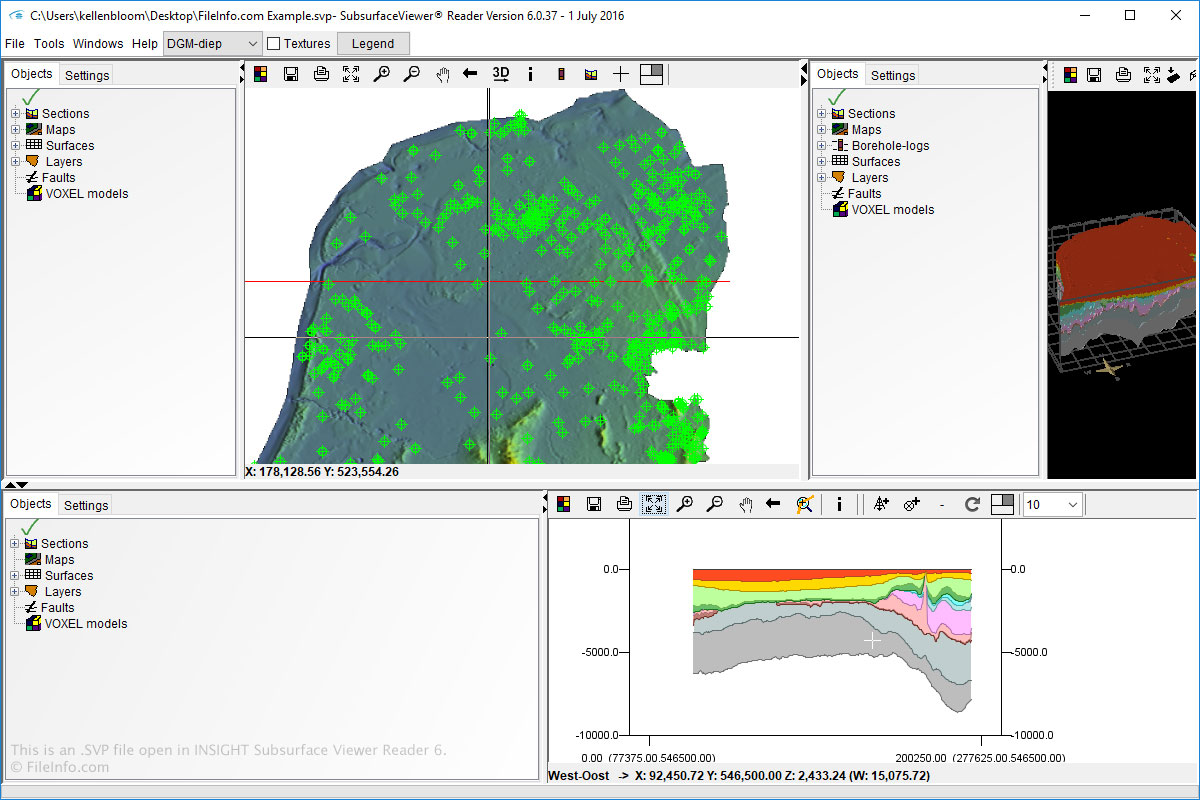
Soubory SVP můžete v systému Windows otevírat a vytvářet pomocí programu Subsurface Viewer. Soubory SVP můžete také otevírat pomocí programu Subsurface Viewer Reader, který je dostupný pro Windows a macOS.
Chcete-li otevřít soubory SVP v programech Subsurface Viewer a Subsurface Viewer Reader, jednoduše vyberte a přejděte k souboru SVP.
POZNÁMKA: Software INSIGHT Subsurface Viewer byl ukončen.