

.SVP Extension de fichier
Projet Synthesizer V
| Développeur | Dreamtonics |
| Popularité |
4,8 | 9 Votes |
Qu'est-ce qu'un fichier SVP ?
Un fichier SVP est un projet Dreamtronics Synthesizer V. Il contient du texte au format JSON utilisé pour charger un projet de synthèse vocale dans Synthesizer V. Lorsqu'ils sont ouverts dans Synthesizer V, les fichiers SVP apparaissent sous la forme d'une série de notes de musique, souvent réparties sur plusieurs pistes audio.
Plus d'informations
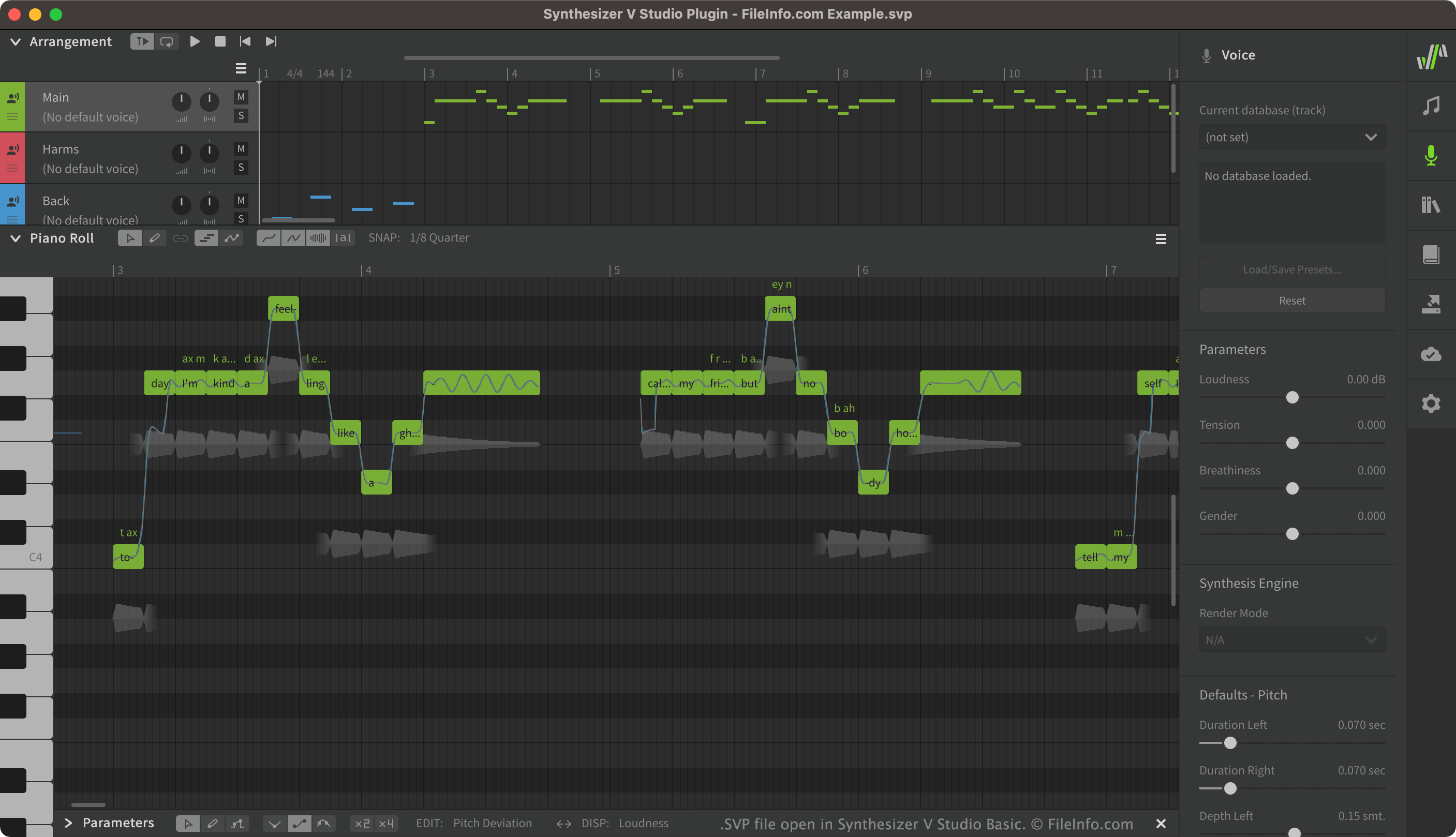
Synthesizer V permet aux utilisateurs de créer, modifier et lire des voix chantées synthétisées. Les utilisateurs peuvent ensuite exporter les voix qu'ils ont créées sous forme de fichiers .UST ou .MID. Les projets Synthesizer V, enregistrés sous forme de fichiers SVP, contiennent souvent de nombreuses pistes vocales différentes, notamment les voix principales, les chœurs et les effets appliqués à ces voix.
Bien que les fichiers SVP apparaissent comme des pistes vocales dans Synthesizer V, il s'agit en réalité de fichiers JSON en texte brut. Lorsque vous ouvrez un fichier SVP dans Synthesizer V, le programme convertit le texte qu'il contient en éléments graphiques qui s'affichent dans Synthesizer V.
Comment ouvrir un fichier SVP
Vous pouvez ouvrir un fichier SVP dans Synthesizer V (multiplateforme). Pour ce faire, sélectionnez dans la barre de menus de Synthesizer V. Accédez ensuite à votre fichier SVP et ouvrez-le.
Si vous souhaitez afficher le texte JSON contenu dans votre fichier SVP, vous pouvez l'ouvrir dans n'importe quel éditeur de texte, comme Microsoft Notepad (Windows) ou Apple TextEdit (Mac).
Programmes qui ouvrent les fichiers SVP
Projet Subsurface Viewer
| Développeur | INSIGHT |
| Popularité |
1,7 | 3 Votes |
Un fichier SVP est un projet créé par INSIGHT Subsurface Viewer, un logiciel géologique utilisé pour visualiser et analyser en 3D des données sismiques souterraines. Il contient un modèle géologique souterrain, qui peut inclure des sections, des cartes, des données sur les unités géologiques, des diagraphies de forage, des couches, des modèles VOXEL, des failles et des propriétés des roches.
Plus d'informations
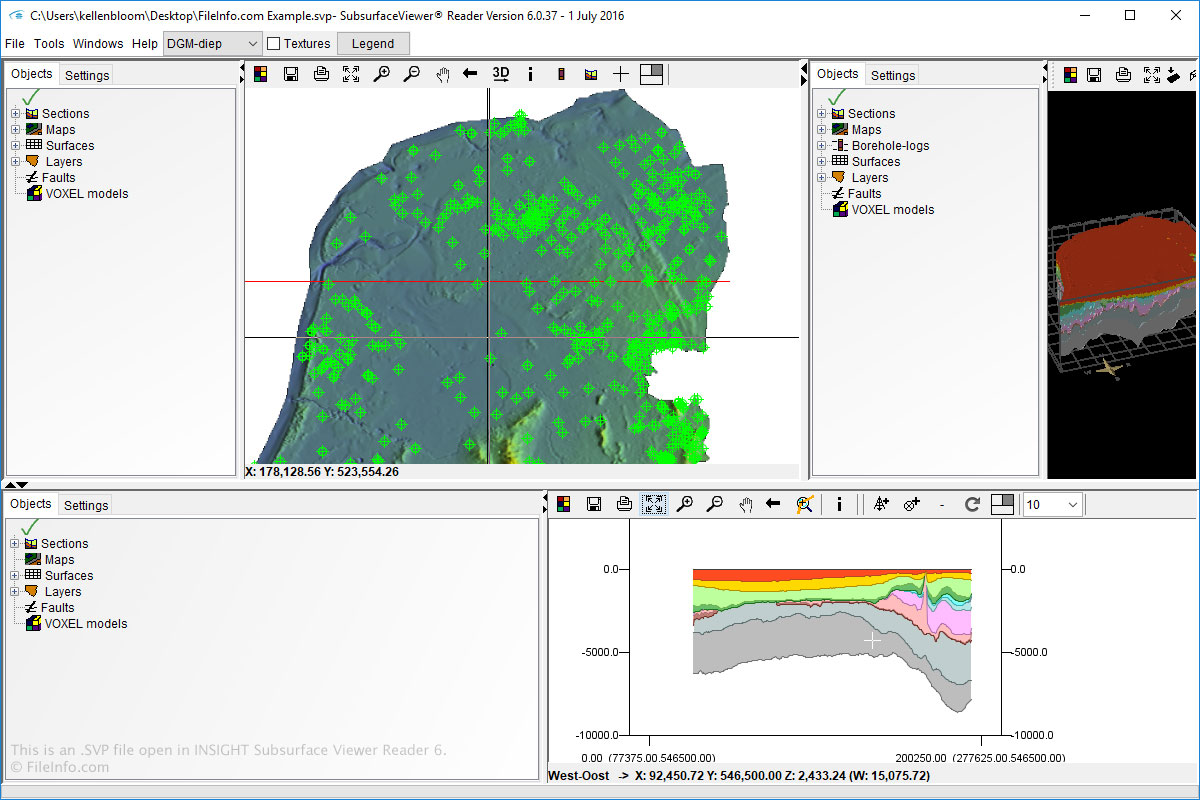
Vous pouvez ouvrir et créer des fichiers SVP sous Windows avec Subsurface Viewer. Vous pouvez également ouvrir des fichiers SVP avec Subsurface Viewer Reader, disponible pour Windows et macOS.
Pour ouvrir des fichiers SVP dans Subsurface Viewer et Subsurface Viewer Reader, sélectionnez simplement , puis accédez au fichier SVP.
REMARQUE : Le logiciel INSIGHT Subsurface Viewer n'est plus commercialisé.