

.SB3 Estensione file
Progetto Scratch 3.0
| Sviluppatore | MIT |
| Popolarità |
4,2 | 2101 Voti |
Che cos'è un file SB3?
Un file SB3 è un progetto creato con Scratch 3.0, una piattaforma di programmazione visuale sviluppata presso il Massachusetts Institute of Technology (MIT) per creare storie, piccoli giochi e animazioni. Contiene un programma Scratch composto da blocchi di codice, oltre ad asset come sprite, suoni e metadati del progetto. I file SB3 hanno sostituito i file Scratch .SB2 e vengono salvati in un formato basato su Zip che memorizza i dati del progetto in JSON.
Maggiori informazioni
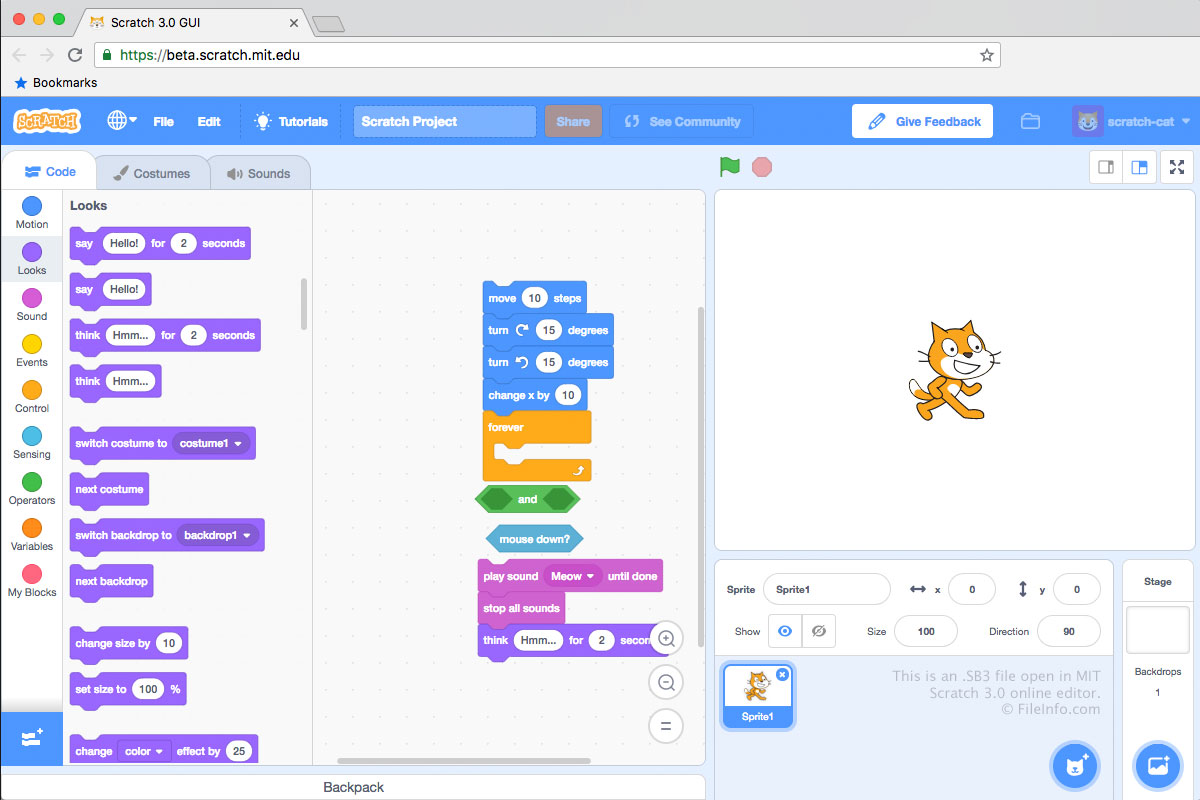
I file SB3 vengono salvati nel formato di file Scratch 3.0, i file SB2 vengono salvati nel formato di file Scratch 2.0 e i file .SB vengono salvati nel formato di file Scratch originale. Ogni file SB3 è un archivio .ZIP che memorizza i contenuti di un progetto di sviluppo, tra cui un file .JSON (probabilmente denominato project.json), sprite, script, costumi e file audio.
Come creare un file SB3
In genere, gli sviluppatori creano file SB3 salvando i progetti sul computer dall'Editor Scratch online di MIT, accessibile all'indirizzo https://scratch.mit.edu/. Per salvare un progetto dell'Editor Scratch come file SB3:
- Apri il progetto nell'Editor Scratch.
- Seleziona .
- Assegna un nome al file, seleziona una posizione di salvataggio e fai clic su .
Gli sviluppatori possono anche creare file SB3 negli editor Scratch offline di MIT, disponibili per dispositivi Windows, macOS, Android e ChromeOS.
NOTA: In SB3, la S sta per "Scratch", la B per "Binary" e il 3 indica la versione di Scratch (3.0).
Come aprire un file SB3
Puoi aprire un file SB3 con Scratch Desktop (Windows, Mac), Scratch per Android e ChromeOS oppure con l'Editor Scratch online di MIT (Web). Per aprire un file SB3 nell'Editor Scratch online:
- Apri l'Editor Scratch nel browser web.
- Seleziona .
- Individua e apri il file SB3.
Puoi anche estrarre i contenuti di un file SB3 con qualsiasi utilità di decompressione Zip (come 7-Zip o Apple Archive Utility), dopo aver rinominato il file in modo che utilizzi l'estensione .zip.
Come convertire un file SB3
Puoi utilizzare TurboWarp Packager per convertire un file SB3 in un formato eseguibile, così da poter eseguire il programma che contiene su un PC o in un browser web. TurboWarp Packager può esportare i file SB3 nei seguenti formati: