

.FCM Estensione file
Modello di taglio per tessuti di CanvasWorkspace
| Sviluppatore | Brother |
| Popolarità |
4,0 | 5 Voti |
Che cos'è un file FCM?
Un file FCM è un modello di taglio per tessuti creato da Brother CanvasWorkspace, un programma usato per creare modelli di taglio e trasferirli alle macchine da taglio Brother. Contiene una o più forme in bianco e nero. Le macchine da taglio Brother usano i modelli contenuti nei file FCM per ritagliare forme corrispondenti nei tessuti.
Maggiori informazioni
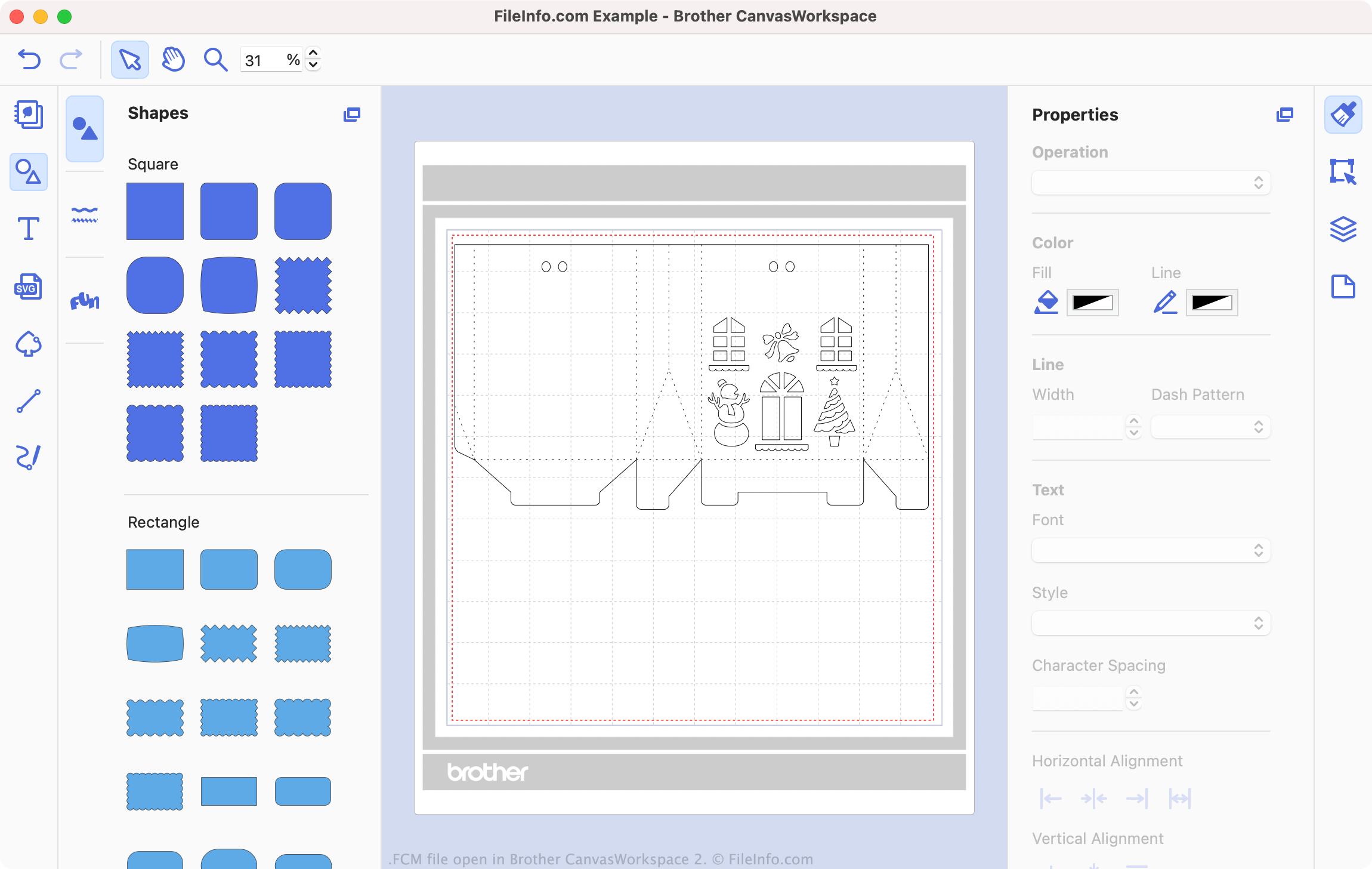
Brother CanvasWorkspace è un programma gratuito che consente agli appassionati di cucito e ricamo di progettare modelli da usare con le macchine da taglio Brother, come DC200, CM650W, SDX225 e molte altre. CanvasWorkspace salva questi modelli come file .CWPRJ e FCM. I file CWPRJ sono file di progetto modificabili che puoi usare per modificare un modello esistente. I file FCM sono in genere modelli finiti, destinati a essere trasferiti a una macchina da taglio.
Mentre i file CWPRJ possono contenere più colori e altri elementi di progettazione complessi, i file FCM contengono solo forme semplici in bianco e nero. Questo perché i file sono destinati all'uso con una macchina da taglio, che usa solo il contorno di ogni forma. Tuttavia, puoi aprire un file FCM in Brother CanvasWorkspace per visualizzare le forme che contiene e trasferirlo a una macchina da taglio.
Come si converte un file SVG in un file FCM?
Puoi convertire i file .SVG esistenti in file FCM, per usarli con una macchina da taglio Brother. Per farlo:
- Apri CanvasWorkspace e seleziona .
- Individua e apri il tuo file SVG.
Il tuo file SVG si aprirà quindi in CanvasWorkspace. Modifica il file secondo necessità, quindi seleziona per esportare il file come file FCM.
Come aprire un file FCM
Puoi aprire un file FCM in Brother CanvasWorkspace (multipiattaforma). Per farlo, seleziona dalla barra dei menu del programma. Quindi, individua il tuo file FCM e seleziona .
NOTA: Se il tuo file FCM è memorizzato sulla macchina da taglio e la macchina da taglio è collegata al PC, seleziona invece .
Come si trasferisce un file FCM alla macchina da taglio Brother?
Per trasferire un file FCM alla macchina da taglio Brother:
- Collega un'unità flash USB al PC.
- Apri il file FCM in Brother CanvasWorkspace.
- Seleziona .
- Seleziona .
- Salva il file FCM sull'unità flash USB.
- Scollega l'unità flash USB dal PC. Quindi, collegala alla macchina da taglio Brother.
Ora puoi caricare il file FCM sulla macchina da taglio Brother.