

.WN Dateiendung
WriteNow-Dokument
| Entwickler | NeXT |
| Beliebtheit |
1,7 | 3 Stimmen |
Eine WN-Datei ist ein Textdokument, das mit NeXT WriteNow erstellt wurde, einem Textverarbeitungsprogramm für den ursprünglichen Apple Macintosh und NeXT-Workstations. WN-Dateien enthalten häufig Bedienungsanleitungen, Arbeitsblätter, Lebensläufe, Memos oder Briefe. Diese Dokumente bestehen in der Regel aus mehreren Abschnitten mit formatiertem Text und können Bilder enthalten.
Weitere Informationen
WriteNow war ein von John Anderson und Bill Tschumy entwickeltes Textverarbeitungsprogramm, das 1985 von NeXT veröffentlicht wurde. Zunächst war WriteNow für den Apple Macintosh als Konkurrenz zu Apples Textverarbeitungsprogramm MacWrite erhältlich. Als NeXT begann, eigene Workstations zu verkaufen, wurde WriteNow mit diesen Workstations gebündelt.
Mit WriteNow konnten Benutzer formatierte Textdokumente mit Kopf- und Fußzeilen, fett, kursiv und unterstrichen dargestelltem Text sowie Bildern erstellen. Auf Macintosh-Computern speicherte WriteNow Dokumente ohne Dateierweiterung. Auf NeXT-Workstations speicherte WriteNow Dokumente jedoch mit der Dateierweiterung .wn.
So öffnen Sie eine WN-Datei
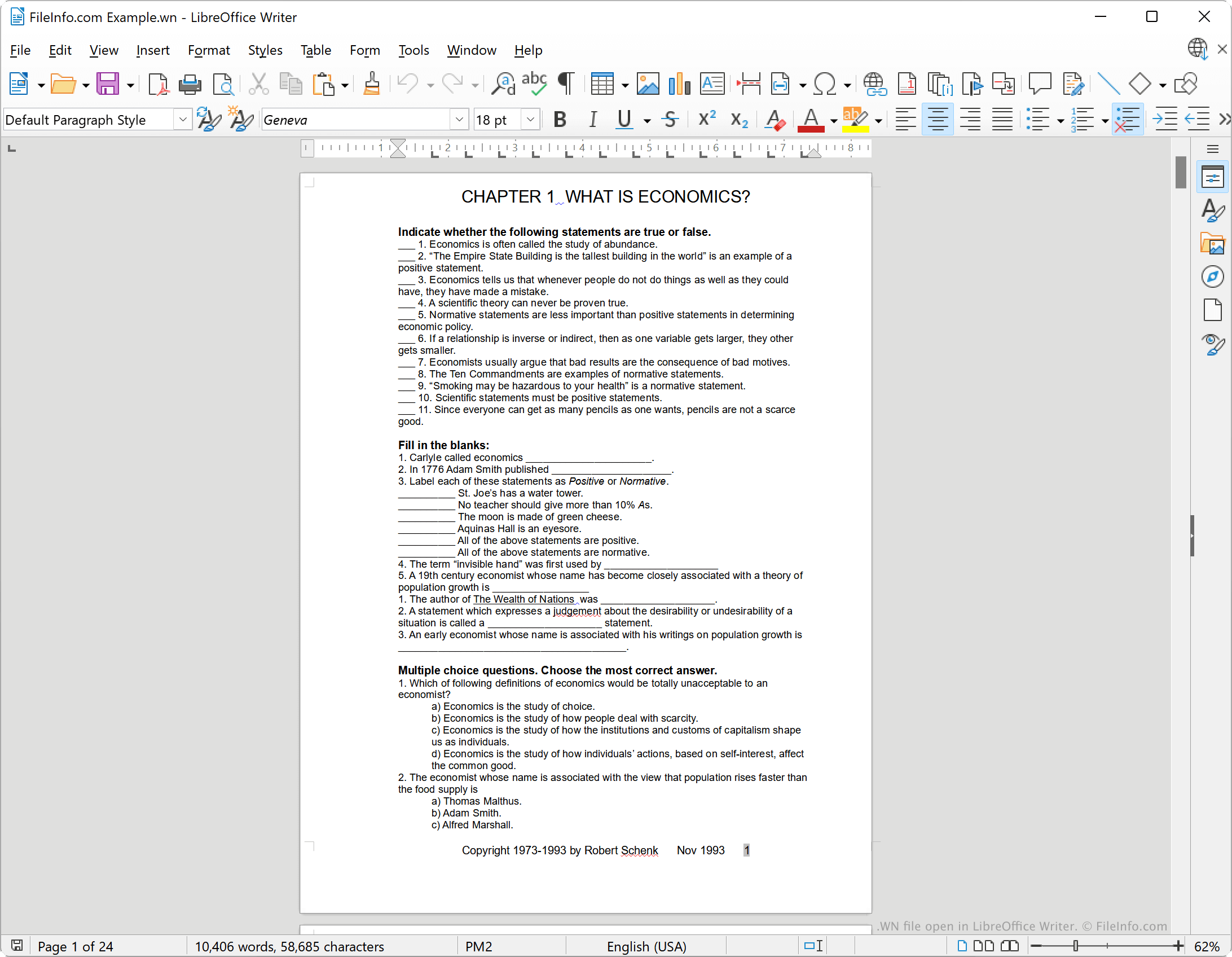
WriteNow wird nicht mehr weiterentwickelt, aber Sie können WN-Dateien mit LibreOffice Writer öffnen, einem kostenlosen Textverarbeitungsprogramm, das in der LibreOffice-Suite enthalten ist. Wählen Sie dazu in der Menüleiste von Writer den Eintrag . Navigieren Sie anschließend zu Ihrer WN-Datei und öffnen Sie sie.
So konvertieren Sie eine WN-Datei
Mit LibreOffice Writer können Sie eine WN-Datei in die folgenden (und mehrere weitere) Formate konvertieren:
- .ODT - OpenDocument-Textdokument
- .DOCX - Microsoft-Word-Dokument
- .DOC - Microsoft-Word-Dokument (älteres Format)
- .HTML - Hypertext Markup Language
- .TXT - Klartext
Gehen Sie dazu wie folgt vor:
- Öffnen Sie Ihre WN-Datei mit LibreOffice Writer.
- Wählen Sie
- Wählen Sie das Format aus, in das Sie Ihre WN-Datei konvertieren möchten.
- Klicken Sie auf .