.WN 파일 확장자

2개의 파일 유형.wn 확장자를 사용합니다.

WN Web File

개발사 WN
인기도
2.2  |  5 투표
 

WN 파일이란 무엇인가요?

Web file used by WN, a Web server designed to protect visibility and access to server files; stores information about files served on the server; may describe .HTML files, images, and other binary files; used for specifying the content of Web files in a directory.

추가 정보

A WN file is compiled into the file index.cache, which is placed on the server and provides access to server files via HTTP requests.

File Viewer Plus(으)로 400개 이상의 파일 형식을 여세요.무료 다운로드

WN 파일을 열거나 참조하는 프로그램

Linux
무료
카테고리:
업데이트: 2011-04-09

WriteNow Document

개발사 NeXT
인기도
1.7  |  3 투표
 

A WN file is a text document created by NeXT WriteNow, a word processor available for the original Apple Macintosh PC and NeXT workstations. WN files often contain instructional manuals, worksheets, resumes, memos, or letters. These documents typically consist of several sections of formatted text, and they may include images.

추가 정보

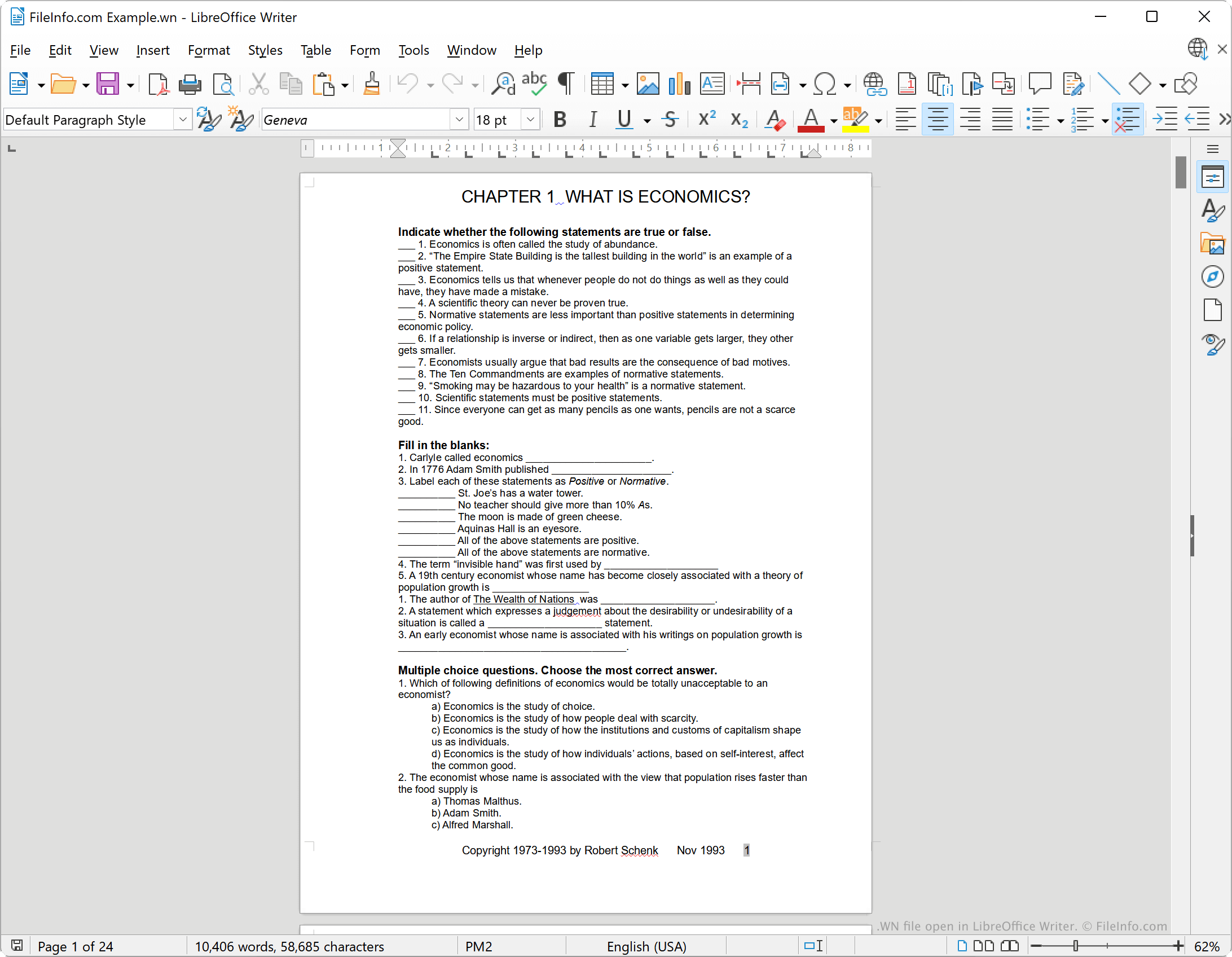
LibreOffice Writer에서 열린 .wn 파일의 스크린샷
LibreOffice Writer에서 열린 WN 파일

WriteNow was a word processor developed by John Anderson and Bill Tschumy and released by NeXT in 1985. Initially, WriteNow was available for the Apple Macintosh, as a competitor to Apple's MacWrite word processor. When NeXT began selling their own workstations, they bundled WriteNow with those workstations.

In WriteNow, users could create formatted text documents, complete with headers and footers, bolded, italicized, and underlined text, and images. On Macintosh computers, WriteNow saved documents without a file extension. However, on NeXT workstations, WriteNow saved documents with the .wn file extension.

WN 파일을 여는 방법

WriteNow is discontinued, but you can open WN files with LibreOffice Writer, a free word processor included with the LibreOffice suite. To do so, select File → Open... from Writer's menu bar. Then, navigate to and open your WN file.

WN 파일을 변환하는 방법

You can use LibreOffice Writer to convert a WN file to the following formats (and several others):

  • .ODT - OpenDocument Text Document
  • .DOCX - Microsoft Word Document
  • .DOC - Microsoft Word Document (Legacy)
  • .HTML - Hypertext Markup Language
  • .TXT - Plain Text

To do so:

  1. Open your WN file with LibreOffice Writer.
  2. Select File → Save As...
  3. Choose the format to which you want to convert your WN file.
  4. Click Save.

WN 파일을 여는 프로그램

Windows
Mac
Linux
카테고리: 텍스트
업데이트: 2023-08-21

검증자 FileInfo.com

FileInfo.com 팀 이 페이지에 나열된 모든 파일 형식과 소프트웨어 프로그램을 독자적으로 조사했습니다. 저희의 목표는 100% 정확성이며, 검증한 파일 유형에 대한 정보만 게시합니다.

이 페이지에 추가하거나 업데이트할 내용을 제안하고 싶으시면 알려 주세요.