.THM Dateiendung

Sony Ericsson Theme File

Entwickler Sony Ericsson
Beliebtheit
3.5  |  126 Stimmen
 

Was ist eine THM-Datei?

A THM file is a theme file used by Sony Ericsson mobile phones to customize the phone's user interface. It contains settings for window and text colors, icons, wallpaper, and other images. THM files are now obsolete due to the discontinuation of Sony Ericsson phones and support software.

Weitere Informationen

Individuals looking to customize the aesthetic of their Sony Ericsson mobile device could create THM files using the Sony Ericsson Themes Creator, a free tool that allowed users to design and export their own themes. However, this software is no longer maintained or available for download.

HINWEIS: With advances in mobile technology and the depletion of Sony Ericsson's product line, THM files are now obscure.

So öffnen Sie eine THM-Datei

You can open THM files with Sony Ericsson Themes Creator. However, the program is discontinued.

Über 400 Dateiformate öffnen mit File Viewer Plus.Kostenloser Download

Programme, die .THM-Dateien öffnen oder referenzieren

Video Thumbnail File

Entwickler N/A
Beliebtheit
3.5  |  72 Stimmen
 

A THM file is a thumbnail image generated by digital camcorders and software programs when saving a video clip. It contains a small image from the video clip's first frame and is displayed to help a user identify a clip when visually browsing through a collection of video clips. THM files often are saved in the JPEG format.

Weitere Informationen

When you are capturing video with a digital camcorder or camera, the device creates a thumbnail of the video and saves it to its memory card or internal storage. Then, when you import video from a camcorder or camera, the software you are using to transfer the video also transfers the associated THM files.

Each THM file transferred from a device to a computer shares the same filename as its associated video clip. For example, a THM file for clip001.avi is created as clip001.thm.

So öffnen Sie eine THM-Datei

You will likely never need to open a THM file since the software program you use to browse video clips displays the thumbnail image next to the video clip.

However, if you encounter a THM file and need to open it individually, you can attempt to open it directly with an image viewer, such as Microsoft Photos, Microsoft Paint, or Apple Preview. If that does not work, you can change the .thm file extension to .jpg and attempt again to open it with an image viewer.

HINWEIS: If the THM file is not saved in JPEG format, you will likely be unable to open it with an image editor.

So konvertieren Sie eine THM-Datei

If the THM file is saved in JPEG format, you can convert it to other formats with many image editors, including Microsoft Paint, Adobe Photoshop, and Apple Preview.

For example, Paint can convert THM files saved in JPEG format to the following formats:

  • .JPG - JPEG Image
  • .JFIF - JPEG File Interchange Format
  • .PNG - Portable Network Graphic
  • .GIF - Graphical Interchange Format
  • .TIF - Tagged Image File Format
  • .BMP - Bitmap Image
  • .HEIC - High Efficiency Image Format
  • .DIB - Device Independent Bitmap

Programme, die .THM-Dateien öffnen

Windows
Im Betriebssystem enthalten
Kostenlose Testversion
Mac
Im Betriebssystem enthalten
Kostenlose Testversion
Linux

Thermwood Macro File

Entwickler Thermwood
Beliebtheit
3.2  |  23 Stimmen
 

A THM file is a macro used by Thermwood CNC Routers to automate machining processes. It contains a set of instructions that control the router's operations, enabling efficient and precise manufacturing tasks. THM files enable users to execute repetitive and complex tasks without manually programming the router each time, streamlining production workflows.

Weitere Informationen

CNC operators or engineering professionals working within machining environments typically create and execute THM files. Each THM file contains a series of commands and parameters that define specific router operations, such as cutting patterns and tool path configurations. These files are often accompanied by a file named hist.thm, which contains a list of CNC events for tracking and analysis.

So öffnen Sie eine THM-Datei

You can open THM files with Thermwood Mastercam in Windows.

Programme, die .THM-Dateien öffnen

Windows

Generic Thumbnail Image

Entwickler k. A.
Beliebtheit
3.0  |  23 Stimmen
 

A THM file is a thumbnail image, which is a small, icon-sized image that represents a larger image. It is saved in a bitmap format similar to a .JPG file but at a lower resolution. Digital camera and photo or video-editing apps often create THM files to store small previews of larger images and videos.

Weitere Informationen

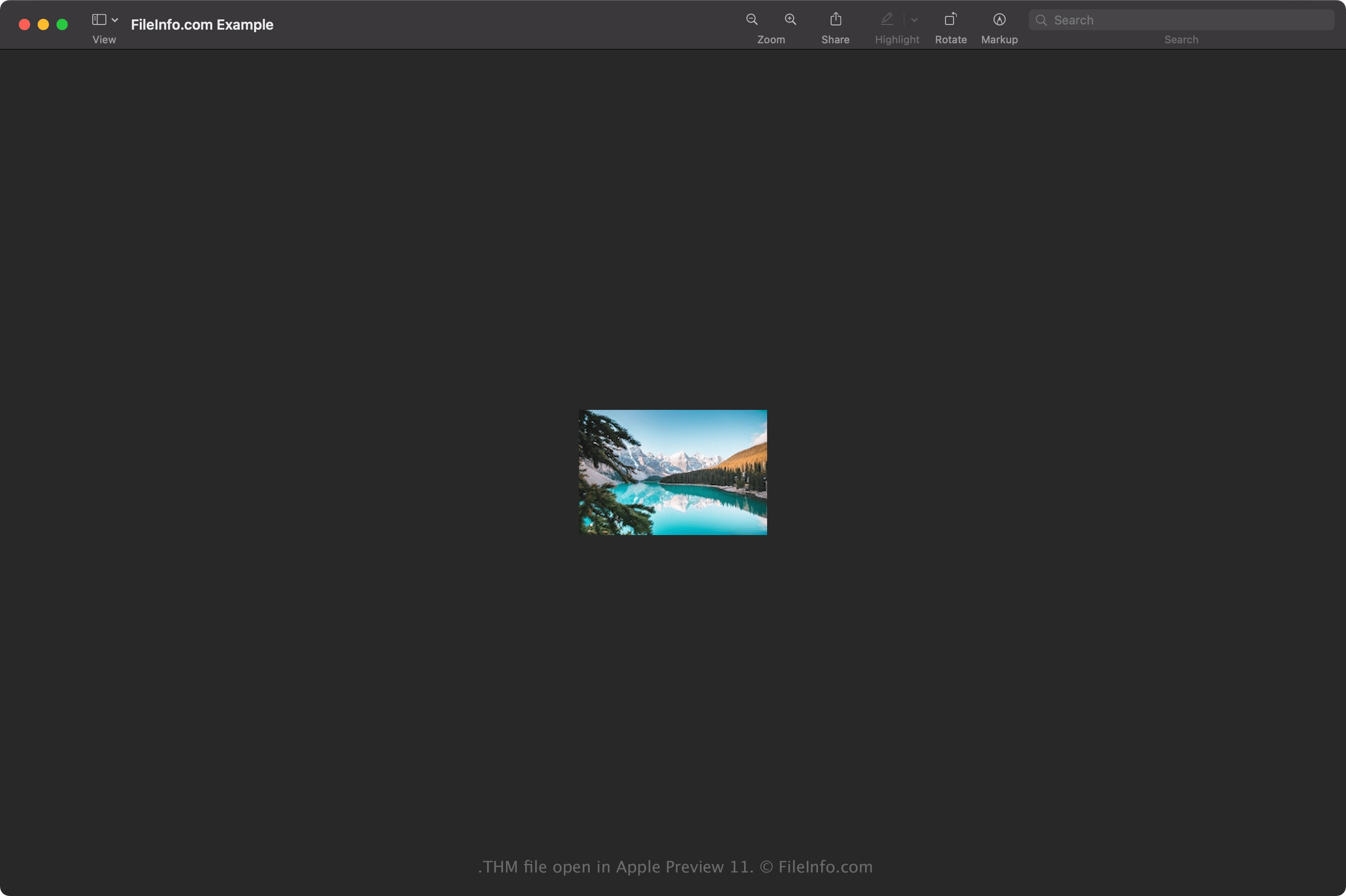
Screenshot einer .thm-Datei in Apple Preview 11
THM-Datei geöffnet in Apple Preview 11

The purpose of THM thumbnails is to provide a quick preview that gives you an idea of the image, video, clip art, etc., you are browsing. Since the thumbnail is saved at such a low resolution, it is not meant to be opened and viewed the same as the original file for which it stores the preview.

So öffnen Sie eine THM-Datei

You can open THM files with various image viewers and editors, such as Microsoft Photos (Windows) and Apple Preview (Mac). For example, to open a THM file with Preview, select File → Open.

So konvertieren Sie eine THM-Datei

Apple Preview and Microsoft Photos can convert THM files to other formats.

For example, Preview can convert THM files to the following formats:

  • .JPG - JPEG Image
  • .PNG - Portable Network Graphic
  • .TIF - Tagged Image File Format
  • .EXR - OpenEXR Image
  • .HEIC - High Efficiency Image Format
  • .PDF - Portable Document Format

Programme, die .THM-Dateien öffnen

Windows
Im Betriebssystem enthalten
Kostenlose Testversion
Mac
Im Betriebssystem enthalten

GoPro Thumbnail Image

Entwickler GoPro
Beliebtheit
2.0  |  1 Stimme
 

A THM file is a raster image saved in the GoPro Thumbnail format. It stores image data similar to the JPEG format but also contains GoPro-specific metadata, including the date and time it was captured and the settings of the camera. GoPro cameras, such as the HERO2 and HERO3, automatically generate THM thumbnail images from captured footage to help users preview images and video.

Weitere Informationen

Select GoPro cameras create THM and .LRV files to accompany captured footage to aid you as you browse through your footage on the camera screen or your mobile phone (using the Quik app). For example, a GoPro HERO2 user will find a THM and LRV file next to their .MP4 video.

The THM file is a small preview (typically 160x120) created from a single frame in your footage that is also small in size to allow for quicker loading times as you scroll. Additionally, the LRV file is a low-resolution video utilized during the editing process to reduce the amount of computing power required to edit a video.

Deleting GoPro THM files

You can delete THM files to remove clutter, but it may affect the speed at which you can preview footage on the camera or in the Quik app. However, the actual footage will not be affected.

Häufige .THM-Dateinamen

GOPR0[numbered video].THM - GoPro cameras name the THM file after the MP4 file it accompanies. For example, if you just recorded the 120th video, GoPro names the MP4 video GOPR0120.MP4 and the thumbnail GOPR0120.THM.

So öffnen Sie eine THM-Datei

THM files are not meant to be manually opened. Instead, GoPro cameras and the Quik app (iOS and Android) reference them for quicker loading times as you browse through footage.

However, since the files are saved in a JPEG format, you may be able to view them with an app that supports JPEG images.

Programme, die .THM-Dateien öffnen oder referenzieren

iOS
Kostenlos+
Android
Kostenlos+

Geprüft von FileInfo.com

Das FileInfo.com-Team hat alle auf dieser Seite aufgeführten Dateiformate und Softwareprogramme unabhängig recherchiert. Unser Ziel ist 100% Genauigkeit, und wir veröffentlichen nur Informationen zu Dateitypen, die wir überprüft haben.

Wenn Sie Ergänzungen oder Aktualisierungen zu dieser Seite vorschlagen möchten, teilen Sie es uns bitte.