

.MBX Dateiendung
Mecabricks-3D-Szene
| Entwickler | Mecabricks |
| Beliebtheit |
2,0 | 1 Stimme |
Eine MBX-Datei ist eine 3D-Szene, die von Mecabricks exportiert wurde, einem Onlinetool für LEGO-Fans zum Erstellen von Szenen mit LEGO-Steinen. Sie enthält Szeneninformationen im Klartext, z. B. Punkte, Oberflächen, Positionen und Texturen eines Modells sowie Hintergrundinformationen. Normalerweise stoßen Mecabricks-Benutzer nicht auf MBX-Dateien, da das Programm die Szene im komprimierten .ZMBX-Format exportiert, es sei denn, der Webbrowser dekomprimiert die ZMBX-Datei beim Herunterladen der Szene aus dem Programm automatisch als .ZIP-Archiv und hinterlässt die MBX-Datei.
Weitere Informationen
Nicolas Jarraud veröffentlichte Mecabricks erstmals 2012 und entwickelt es kontinuierlich weiter, indem er neue Funktionen hinzufügt. Seit seiner Veröffentlichung ist die App bei LEGO-Fans sehr beliebt.
Sie verwenden die App normalerweise, um LEGO-Szenen im Mecabricks-(MBX)-Format zu erstellen, zu rendern und zu animieren. Anschließend können sie die Szenen als ZMBX-Dateien exportieren und in Blender importieren, um sie weiter zu veranschaulichen und zu animieren.
Häufige .MBX-Dateinamen
scene.mbx - Standardname, den Mecabricks der Szene beim Exportieren in eine ZMBX-Datei gibt.
So öffnen Sie eine MBX-Datei
Sie können MBX-Dateien mit Mecabricks in einem Webbrowser oder mit Blender unter Windows, macOS oder Linux öffnen (wenn das Blender Lite-Plugin installiert ist). Sie müssen die Datei jedoch als ZIP-Archiv komprimieren (klicken Sie beispielsweise unter Windows oder macOS mit der rechten Maustaste auf die Datei und wählen Sie im Kontextmenü die Option ), und anschließend die Dateierweiterung .zip in .zmbx umbenennen, damit die Programme sie öffnen können.
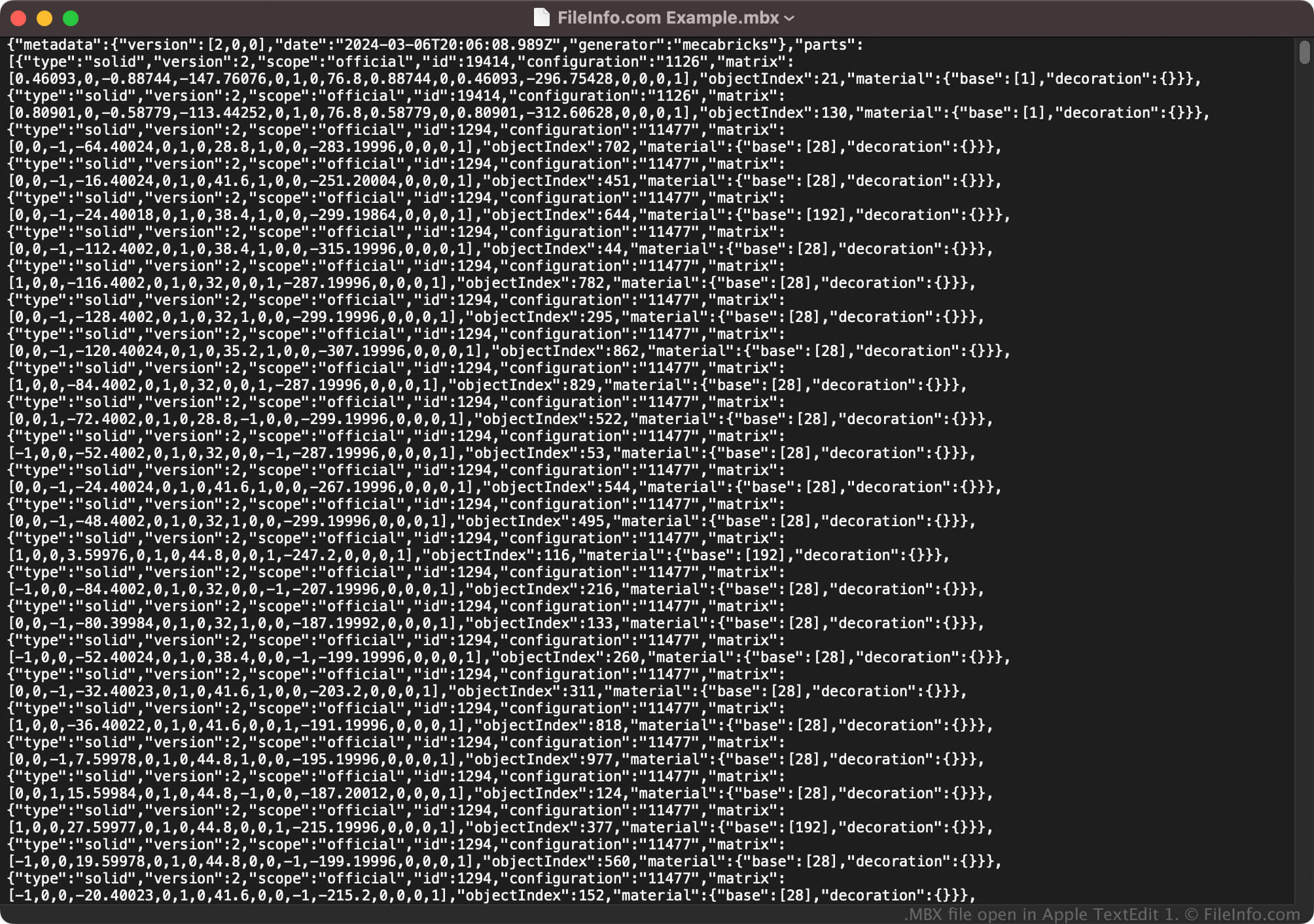
Da MBX-Dateien Informationen im Klartext speichern, können Sie sie auch mit einem Texteditor öffnen, z. B. mit Microsoft Notepad (Windows) oder Apple TextEdit (macOS). Wenn Sie sie jedoch mit einem Texteditor öffnen, werden sie nicht genauso angezeigt wie beim Öffnen mit Mecabricks oder Blender.
So konvertieren Sie eine MBX-Datei
Wenn Sie eine MBX-Datei als ZIP-Archiv komprimieren und anschließend die Dateierweiterung .zip in .zmbx umbenennen, können Mecabricks und Blender (mit dem Blender Lite-Plugin) die Datei in andere 3D-Modellformate konvertieren. Beispielsweise können Sie ZMBX-Dateien mit Mecabricks in die folgenden Dateitypen konvertieren, indem Sie auswählen: