

.HWP Dateiendung
Hanword-Dokument
| Entwickler | Hancom |
| Beliebtheit |
3,1 | 113 Stimmen |
Eine HWP-Datei ist ein Dokument, das mit Hancom Hanword, einem koreanischen Textverarbeitungsprogramm, erstellt wurde. HWP-Dateien enthalten normalerweise Text, der mit Hangul, dem koreanischen Alphabet, geschrieben wurde. Sie können auch Grafiken und Informationen zur Dokumentformatierung enthalten.
Weitere Informationen
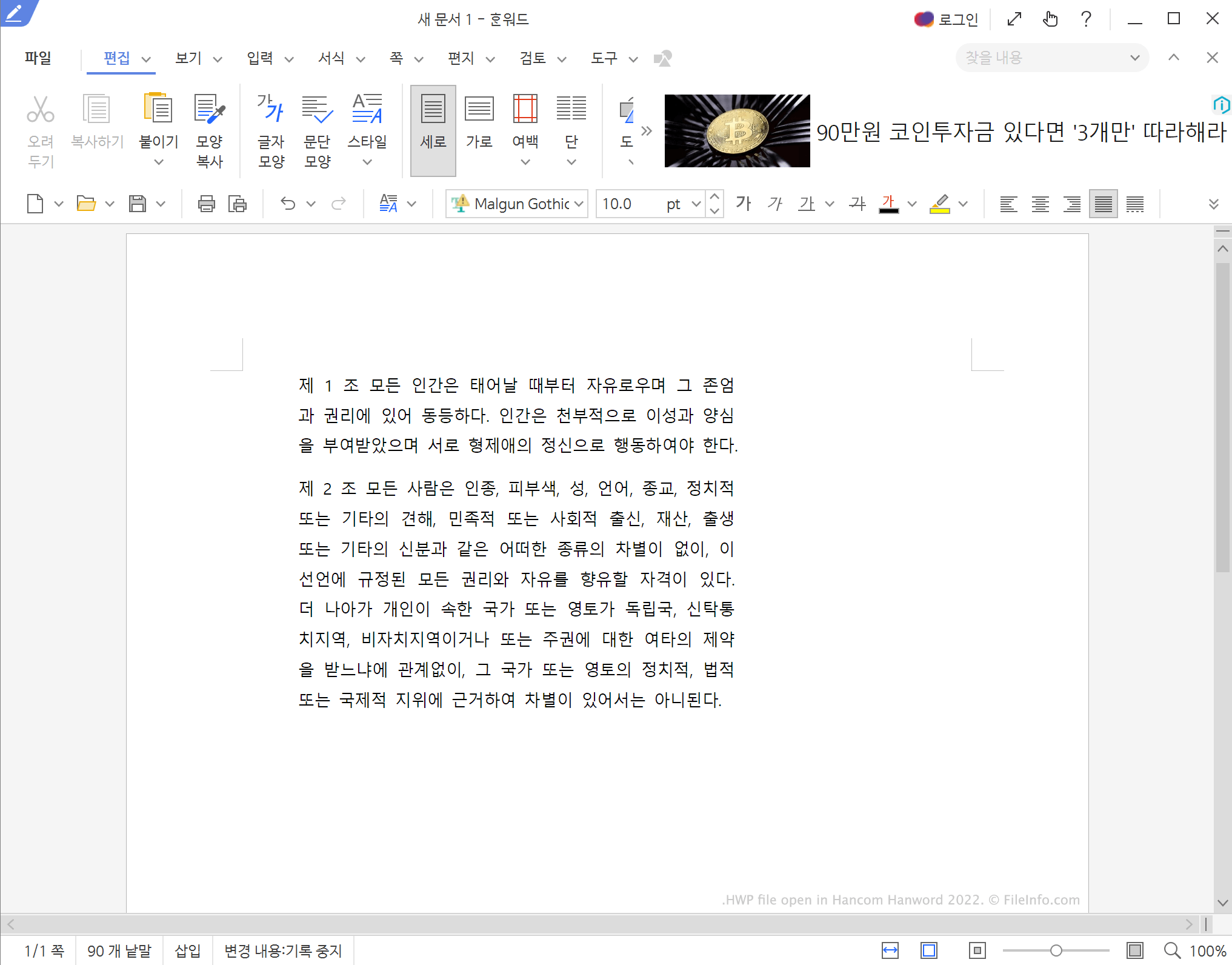
Hanword, früher bekannt als Hangul Word Processor, ist Teil der Hancom Office-Suite. Die Hancom Office-Suite ähnelt Microsoft Office, und Hanword ähnelt Microsoft Word. Benutzer, die Dokumente auf Koreanisch schreiben müssen, verwenden Hanword zum Erstellen von HWP-Dateien.
Am wahrscheinlichsten stoßen Sie auf eine HWP-Datei, wenn Sie mit einer Person oder Organisation aus Südkorea zu tun haben. Beispielsweise verwenden einige südkoreanische Regierungsbehörden Dokumente, die als HWP-Dateien gespeichert sind.
HINWEIS: Hanword ist nur in der koreanischen Version von Hancom Office enthalten.
So öffnen Sie eine HWP-Datei
Sie können jede HWP-Datei mit Hancom Hanword (mehrere Plattformen), Hancom Office Viewer (iOS, Android), Polaris Office Web Hangul (Web) oder Cloud HWP Viewer (Web) öffnen. HWP-Dateien, die mit Hangul Word Processor '97 oder früheren Versionen erstellt wurden, können Sie mit LibreOffice Writer (mehrere Plattformen), OpenOffice Writer (mehrere Plattformen) und Planamesa NeoOffice (Mac) öffnen.
So konvertieren Sie eine HWP-Datei
Mit Microsofts kostenlosem Hanword HWP Document Converter for Microsoft Word können Sie HWP-Dateien in .DOCX-Dateien umwandeln. Mit Cloud HWP Viewer können Sie eine HWP-Datei als .ZIP-Datei speichern, die eine .HTML-Version des Dateiinhalts enthält.
Wenn Sie mit einem koreanischsprachigen Programm vertraut sind, können Sie Hancom Hanword verwenden, um HWP-Dateien in die folgenden Formate umzuwandeln: