.SIX 文件扩展名

Sixel Image

开发者 Digital Equipment Corporation
受欢迎程度
4.0  |  4 
 

什么是 SIX 文件?

A SIX file is a raster image saved in the Sixel image format. It contains an image that was meant to be printed by a Digital Equipment Corporation (DEC) dot matrix printer or computer terminal. SIX files are comprised of "sixels," which are sets of six pixel columns.

更多信息

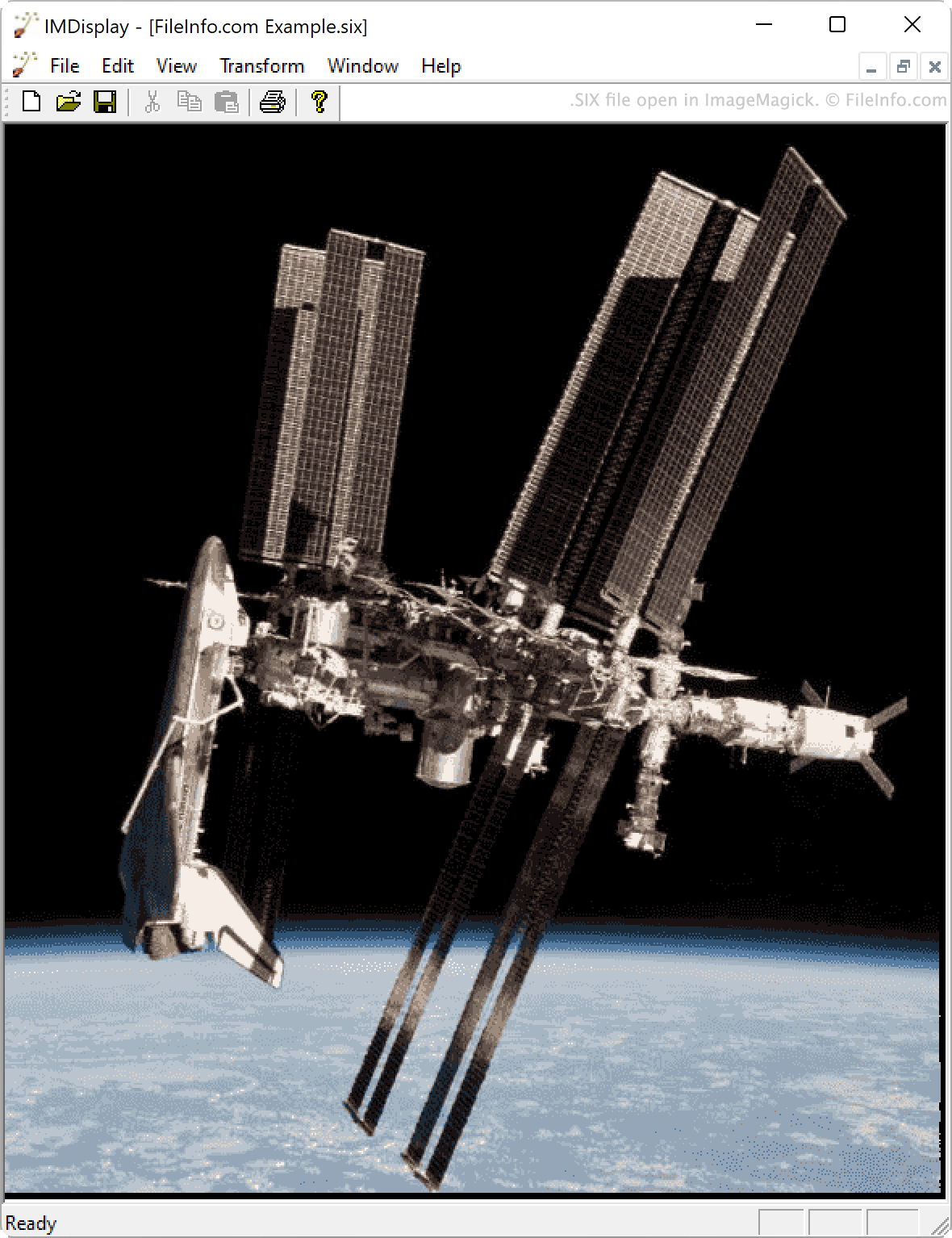
在 ImageMagick 中打开的 .six 文件截图
在 ImageMagick 中打开的 SIX 文件

DEC created the Sixel format for use on terminals and printers released in the 1980s. For example, the VT200 and VT300 series terminals can display images saved in the Sixel format.

Each Sixel image, or SIX file, is comprised of binary data encoded into strings of six-bit numbers. Each number is then converted into an ASCII character. Programs that can read the Sixel format convert these ASCII character strings into raster images.

如何打开 SIX 文件

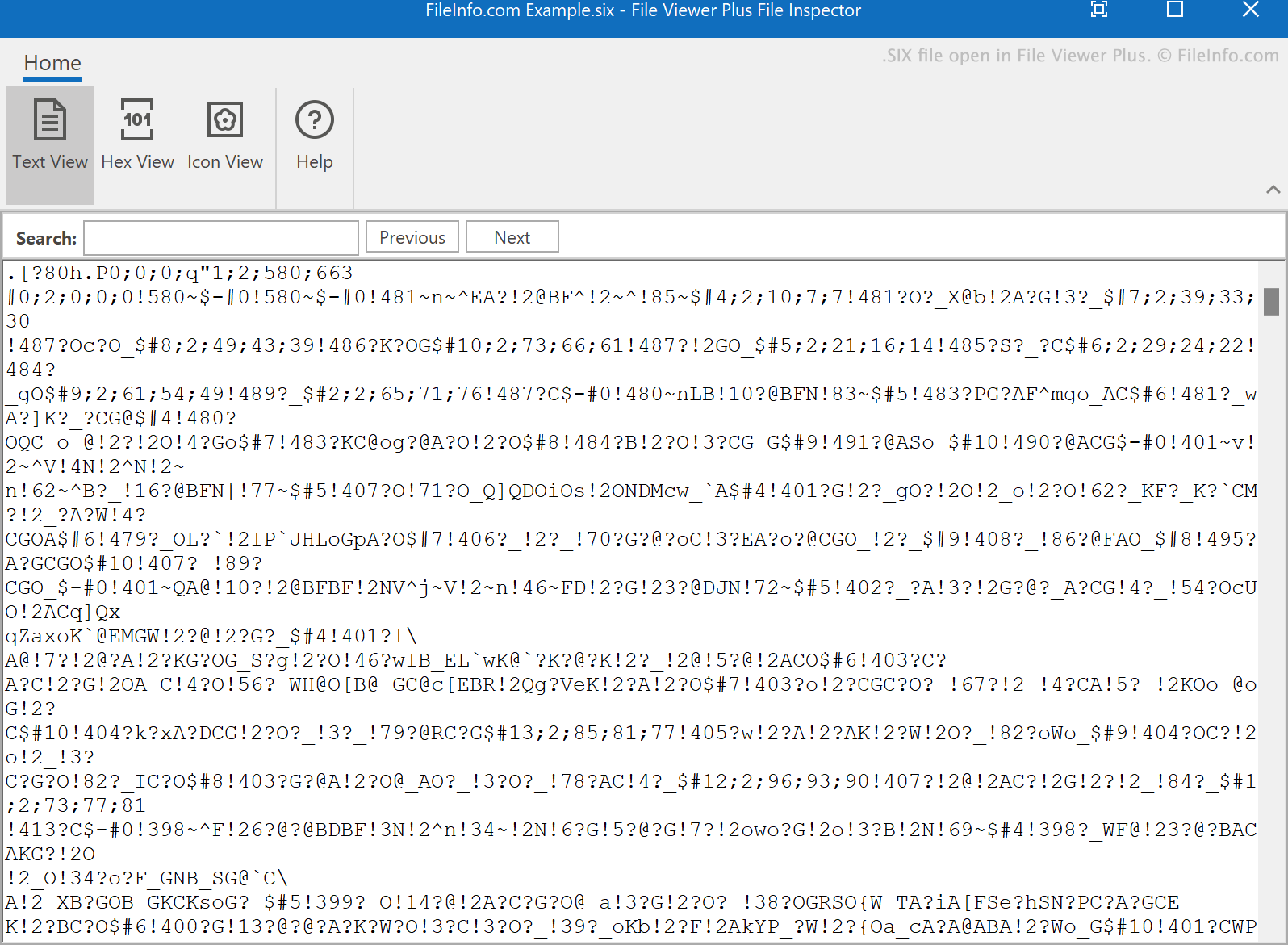
SIX file open in File Viewer Plus 4

You can open a SIX file with ImageMagick (multiplatform) or SixelViewer (Windows). You can also view the text a SIX file contains in any text editor.

如何转换 SIX 文件

You can use ImageMagick to convert SIX files to other image formats, including:

  • .JPG - JPEG Image
  • .PNG - Portable Network Graphic
  • .TIFF - Tagged Image File Format
  • .BMP - Bitmap Image
  • .WMF - Windows Metafile
  • .MIFF - Magick Image
  • .SVG - Scalable Vector Graphics
  • .EPS - Encapsulated PostScript
  • .GIF - Graphical Interchange Format
使用File Viewer Plus打开 400 多种文件格式。免费下载

可打开 SIX 文件的程序

Windows
Mac
Linux

验证者 FileInfo.com

FileInfo.com 团队 独立研究了本页面列出的 Sixel Image 文件格式和 Mac, Windows, and Linux 应用。 我们的目标是达到 100% 的准确率,并且仅发布我们已验证过的文件类型信息。

如果您想为此页面提出新增或更新建议,请告诉我们