

.SIX Extensão de arquivo
Imagem Sixel
| Desenvolvedor | Digital Equipment Corporation |
| Popularidade |
4,2 | 5 Votos |
O que é um arquivo SIX?
Um arquivo SIX é uma imagem raster salva no formato de imagem Sixel. Ele contém uma imagem destinada a ser impressa por uma impressora matricial ou terminal de computador da Digital Equipment Corporation (DEC). Os arquivos SIX são compostos por "sixels", que são conjuntos de seis colunas de pixels.
Mais informações
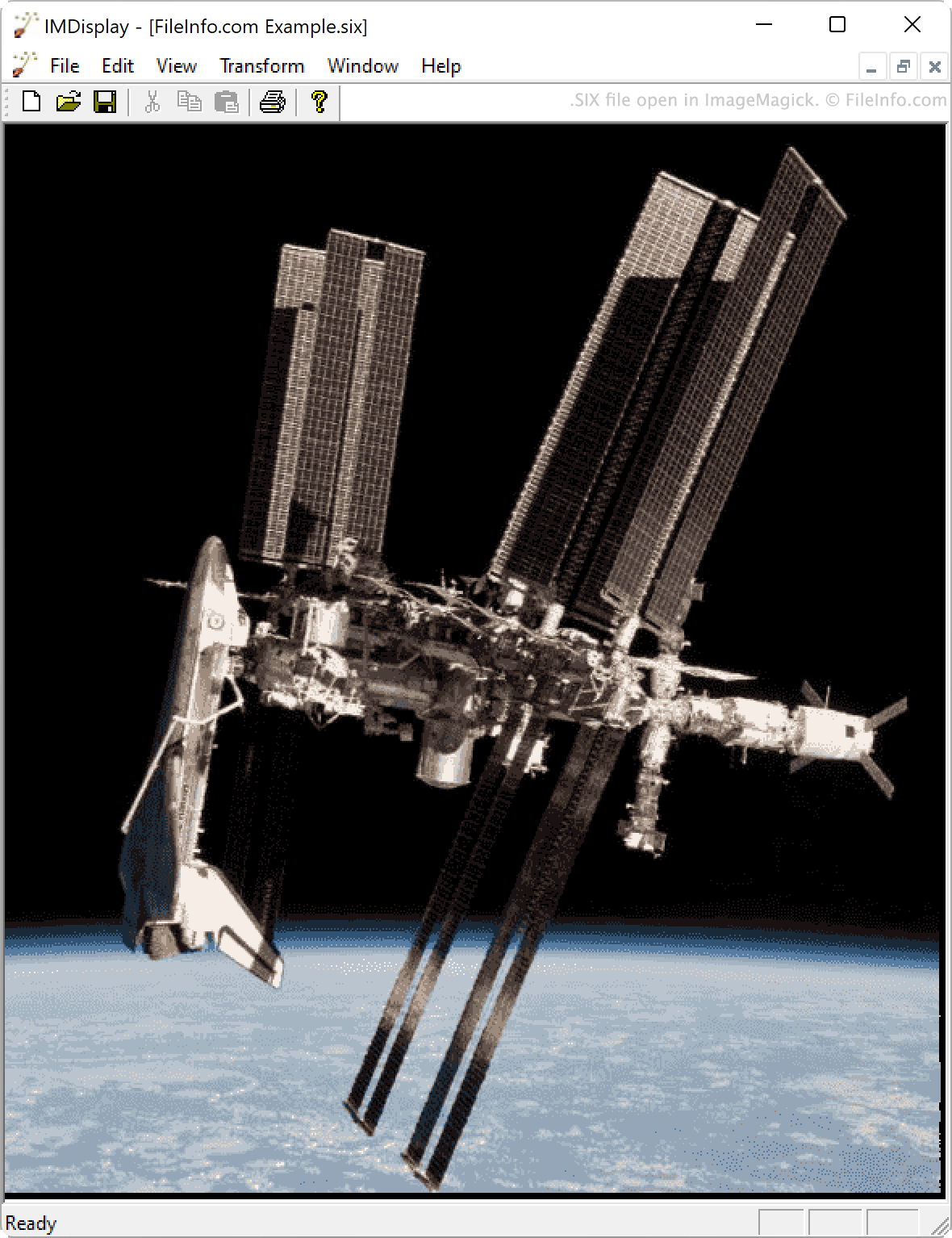
A DEC criou o formato Sixel para uso em terminais e impressoras lançados na década de 1980. Por exemplo, os terminais das séries VT200 e VT300 podem exibir imagens salvas no formato Sixel.
Cada imagem Sixel, ou arquivo SIX, é composto por dados binários codificados em sequências de números de seis bits. Cada número é então convertido em um caractere ASCII. Os programas que conseguem ler o formato Sixel convertem essas sequências de caracteres ASCII em imagens raster.
Como abrir um arquivo SIX
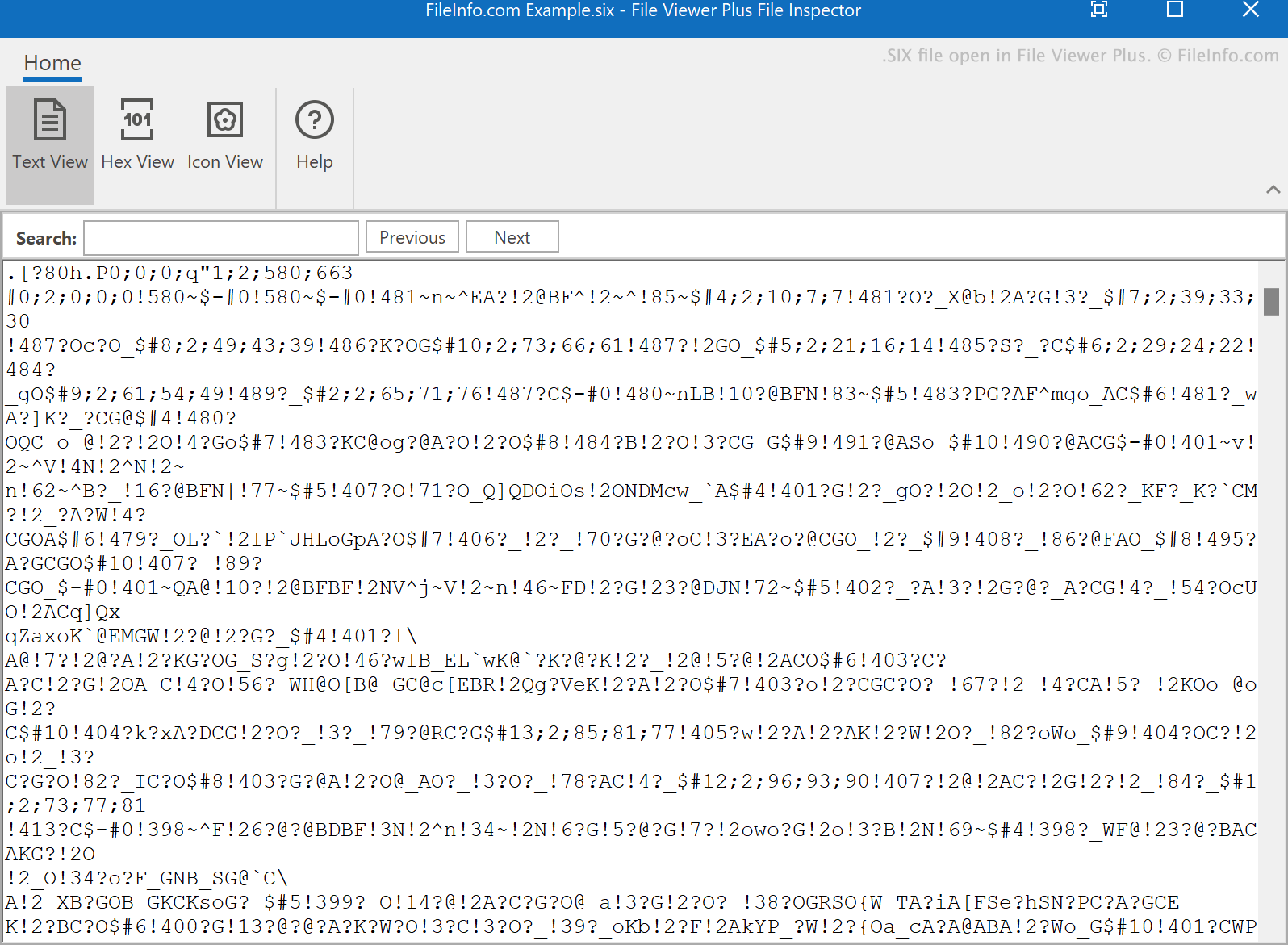
Você pode abrir um arquivo SIX com o ImageMagick (multiplataforma) ou o SixelViewer (Windows). Você também pode visualizar o texto contido em um arquivo SIX em qualquer editor de texto.
Como converter um arquivo SIX
Você pode usar o ImageMagick para converter arquivos SIX em outros formatos de imagem, incluindo: