.MSS 文件扩展名

Microprocessor Software Specification File

开发者 Xilinx
受欢迎程度
3.3  |  6 
 

什么是 MSS 文件?

File used by Xilinx Platform Studio (XPS), a program used to design software for microprocessors; specifies the input/output devices, interrupt handler routines, and other software features for a microprocessor.

更多信息

MSS files define the software that can be used with a microchip designed with Xilinx Platform Studio (XPS). They are used as input into the Library Generator, which creates a software library for an embedded processor instance.

使用File Viewer Plus打开 400 多种文件格式。免费下载

可打开或引用 MSS 文件的程序

Windows
分类: 开发者
更新时间: 2010-04-28

MyScreenSaver Builder File

开发者 MSB
受欢迎程度
3.3  |  3 
 

Car data file created by MyScreenSaver Builder, a program used to make screen savers and browse and share car information; stores car images and data in a proprietary format; may include car information such as the make, model, year, price, and dimensions.

更多信息

MSS files are used to package images into categorized collections for viewing, distribution, and screen saver generation. MyScreenSaver Builder can import both .GIF and .JPG image formats into MSS files.

MSS files may be viewed with the MSS Viewer, a tool included with MyScreenSaver Builder used to browse the pictures and information in MSS packages.

可打开 MSS 文件的程序

Windows
分类: 数据
更新时间: 2010-04-28

CartoCSS Map Stylesheet

开发者 Mapbox
受欢迎程度
2.5  |  2 
 

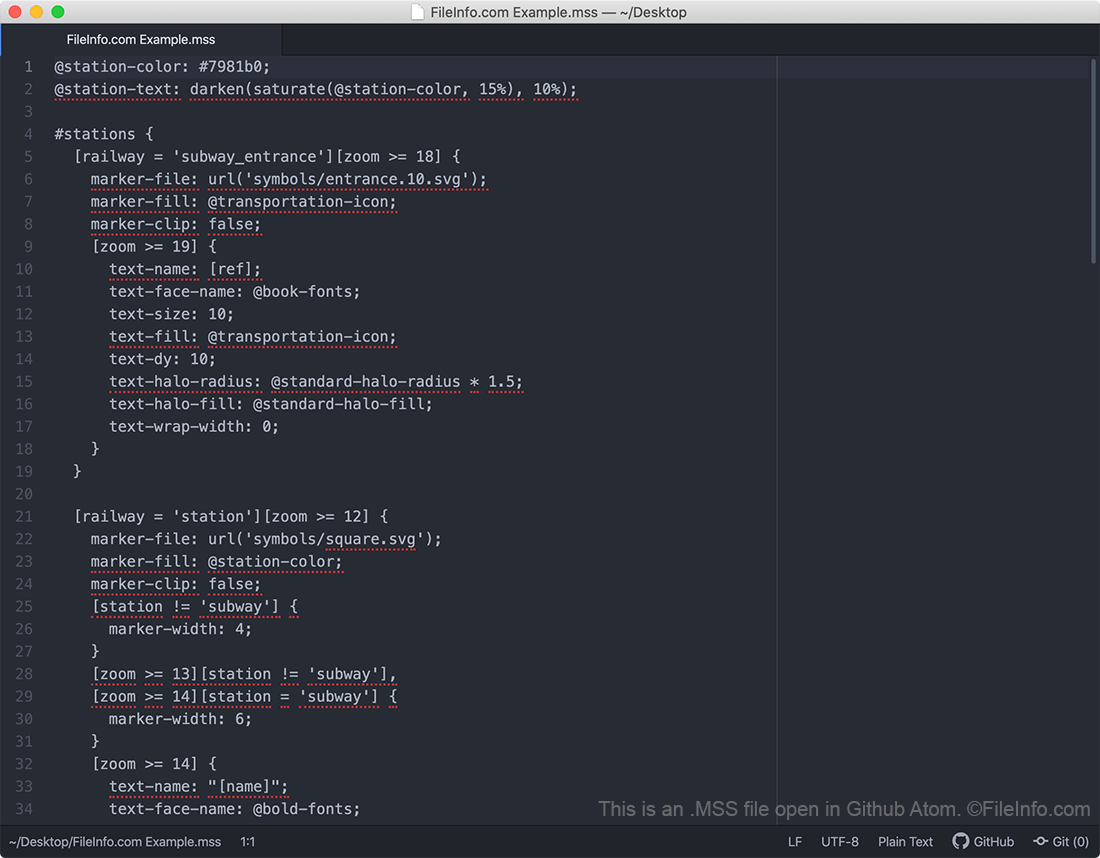
An MSS file is a stylesheet used by CartoCSS-based mapping programs, such as Mapbox, OpenStreetMap, TileMill, and Mapnik. It contains map styling information written in the CartoCSS styling language. MSS files determine how content appears on a map (e.g. what roads should be shown, what colors those roads should appear in, how wide the roads should appear, etc.).

更多信息

在 Github Atom 中打开的 .mss 文件截图
在 Github Atom 中打开的 MSS 文件

CartoCSS is a CSS-based styling language that developers use to create open source street maps. Map developers can either write their maps directly in CartoCSS, using the CartoCSS code installation package and the development environment of their choice, or they can create CartoCSS-based maps using a map design application like Kosmtik, Mapbox Studio Classic, or TileMill.

As they create a map, developers must choose how roads, text, and other items appear on it. Developers use MSS files to specify, among other things, what roads should appear on their map, what color and width those roads should appear in, what symbols to use for certain types of landmarks, and how text should appear on their map.

In 2016, the Mapbox team announced they were replacing the CartoCSS styling language with the Mapbox GL Style Specification, a JSON-based styling language. Mapbox's newer map creation applications use Mapbox GL stylesheets, which are saved with the .JSON extension. However, the mapping community continues to maintain CartoCSS and many of the map creation programs that use it.

如何打开 MSS 文件

You should open an MSS file in a Carto-CSS based map creation program, such as Mapbox Studio Classic, TileMill, or Kosmtik. These programs contain helpful features that will help you understand the styling information contained within the file. However, because MSS files are plain text documents, you can also open and edit an MSS file in any text editor if needed.

可打开或引用 MSS 文件的程序

Windows
Linux
分类: 文本
更新时间: 2020-09-15

MuseScore Style Definition

开发者 The MuseScore Team
受欢迎程度
2.0  |  1 
 

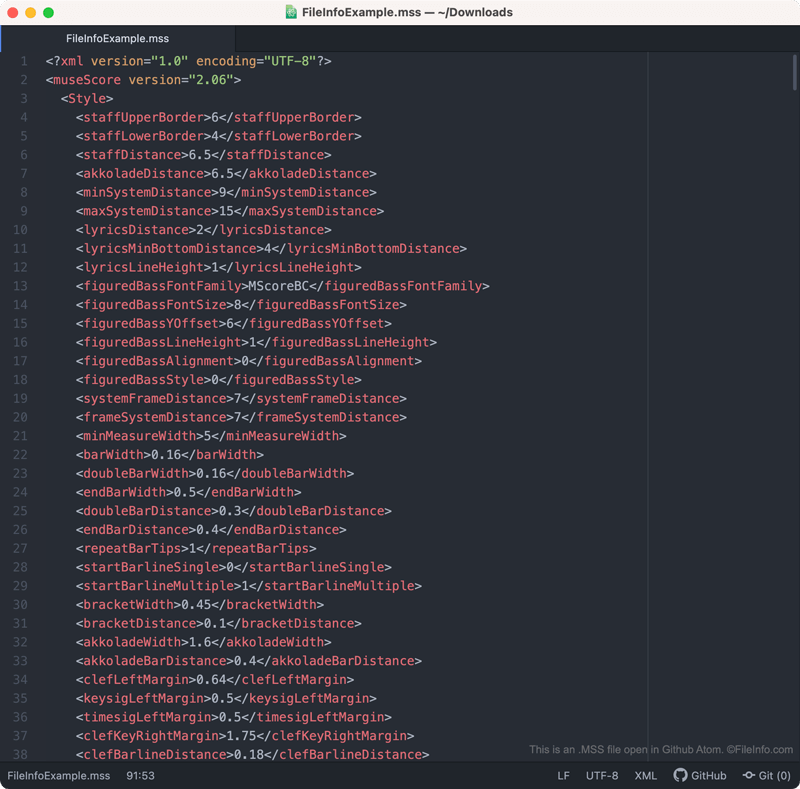
An MSS file is a MuseScore style definition. It contains XML-based settings that define how a musical score appears in MuseScore. Specifically, MSS files control how notes, rests, measures, staffs, text, and other visual elements appear within a piece of a music.

更多信息

在 Github Atom 中打开的 .mss 文件截图
在 Github Atom 中打开的 MSS 文件

MuseScore is a free music composition and notation program that composers can use to create, edit, and share musical scores. As composers create a piece of music, they can adjust the way notes, rests, measures, staffs, text, and other visual elements appear in that piece of music.

If the composer wants to save these settings (perhaps to apply them to another score in the future), they can do so by selecting Format → Save Style... from MuseScore's menu bar. When they do, MuseScore creates an MSS file, which contains the composer's custom style settings.

MSS files contain style settings saved in an XML format. As such, they are human-readable. So, if you do not have access to MuseScore (or want to preview the settings contained within an MSS file before applying them), you can open an MSS file in a text editor to view the settings it contains.

如何打开 MSS 文件

You can open an MSS file (and apply the style settings it contains to a piece of music) in MuseScore. To do so, select Format → Load Style... from the program's menu bar.

If you want to view the settings an MSS file contains before applying those settings in MuseScore, you can open the file in any text editor, such as Microsoft Notepad, Apple TextEdit, or Github Atom.

可打开 MSS 文件的程序

Windows
Mac
Linux
Web
免费
分类: 设置
更新时间: 2020-11-16

验证者 FileInfo.com

FileInfo.com 团队 独立研究了本页面列出的所有文件格式和软件程序。 我们的目标是达到 100% 的准确率,并且仅发布我们已验证过的文件类型信息。

如果您想为此页面提出新增或更新建议,请告诉我们