.EML 文件扩展名

E-Mail Message

开发者 Microsoft
受欢迎程度
3.4  |  670 
 

什么是 EML 文件?

An EML file is an email message saved by an email application, such as Microsoft Outlook or Apple Mail. It contains the content of the message, along with the subject, sender, recipient(s), and date of the message. EML files may also store one or more email attachments, which are files sent with the message.

更多信息

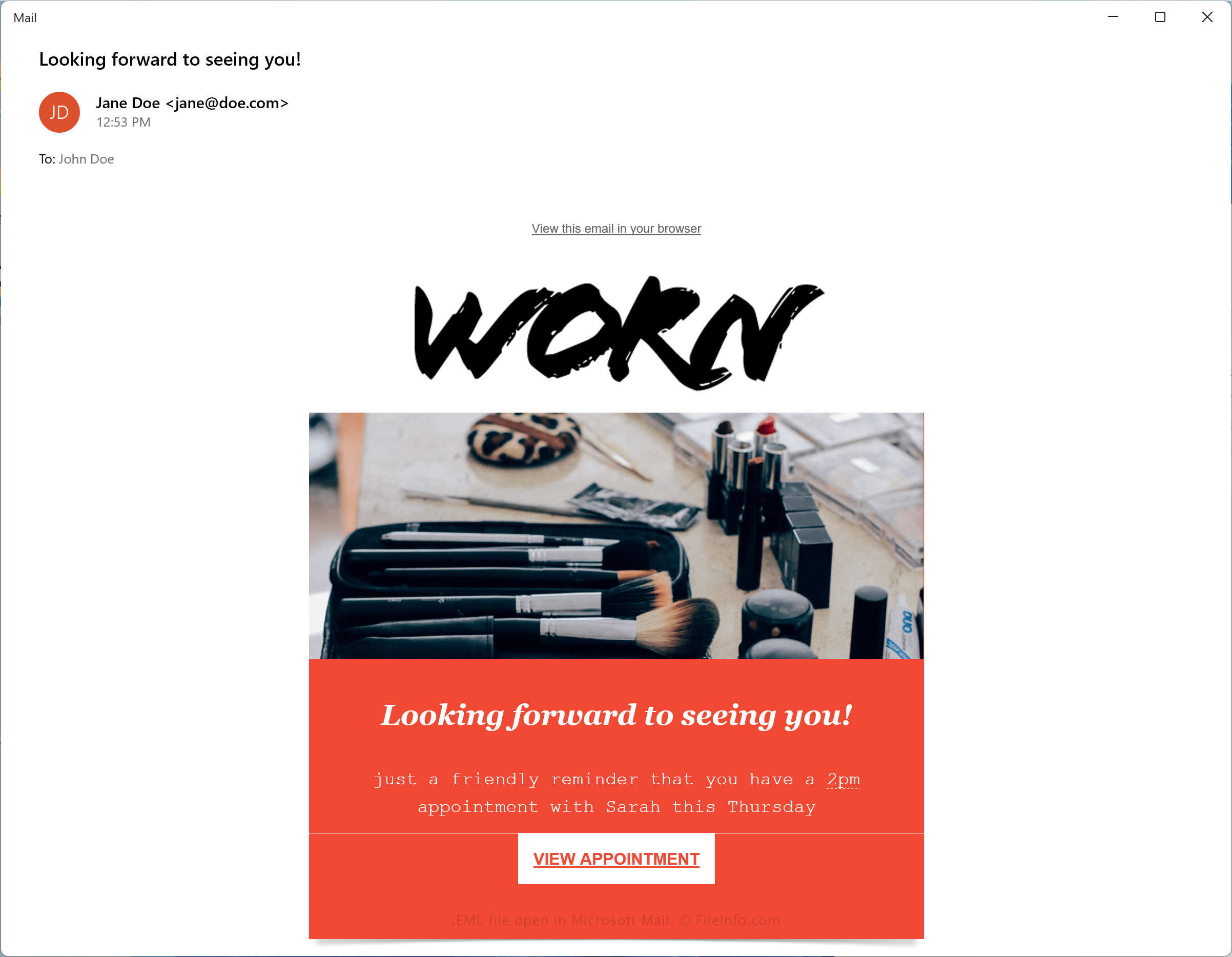
在 Microsoft Mail 中打开的 .eml 文件截图
在 Microsoft Mail 中打开的 EML 文件

Microsoft developed the Electronic Mail (EML) format to comply with the industry-standard RFC 5322 for transferring messages between email clients. EML utilizes the Internet Message Format (IMF) syntax for text stored in the messages.

Because of its wide adoption among email clients, EML has become one of the most common email message formats. Some other common email message file types include .MSG .MBOX, .EMLX and .DAT.

How to save an email message as an EML file

Since the EML format is widely supported, you can save emails as .EML files with most email applications. Two common email applications that can save messages as EML files include Microsoft Mail and Apple Mail:

  • Microsoft Mail - Open an email message, click the three-dot Actions icon, then select Save as
  • Apple Mail - Open an email message, click File → Save As... and choose Raw Message Source in the Format dropdown menu

如何打开 EML 文件

You can open EML files with various email programs, such as Microsoft Outlook (Windows), Apple Mail (macOS), and Mozilla Thunderbird (multiplatform).

You can also open EML files with various web browsers, including Google Chrome (multiplatform), Microsoft Edge, and Internet Explorer since they are formatted similar to .MHT files. You can change the .eml file extension to .mht and open it directly with the web browser.

Since EML files are partially saved in plain text format, you can open them with a plain text editor, such as Microsoft Notepad and Apple TextEdit. However, you may need to change the .eml file extension to .txt. Remember that text editors will not natively display EML files like an email application.

如何转换 EML 文件

Various applications, including Apple Mail and Microsoft Outlook, can convert EML files to other formats.

For example, Apple Mail can convert EML files to the following formats:

  • .RTF - Rich Text Format
  • .TXT - Plain Text
  • .PDF - Portable Document Format
使用File Viewer Plus打开并查看 .eml 文件。免费下载

可打开 EML 文件的程序

分类: 文本
更新时间: 2022-05-03

验证者 FileInfo.com

FileInfo.com 团队 独立研究了本页面列出的 E-Mail Message 文件格式和 Mac, Windows, Linux, and Android 应用。 我们的目标是达到 100% 的准确率,并且仅发布我们已验证过的文件类型信息。

如果您想为此页面提出新增或更新建议,请告诉我们