

.EML Dateiendung
E-Mail-Nachricht
| Entwickler | Microsoft |
| Beliebtheit |
3,4 | 672 Stimmen |
Was ist eine EML-Datei?
Eine EML-Datei ist eine von einer E-Mail-Anwendung wie Microsoft Outlook oder Apple Mail gespeicherte E-Mail-Nachricht. Sie enthält den Inhalt der Nachricht sowie deren Betreff, Absender, Empfänger(innen) und Datum. EML-Dateien können auch einen oder mehrere E-Mail-Anhänge speichern, also Dateien, die mit der Nachricht gesendet wurden.
Weitere Informationen
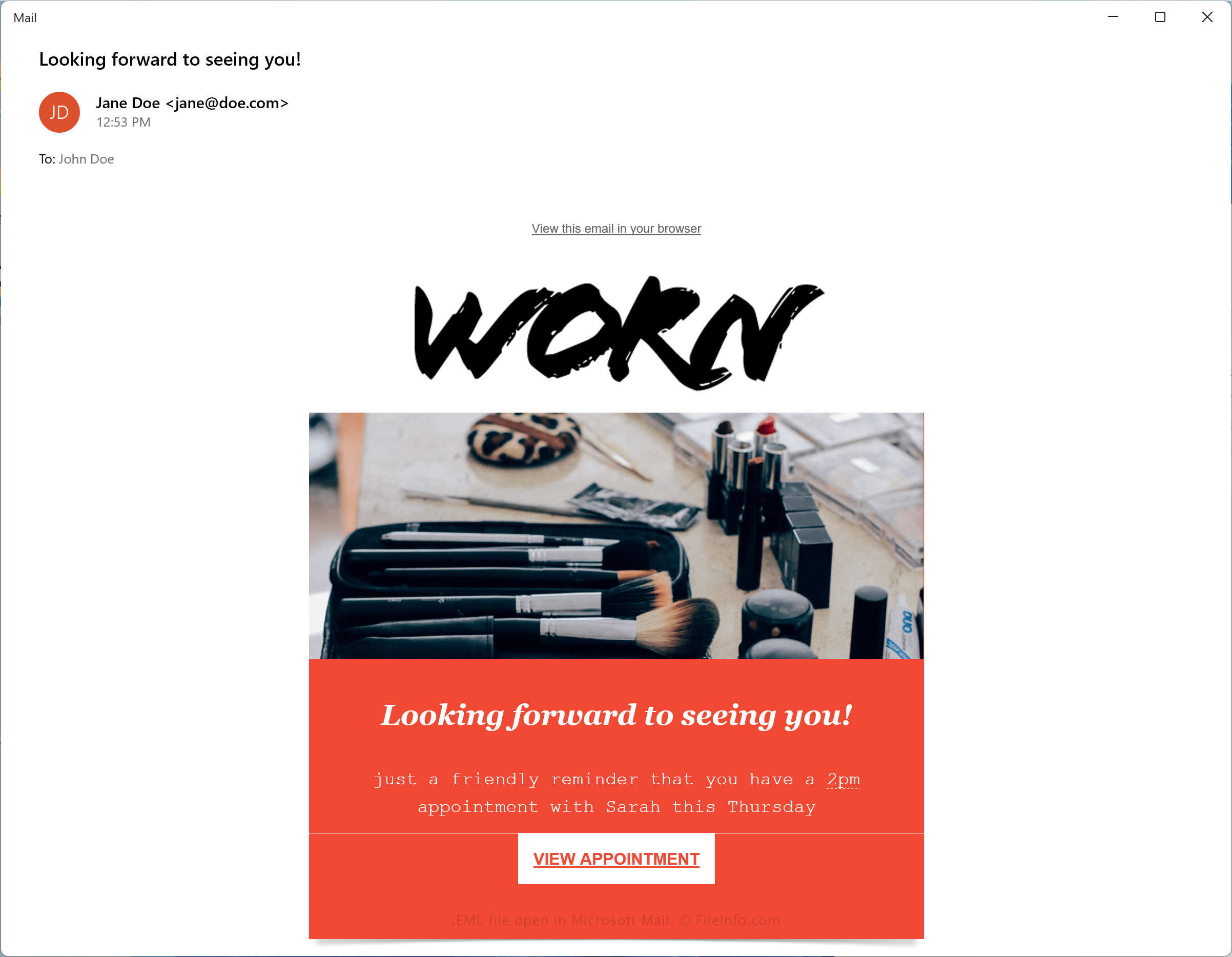
Microsoft entwickelte das Format Electronic Mail (EML), um den Industriestandard RFC 5322 für die Übertragung von Nachrichten zwischen E-Mail-Clients einzuhalten. EML verwendet die Syntax des Internet Message Format (IMF) für in den Nachrichten gespeicherten Text.
Aufgrund seiner weiten Verbreitung unter E-Mail-Clients ist EML zu einem der häufigsten Formate für E-Mail-Nachrichten geworden. Einige andere gängige Dateitypen für E-Mail-Nachrichten sind .MSG .MBOX, .EMLX und .DAT.
So speichern Sie eine E-Mail-Nachricht als EML-Datei
Da das EML-Format weitgehend unterstützt wird, können Sie E-Mails mit den meisten E-Mail-Anwendungen als .EML-Dateien speichern. Zwei gängige E-Mail-Anwendungen, mit denen Sie Nachrichten als EML-Dateien speichern können, sind Microsoft Mail und Apple Mail:
- Microsoft Mail - Öffnen Sie eine E-Mail-Nachricht, klicken Sie auf das Aktionssymbol mit den drei Punkten und wählen Sie dann
- Apple Mail - Öffnen Sie eine E-Mail-Nachricht, klicken Sie auf und wählen Sie im Dropdown-Menü die Option aus
So öffnen Sie eine EML-Datei
Sie können EML-Dateien mit verschiedenen E-Mail-Programmen öffnen, darunter Microsoft Outlook (Windows), Apple Mail (macOS) und Mozilla Thunderbird (plattformübergreifend).
Sie können EML-Dateien auch mit verschiedenen Webbrowsern öffnen, darunter Google Chrome (plattformübergreifend), Microsoft Edge und Internet Explorer, da sie ähnlich wie .MHT-Dateien formatiert sind. Sie können die Dateierweiterung .eml in .mht ändern und die Datei direkt mit dem Webbrowser öffnen.
Da EML-Dateien teilweise im Klartextformat gespeichert werden, können Sie sie mit einem Klartexteditor wie Microsoft Notepad und Apple TextEdit öffnen. Möglicherweise müssen Sie jedoch die Dateierweiterung .eml in .txt ändern. Beachten Sie, dass Texteditoren EML-Dateien nicht wie eine E-Mail-Anwendung von Haus aus anzeigen.