

.EML Bestandsextensie
E-mailbericht
| Ontwikkelaar | Microsoft |
| Populariteit |
3,4 | 672 stemmen |
Wat is een EML-bestand?
Een EML-bestand is een e-mailbericht dat is opgeslagen door een e-mailprogramma, zoals Microsoft Outlook of Apple Mail. Het bevat de inhoud van het bericht, samen met het onderwerp, de afzender, de ontvanger(s) en de datum van het bericht. EML-bestanden kunnen ook een of meer e-mailbijlagen opslaan. Dit zijn bestanden die met het bericht zijn meegestuurd.
Meer informatie
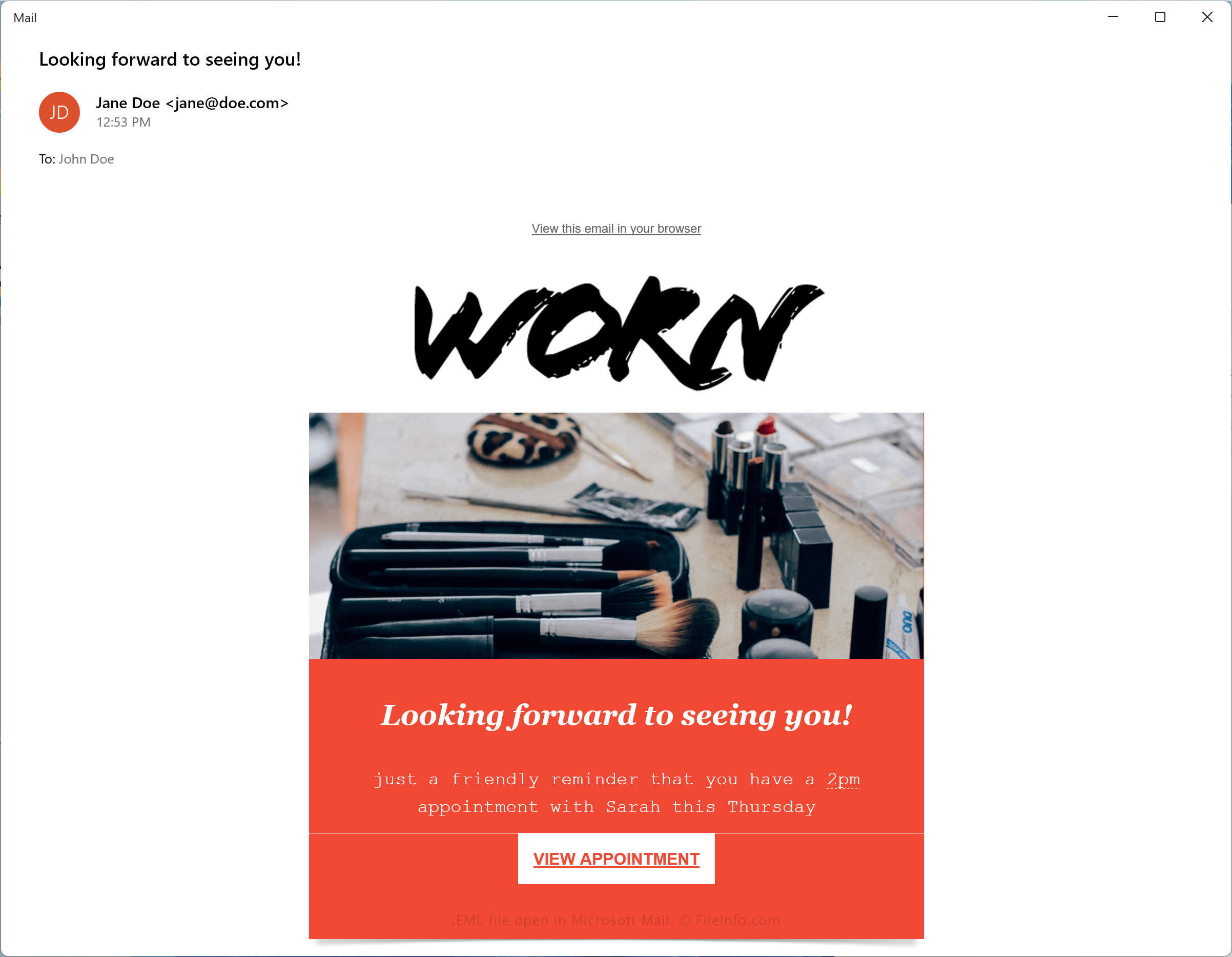
Microsoft ontwikkelde de Electronic Mail (EML)-indeling om te voldoen aan de industriestandaard RFC 5322 voor het overdragen van berichten tussen e-mailprogramma's. EML gebruikt de syntaxis van de Internet Message Format (IMF) voor tekst die in de berichten is opgeslagen.
Omdat EML door veel e-mailprogramma's wordt ondersteund, is het een van de meest gebruikte indelingen voor e-mailberichten geworden. Enkele andere veelgebruikte bestandstypen voor e-mailberichten zijn .MSG .MBOX, .EMLX en .DAT.
Een e-mailbericht opslaan als EML-bestand
Omdat de EML-indeling breed wordt ondersteund, kun je e-mails met de meeste e-mailprogramma's opslaan als .EML-bestanden. Twee veelgebruikte e-mailprogramma's waarmee je berichten als EML-bestanden kunt opslaan, zijn Microsoft Mail en Apple Mail:
- Microsoft Mail - Open een e-mailbericht, klik op het pictogram met de drie puntjes voor acties en selecteer vervolgens
- Apple Mail - Open een e-mailbericht, klik op en kies in het vervolgkeuzemenu
Een EML-bestand openen
Je kunt EML-bestanden openen met verschillende e-mailprogramma's, zoals Microsoft Outlook (Windows), Apple Mail (macOS) en Mozilla Thunderbird (multiplatform).
Je kunt EML-bestanden ook openen met verschillende webbrowsers, waaronder Google Chrome (multiplatform), Microsoft Edge en Internet Explorer, omdat ze vergelijkbaar zijn opgemaakt als .MHT-bestanden. Je kunt de bestandsextensie .eml wijzigen in .mht en het bestand rechtstreeks met de webbrowser openen.
Omdat EML-bestanden gedeeltelijk in tekst zonder opmaak zijn opgeslagen, kun je ze openen met een teksteditor, zoals Microsoft Notepad en Apple TextEdit. Je moet de bestandsextensie .eml mogelijk wel wijzigen in .txt. Houd er rekening mee dat teksteditors EML-bestanden niet standaard weergeven zoals een e-mailprogramma dat doet.