.MSG 文件扩展名

Outlook Message Item File

开发者 Microsoft
受欢迎程度
3.4  |  223 
 

什么是 MSG 文件?

An MSG file is an Outlook item, such as an email message, contact, appointment, meeting, or task, created or saved by Microsoft Outlook. It stores all the information associated with the item, including attachments in the case of email messages. Users often encounter MSG files when Outlook items are exported for sharing or archiving, although other programs that support Microsoft's Messaging Application Programming Interface (MAPI) can also open or create them.

更多信息

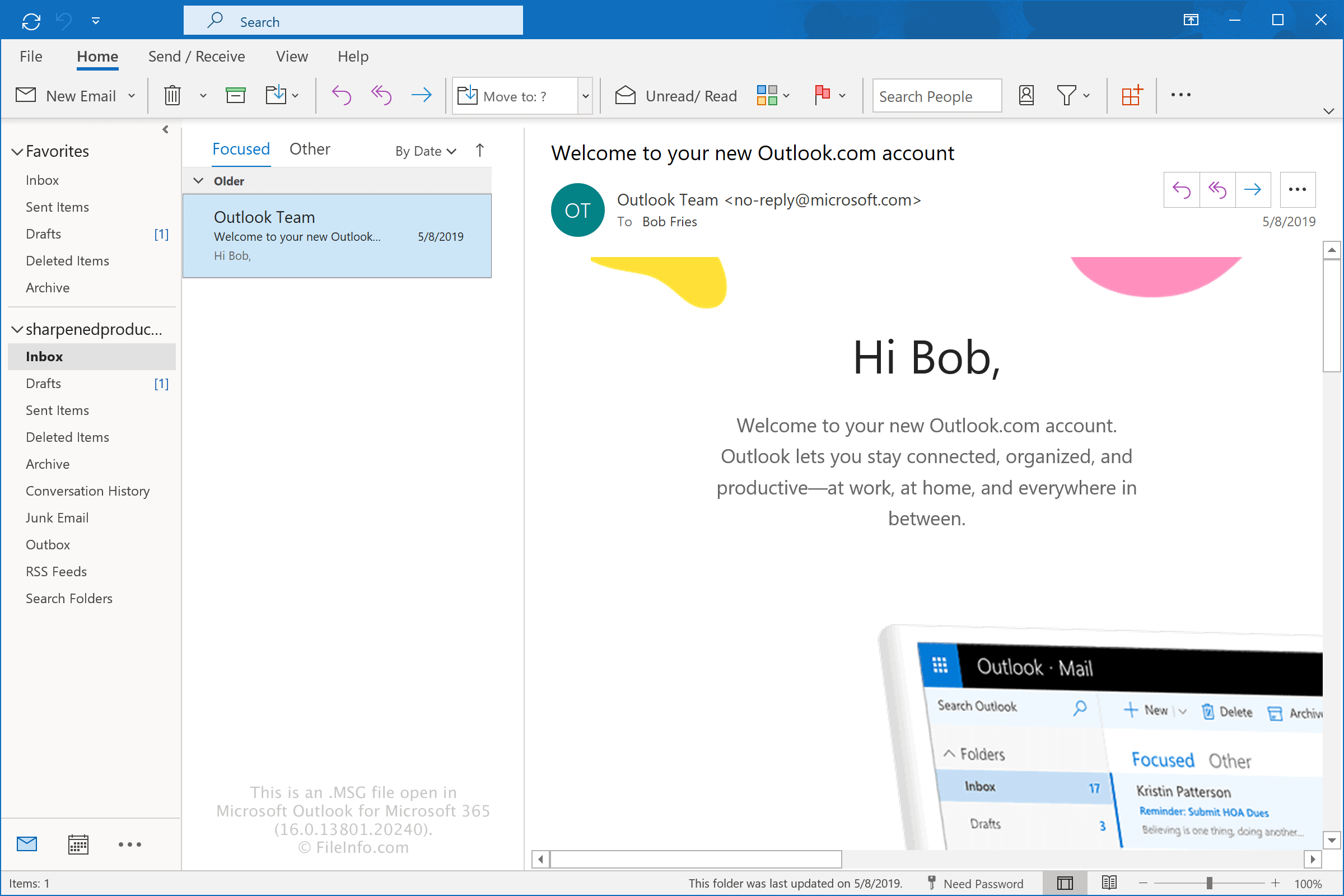
在 Microsoft Outlook for Microsoft 365 中打开的 .msg 文件截图
在 Microsoft Outlook for Microsoft 365 中打开的 MSG 文件

Microsoft developed the MSG format for Microsoft Outlook and Microsoft Exchange Server and still supports it today. The format allows Outlook users to save individual items separately from their mailbox, making it easier to share, back up, or archive specific messages, appointments, contacts, and other Outlook data.

The information stored in an MSG file depends on the type of Outlook item it contains. Common examples include:

  • Email – An MSG file contains the email's sender, recipients, subject, message body, date, attachments, and other message properties. By default, Outlook names the file after the email subject.
  • Appointment – An MSG file contains appointment details, such as the start and end time, location, description, reminders, and other scheduling information. By default, Outlook names the file after the appointment title.
  • Meeting – An MSG file contains meeting details, including the organizer, required and optional attendees, start and end time, location, and meeting message. By default, Outlook names the file after the meeting title.
  • Contact – An MSG file contains contact information, such as the person's name, company, email addresses, phone numbers, postal addresses, and other contact details. By default, Outlook names the file after the contact's full name.
  • Task – An MSG file contains task information, including the subject, start date, due date, priority, completion status, notes, and reminders. By default, Outlook names the file after the task subject.

How to create an MSG file with Outlook

You can create an MSG file with Outlook by dragging an email message, appointment, meeting, contact, or task from Outlook to your desktop or a folder in Windows File Explorer. Outlook names the file after the item's subject or title by default. For example, an email with the subject "Thanks for contacting us" becomes Thanks for contacting us.msg.

You can also create an MSG file by selecting the Outlook item and choosing File → Save As. Then, select the location where you want to save the file and specify its name if desired.

如何打开 MSG 文件

You can open an MSG file with Microsoft Outlook in Windows simply by double-clicking the file. If Outlook is not set as the default application for opening MSG files, you can right-click the file and choose Outlook to open the MSG file. When you open it in Outlook, the program formats the message to appear the same way it did before being exported.

You can also open MSG files with third-party programs, such as Encryptomatic MsgViewer Pro (Windows), Mailward (Web), and 45RPM MailRaider Pro (macOS).

如何转换 MSG 文件

Microsoft Outlook can convert MSG files to several file types. For example, you can convert MSG files to .HTML files by selecting File → Save As. You can also convert MSG files to .PDF files via the Microsoft Print to PDF option.

使用File Viewer Plus打开并查看 .msg 文件。免费下载

可打开或引用 MSG 文件的程序

分类: 文本
更新时间: 2026-08-19

Fallout In-Game Message File

开发者 Bethesda Softworks
受欢迎程度
3.5  |  24 
 

A MSG file is a game data file used by Bethesda Softworks Fallout and Fallout 2. It contains in-game dialogue and/or other in-game messages. MSG files are plain text files, which store each line of dialogue or message on a separate line.

更多信息

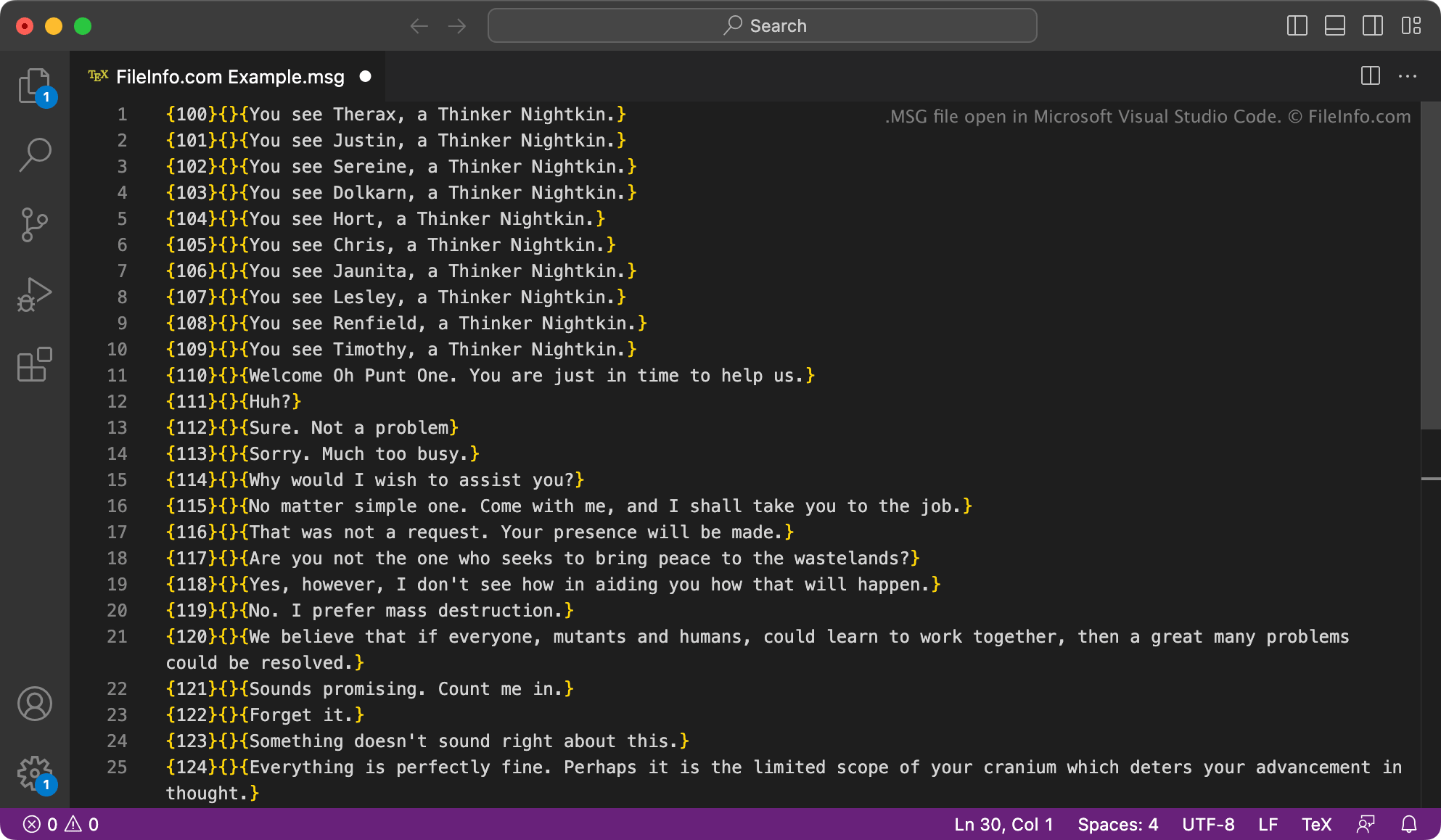
在 Microsoft Visual Studio Code 中打开的 .msg 文件截图
在 Microsoft Visual Studio Code 中打开的 MSG 文件

Fallout is a series of role-playing games set in a post-apocalyptic world plagued by nuclear fallout. The first two games in the Fallout series, Fallout and Fallout 2, store data used to show character-related messages, character dialogue, and item messages in MSG files. These files are located in the following directories:

  • text/​english/​game
  • text/​english/​dialog

Each MSG file is named for the character(s) or item(s) with which it is associated. The messages and metadata the files contain are formatted as follows:

{###}{soundfilename}{Message text}

The game uses the number specified in the {###} field to load messages at the correct time. Lines that include a filename in the {soundfilename} field are associated with an audio (.ACM) file. Each MSG file ends with a blank line and may also include comments preceded by a # symbol.

注: Most other Fallout games' in-game message files use the .TXT extension. However, the text they contain is saved in the same format as MSG files.

如何打开 MSG 文件

You can open an MSG file with Microsoft Notepad (Windows), Apple TextEdit (Mac), or any other text editor, to view and edit the text it contains. Keep in mind that editing an MSG file may cause Fallout or Fallout 2 to function incorrectly.

Fallout modders can use the ScanMsg tool (Windows) to check MSG files they've modified for formatting errors.

可打开或引用 MSG 文件的程序

分类: 游戏
更新时间: 2023-03-31

验证者 FileInfo.com

FileInfo.com 团队 独立研究了本页面列出的所有文件格式和软件程序。 我们的目标是达到 100% 的准确率,并且仅发布我们已验证过的文件类型信息。

如果您想为此页面提出新增或更新建议,请告诉我们