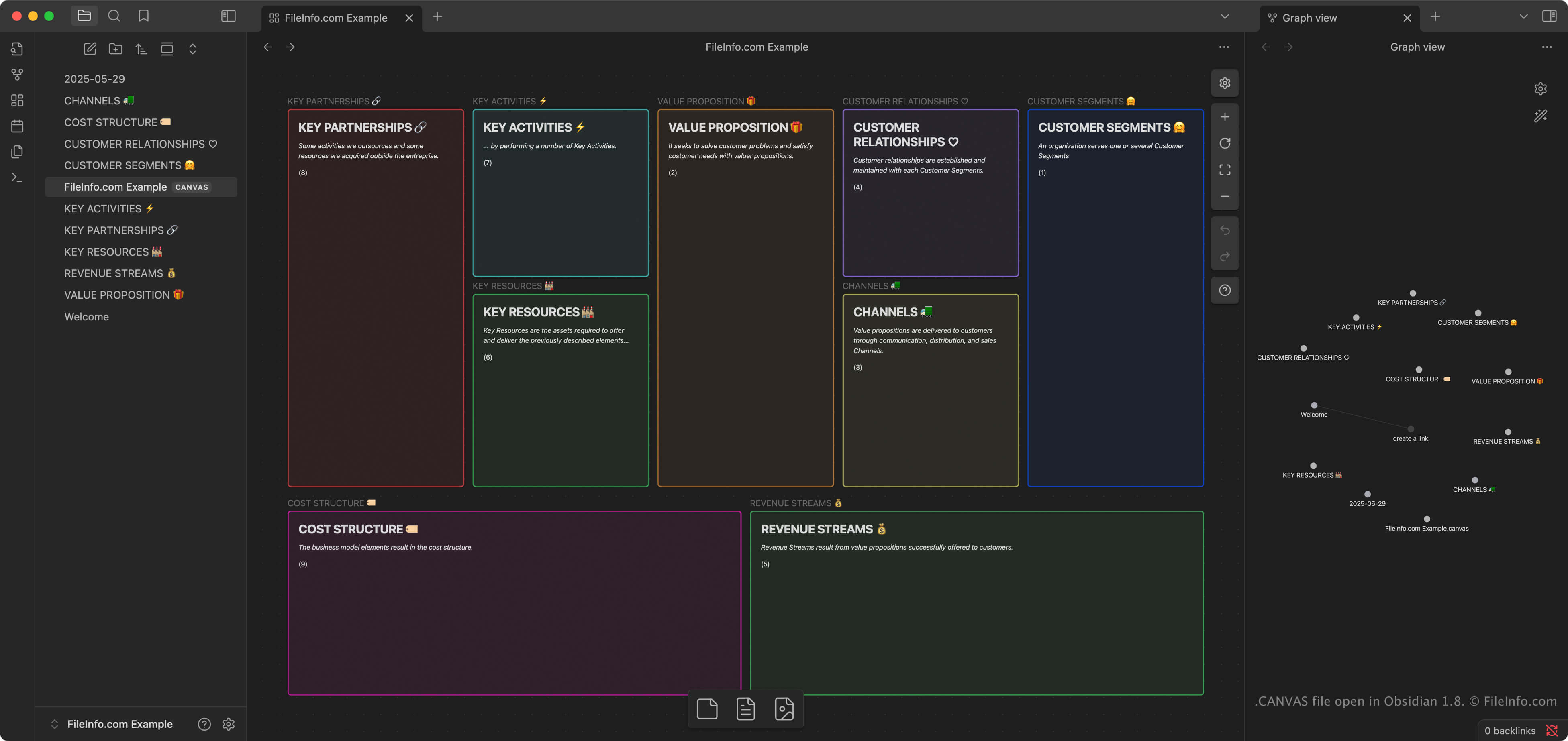
.CANVAS 文件扩展名
Obsidian Canvas
| 开发者 | Obsidian |
| 受欢迎程度 |
4.4 | 5 票 |
什么是 CANVAS 文件?
A CANVAS file is a visual workspace created by Obsidian, a note-taking and knowledge management application. It stores the layout and structure of a user's canvas, including the position of content blocks (called "cards") and their connections, in the plain text JSON Canvas format. CANVAS files don't directly store the content of notes or media files; instead, they reference the location of the files (e.g., .MD Note files) in the user's Obsidian "vault" (a folder).
更多信息
Canvas is a feature within Obsidian that allows users to organize and connect notes, images, links, and other content in a two-dimensional space. Users organizing complex or interconnected information, such as researchers, writers, and students, often use Canvas to brainstorm, plan, or explore ideas visually.
When users select the "Create new canvas" feature in Obsidian, the app automatically creates a CANVAS file in the user's vault, which is a folder storing a user's notes, calendars, and imported media files. Obsidian is available on Windows, macOS, Linux, iOS, and Android, and CANVAS files can be synced across platforms using Obsidian's sync service or standard file syncing tools.
注: The JSON Canvas format is an open format designed to be stored locally and accessible offline to give users full control over their information. It is the native format for storing visual workspace information in Obsidian, but other programs can import and export the format, such as Kinopio, Flowchart Fun, hi-canvas, and OrgPad.
如何打开 CANVAS 文件
You can open CANVAS files with Obsidian; the app automatically opens CANVAS files included with your vault when you open it. Several other programs can also import CANVAS files, including Flowchart Fun, Kinopio, hi-canvas, and OrgPad.
Since CANVAS files are saved in plain text JSON format, you can open and edit them with a text editor, such as Microsoft Notepad (Windows) or Apple TextEdit (macOS). You may need to rename the .canvas file extension to .txt for the text editor to recognize and open it.
如何转换 CANVAS 文件
Obsidian can convert CANVAS files to .PDF format. To convert a canvas to PDF format, select File → Export to PDF.