.AF 文件扩展名

Affinity Document

开发者 Canva
受欢迎程度
3.0  |  1 
 

什么是 AF 文件?

An AF file is a document created by Canva Affinity, a graphic design, photo editing, and page layout application. It contains vector graphics, page layouts, images, layers, text objects, effects, color settings, and other project information in a proprietary binary format. AF files are working documents used in graphic design, photo editing, illustration, and publishing workflows to save projects that can later be reopened and edited without losing layer structures or document settings.

更多信息

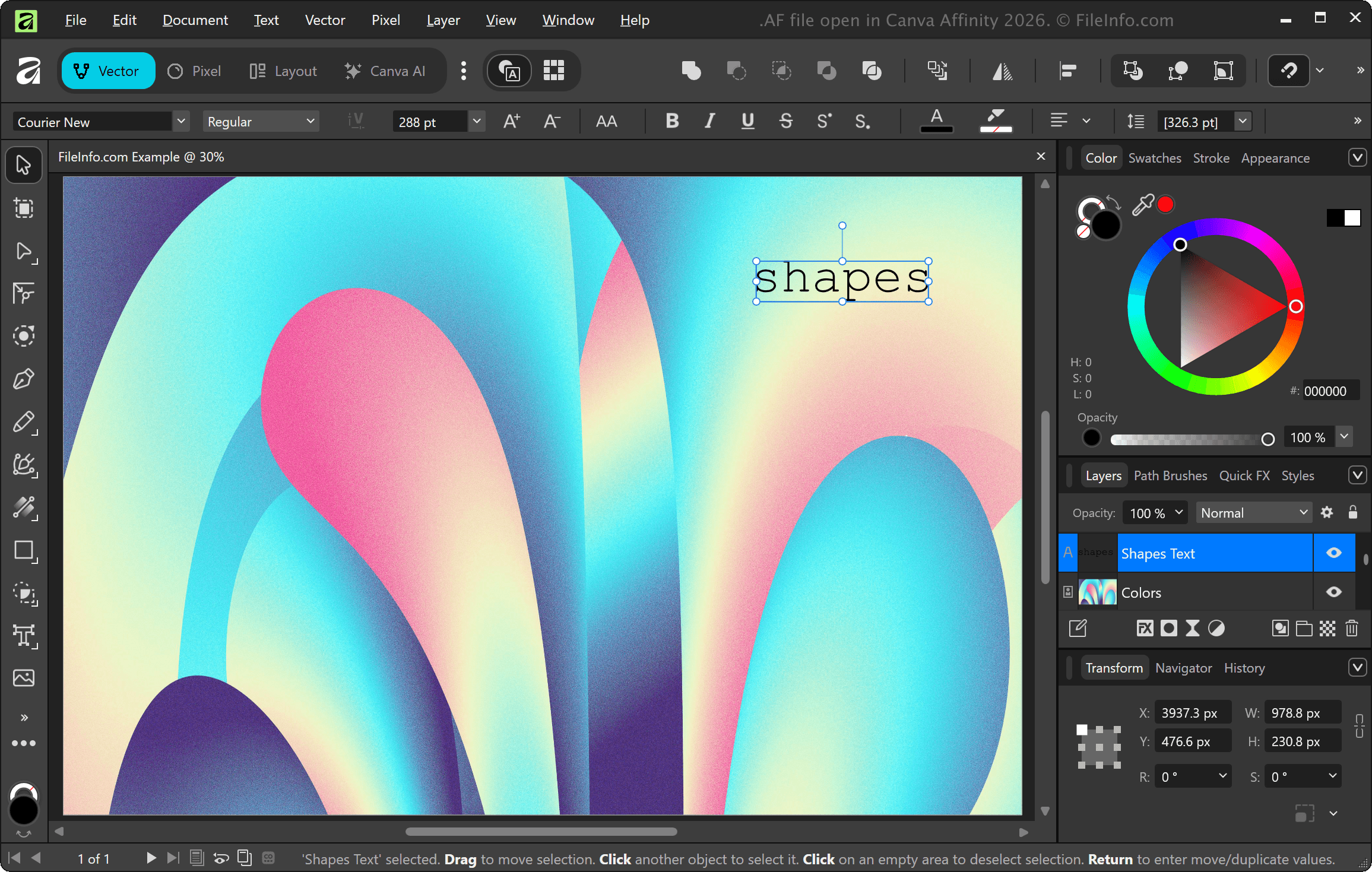
在 Canva Affinity 2026 中打开的 .af 文件截图
在 Canva Affinity 2026 中打开的 AF 文件

Designers, photographers, artists, publishers, and creative professionals use AF files to preserve editing features and project organization when working. When finished, they export the projects to more widely supported formats, such as .JPG, .PNG, .PDF, .PSD, or .SVG, for sharing or printing.

注: Affinity offers graphic design, photo editing, and page layout capabilities that were previously provided by separate Affinity applications (Designer, Photo, and Publisher). Serif previously developed the applications, but Canva acquired Serif in 2024 and combined the capabilities of the three applications into a single Affinity application.

如何打开 AF 文件

You can open AF files with Canva Affinity. To open an AF file with Affinity, select File → Open.

如何转换 AF 文件

Canva Affinity can convert AF files to various file types, including the following formats:

  • .JPG - JPEG Image
  • .PNG - Portable Network Graphic
  • .TIF - Tagged Image File Format
  • .SVG - Scalable Vector Graphic
  • .PSD - Adobe Photoshop Document
  • .PDF - Portable Document Format
使用File Viewer Plus打开 400 多种文件格式。免费下载

可打开 AF 文件的程序

Windows
Mac

验证者 FileInfo.com

FileInfo.com 团队 独立研究了本页面列出的 Affinity Document 文件格式和 Mac and Windows 应用。 我们的目标是达到 100% 的准确率,并且仅发布我们已验证过的文件类型信息。

如果您想为此页面提出新增或更新建议,请告诉我们