

.PSDC Extensão de arquivo
Documento do Adobe Photoshop na nuvem
| Desenvolvedor | Adobe |
| Popularidade |
4,0 | 12 Votos |
O que é um arquivo PSDC?
Um arquivo PSDC é um documento do Adobe Photoshop salvo no formato Adobe Photoshop Document Cloud (PSDC). Ele contém uma imagem no mesmo formato de um arquivo .PSD, incluindo camadas, anotações e efeitos, mas é armazenado na nuvem por meio do sistema de documentos na nuvem da Adobe. O Photoshop atualiza automaticamente o arquivo PSDC quando um usuário o abre e modifica em dispositivos diferentes.
Mais informações
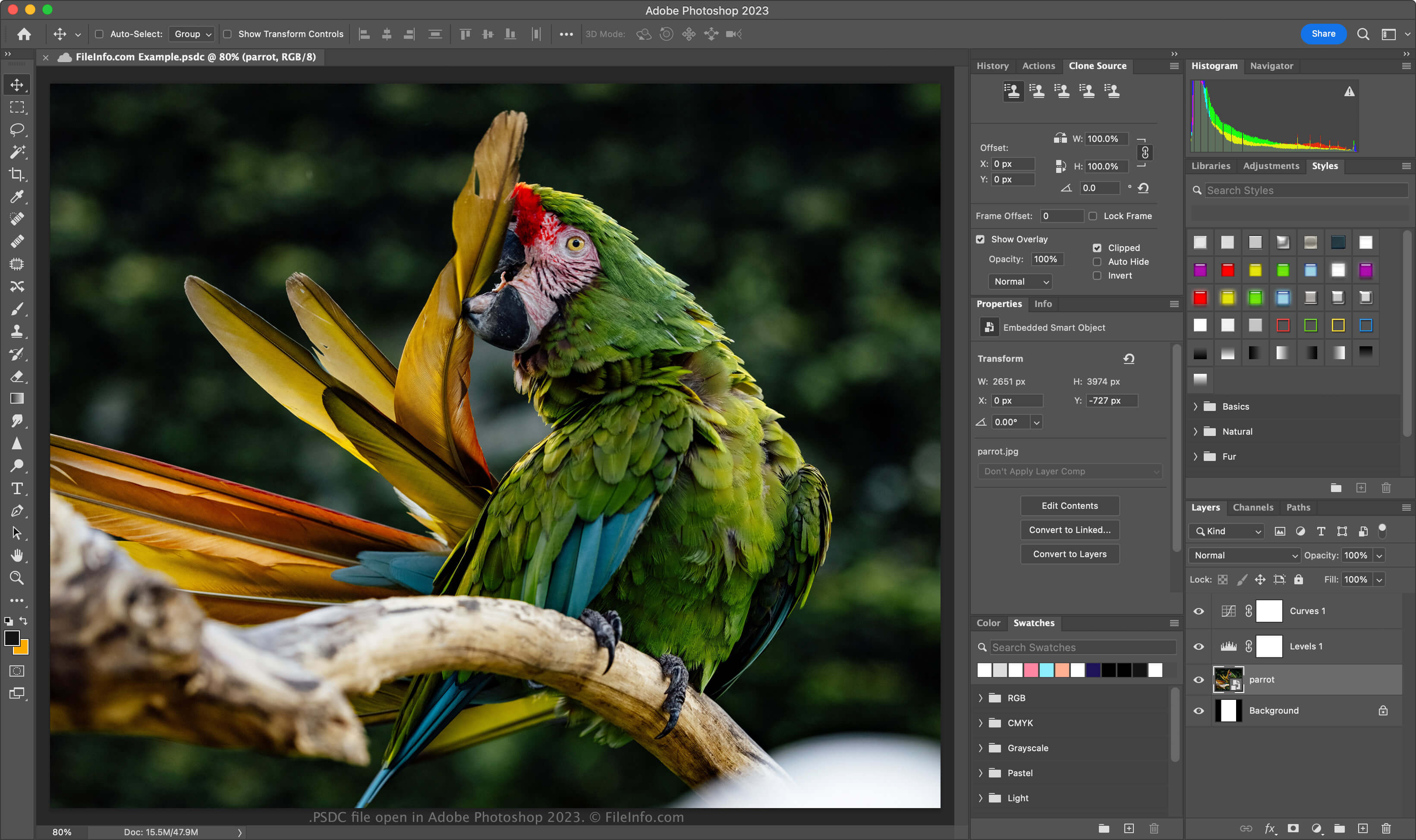
A Adobe introduziu o formato PSDC em novembro de 2019, quando lançou o Photoshop para iPad e o Photoshop CC 2020 para Windows e macOS. O objetivo do formato é permitir que os usuários trabalhem no mesmo documento PSD no computador ou iPad e tenham suas modificações sincronizadas, para que o documento esteja sempre atualizado.
O formato de arquivo PSDC é igual ao formato PSD, que inclui suporte para camadas de imagem, camadas de ajuste, máscaras de camada, anotações e outros elementos específicos do Photoshop. No entanto, o formato PSDC também oferece suporte ao cache de edições feitas em um documento quando um usuário trabalha nele offline. Depois, as alterações são sincronizadas quando o usuário se conecta à Internet novamente.
Como criar um arquivo PSDC
Para criar um arquivo PSDC no Adobe Photoshop, selecione ou . Se for solicitado que você salve o documento no computador, clique no botão , dê um nome ao arquivo PSDC e clique em . Se for solicitado que você salve o documento no espaço de armazenamento dos documentos na nuvem, dê um nome ao arquivo PSDC e clique em .
Como abrir um arquivo PSDC
Você pode abrir um arquivo PSDC com o Adobe Photoshop (multiplataforma). Para abrir com o Photoshop um arquivo PSDC salvo na sua conta da Adobe Cloud, selecione , clique em e escolha o arquivo PSDC.
O formato de arquivo PSDC oferece suporte a backup e restauração incrementais. Para ver o histórico de versões do seu documento PSDC na nuvem da Adobe, selecione (as versões expiram após 30 dias, a menos que você as marque para preservação).
Você também pode entrar no Adobe Assets Web com sua conta da Adobe, selecionar , escolher um arquivo PSDC e clicar em para ver todas as versões salvas do documento.
Como converter um arquivo PSDC
O Adobe Photoshop pode converter arquivos PSDC para vários tipos de arquivo, incluindo os seguintes formatos:
- .PSD - Documento do Adobe Photoshop
- .PSB - Formato de documento grande do Photoshop
- .PDF - Portable Document Format
- .JPG - Imagem JPEG
- .PNG - Portable Network Graphic
- .TIF - Tagged Image File Format
- .GIF - Graphical Interchange Format
- .WEBP - Imagem WebP
- .AI - Arte do Adobe Illustrator
- .BMP - Imagem bitmap
- .DCM - Imagem DICOM
- .EPS - Encapsulated PostScript