

.TEXT Bestandsextensie
Tekstbestand zonder opmaak
| Ontwikkelaar | N.v.t. |
| Populariteit |
3,6 | 145 stemmen |
Wat is een TEXT-bestand?
Een TEXT-bestand is een eenvoudig tekstdocument dat niet-opgemaakte ASCII-tekst bevat. Je kunt het openen en bewerken in elke teksteditor of tekstverwerker. TEXT-bestanden worden meestal opgeslagen als .TXT-bestanden.
Meer informatie
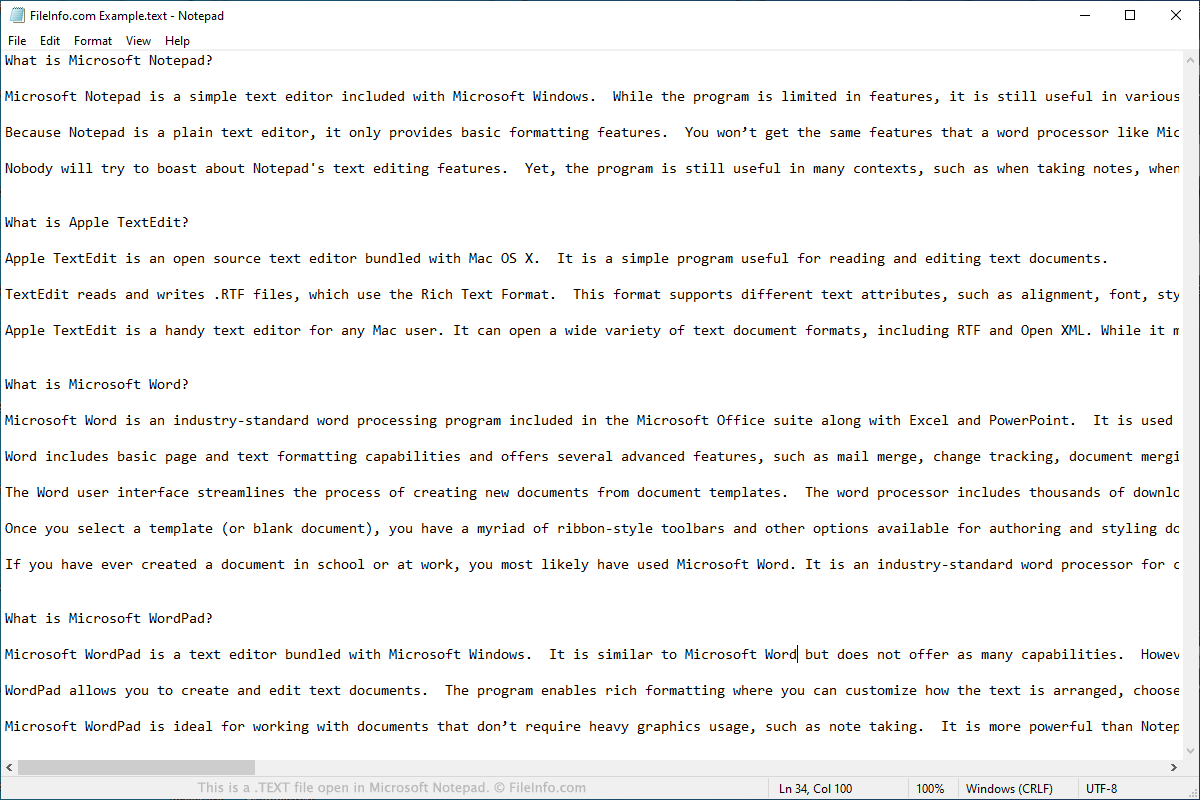
TEXT-bestanden bevatten tekst die je kunt bekijken en bewerken in Microsoft Notepad, Apple TextEdit en andere teksteditors. In tegenstelling tot .RTF-, .DOCX- en .PAGES-bestanden kunnen TEXT-bestanden geen geavanceerde opmaak bevatten, zoals vetgedrukte tekst, cursivering, lettertypestijlen en tekstuitlijning.
Omdat TEXT-bestanden geen opmaak kunnen bevatten, bevatten ze meestal alleen basisinformatie, zoals notities, stapsgewijze instructies en programmagegevens in logboeken. Softwareontwikkelaars kunnen TEXT-bestanden ook samen met games en hulpprogramma's verspreiden om instructies of andere informatie over de software te bevatten.
Gebruikers die ingewikkeldere tekstdocumenten moeten maken, zoals cv's, rapporten, brieven of flyers, slaan deze documenten meestal niet op als TEXT-bestanden. In plaats daarvan gebruiken ze Microsoft Word of Apple Pages om documenten te maken en op te slaan als DOCX- of PAGES-bestanden.
Een TEXT-bestand openen
Je kunt een TEXT-bestand openen in elke teksteditor en de meeste populaire webbrowsers. Hieronder vind je platformspecifieke instructies voor het openen van TEXT-bestanden.
Hoe open ik een TEXT-bestand in Windows?
In Windows kun je een TEXT-bestand openen in Microsoft Notepad of Microsoft WordPad, die beide bij Windows worden meegeleverd. Zo open je een TEXT-bestand in Notepad:
- Selecteer in het menu Start van Windows .
- Selecteer nadat Notepad is geopend.
- Ga naar je TEXT-bestand en open het.
Hoe open ik een TEXT-bestand op een Mac?
In macOS kun je een TEXT-bestand openen in Apple TextEdit, dat bij het besturingssysteem wordt meegeleverd. Zo open je een TEXT-bestand in TextEdit:
- Open TextEdit vanuit de Finder of Launchpad.
- Ga in het bestandsbrowservenster dat verschijnt naar je TEXT-bestand en open het.
Hoe open ik een TEXT-bestand in Chrome OS?
Op Chromebooks kun je een TEXT-bestand openen in Google Chrome Text, dat bij Chrome OS wordt meegeleverd. Zo open je een TEXT-bestand in Google Chrome Text:
- Open de Chrome OS Launcher. Open vervolgens Google Chrome Text.
- Selecteer de knop van Google Chrome Text.
- Ga naar je TEXT-bestand en open het.
Hoe open ik een TEXT-bestand in mijn webbrowser?
Met de webbrowsers Google Chrome, Mozilla Firefox en Microsoft Edge kunnen gebruikers TEXT-bestanden openen. Houd er echter rekening mee dat je je TEXT-bestand niet kunt bewerken in een webbrowser.
In Chrome en Firefox kun je je bestand eenvoudig naar een browservenster slepen om het te openen. In Microsoft Edge moet je de locatie van je bestand kopiëren en in de adresbalk van Edge plakken om het bestand te openen.
Programma's die TEXT-bestanden openen
Windows-binair machinecodebestand
| Ontwikkelaar | Microsoft |
| Populariteit |
4,0 | 4 stemmen |
Een .text-bestand is een binair machinecodebestand dat is opgenomen in een Windows-uitvoerbaar bestand (.EXE) of een bestand van een dynamische-linkbibliotheek (.DLL). In tegenstelling tot gewone tekst-TEXT-bestanden bevatten binaire TEXT-bestanden processorspecifieke machine-instructies waarnaar uitvoerbare bestanden verwijzen wanneer ze worden uitgevoerd.
Meer informatie
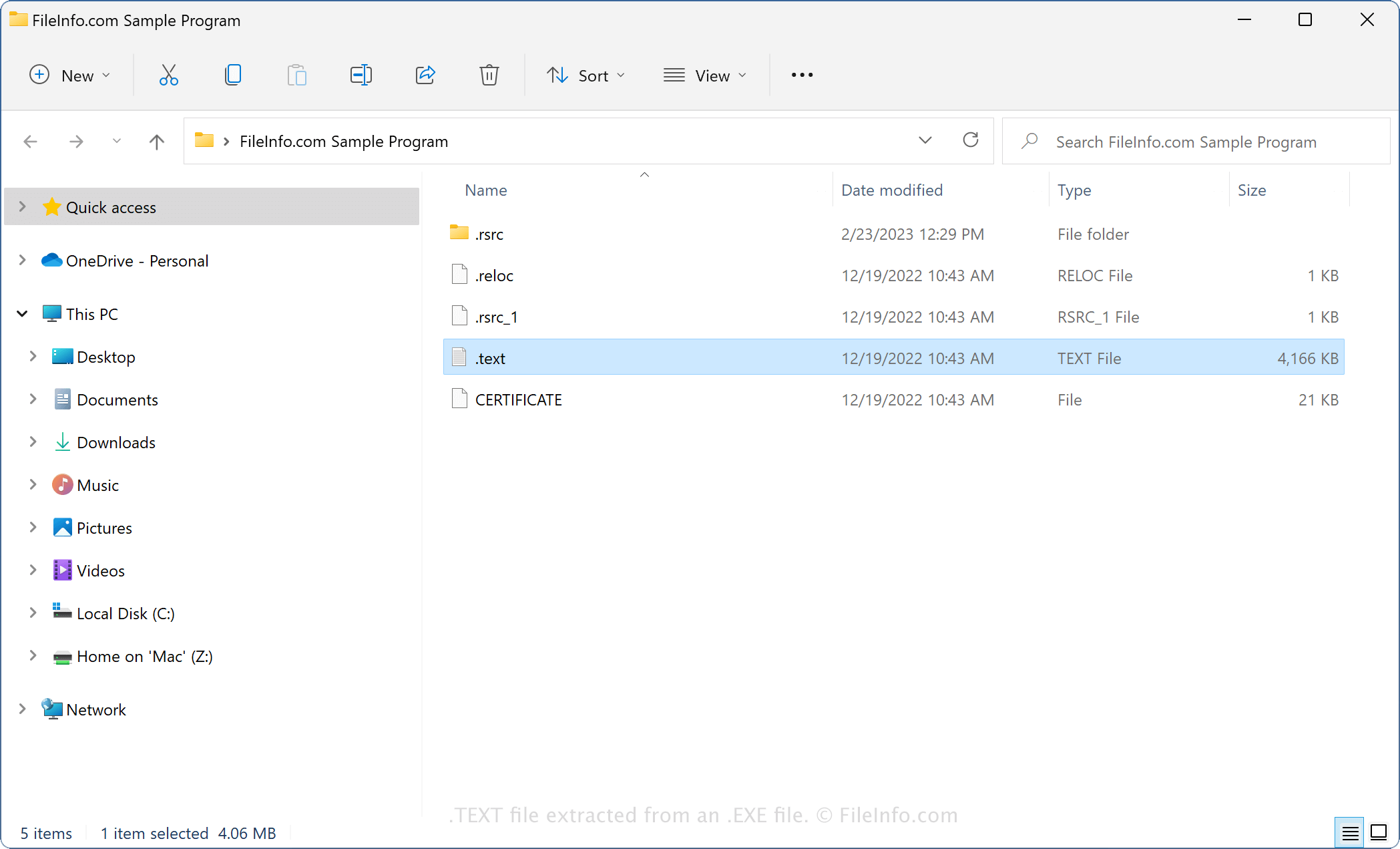
Omdat binaire TEXT-bestanden zijn verpakt in EXE- of DLL-bestanden, kom je ze waarschijnlijk tegen wanneer je de inhoud van een EXE- of DLL-bestand uitpakt met een archiveringsprogramma (bijvoorbeeld 7-Zip). Hoewel niet alle EXE- en DLL-bestanden TEXT-bestanden bevatten, doen de meeste moderne EXE-bestanden (opgeslagen in de Portable Executable-indeling) en DLL-bestanden dat wel.
Als je bijvoorbeeld de inhoud van een draagbaar uitvoerbaar EXE-bestand uitpakt, kun je deze bestanden tegenkomen:
- .text - Slaat binaire machinecode op voor het uitvoeren van het draagbare uitvoerbare bestand.
- .reloc - Slaat informatie op over hoe het draagbare uitvoerbare bestand in het geheugen wordt geladen en uitgevoerd (.RELOC).
- .rsrc - Slaat informatie op over bronnen die door het draagbare uitvoerbare bestand worden gebruikt.
OPMERKING: Mac- en Linux-uitvoerbare bestanden kunnen ook TEXT-bestanden bevatten. Deze TEXT-bestanden bevatten ook binaire machine-instructies, opgeslagen in platformspecifieke indelingen.
Veelvoorkomende .TEXT-bestandsnamen
.text - Binaire TEXT-bestanden hebben geen naam; alleen de bestandsextensie .text is aanwezig.
Een TEXT-bestand openen
Binaire TEXT-bestanden zijn niet bedoeld om te worden geopend. In plaats daarvan verwijzen Windows-uitvoerbare bestanden (EXE-bestanden) tijdens het uitvoeren naar binaire TEXT-bestanden, of verwijzen programma's die DLL-bestanden gebruiken ernaar.