.VSH 파일 확장자

Vertex Shader File

개발사 OpenGL
인기도
3.7  |  31 투표
 

VSH 파일이란 무엇인가요?

3D shading file used by applications that use the OpenGL graphics library; contains a graphics function used for shading a vertex, which is a point in 3D space; executed by a GPU in order to show 3D shading effects on an object.

추가 정보

VSH files differ from .FSH files, which are fragment shaders.

File Viewer Plus(으)로 400개 이상의 파일 형식을 여세요.무료 다운로드

VSH 파일을 열거나 참조하는 프로그램

Windows
Linux

V Script

개발사 Alex Medvednikov
인기도
4.0  |  2 투표
 

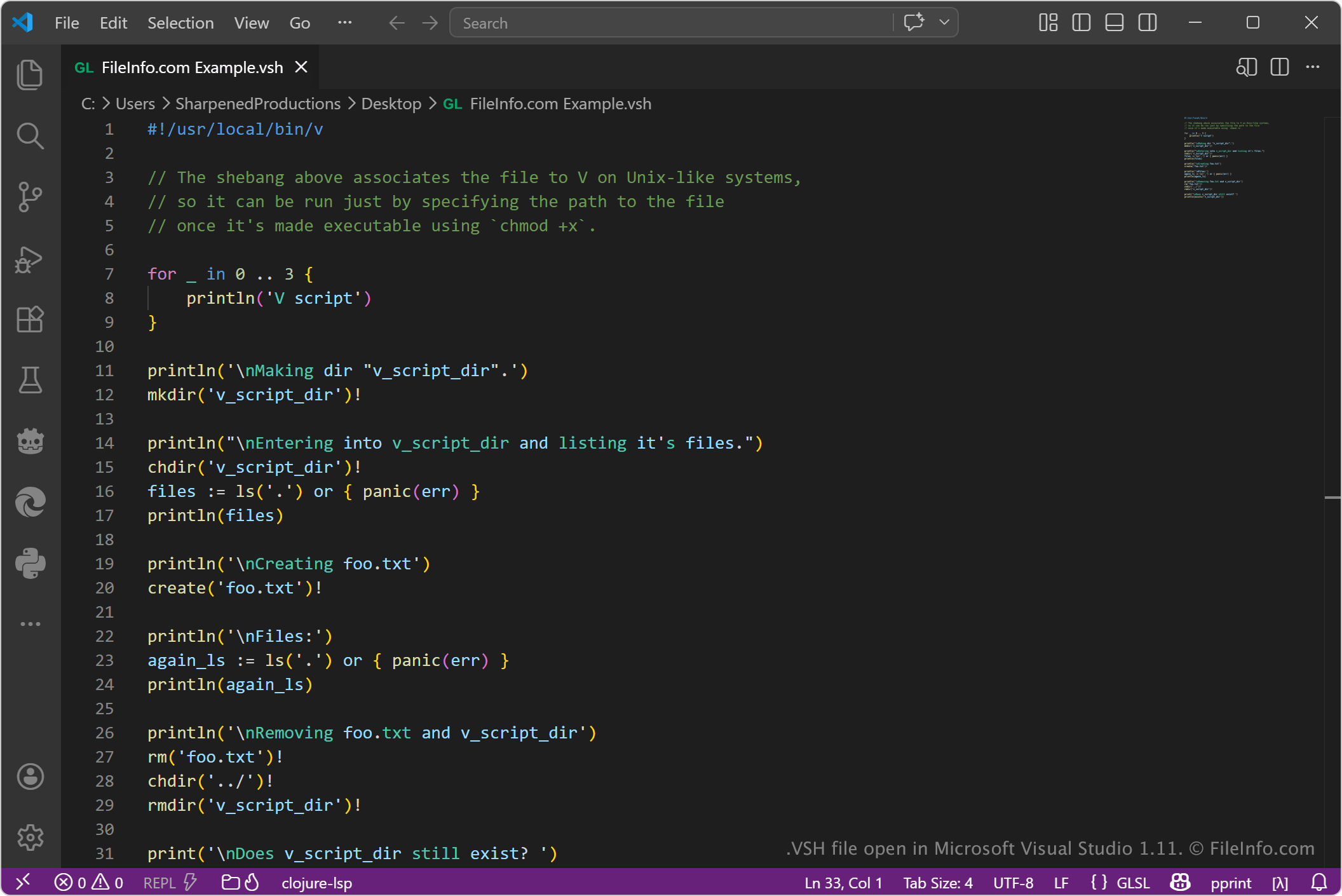
A VSH file is a script used by the V programming language, which is designed for writing simple, fast, cross-platform software. It contains source code written in V's scripting mode, which allows developers to write scripts in a way similar to shell scripts but using V's syntax and standard library. VSH files are plain text files and typically include commands for automation tasks such as running programs, managing files, building projects, or deploying software.

추가 정보

Microsoft Visual Studio Code 1.11에서 열린 .vsh 파일의 스크린샷
Microsoft Visual Studio Code 1.11에서 열린 VSH 파일

When a user executes a VSH file with the V compiler, the compiler automatically compiles and runs it, often without requiring a separate build step. This feature makes VSH scripts useful for development workflows where quick execution and portability are important.

Software developers and system programmers who work with the V language are most likely to encounter VSH files. They are especially useful for build scripts, deployment automation, and lightweight system tasks that would otherwise be written in Bash or similar shell languages. Because VSH scripts are cross-platform, they help reduce differences between operating systems in development environments.

VSH 파일을 여는 방법

You can open VSH files with any text editor, including Microsoft Visual Studio Code or Notepad++. These text editors allow you to view and edit the files.

To open or run a VSH file, you need the V compiler installed. You can run the script using commands like v run script.vsh or simply v script.vsh, which compiles and executes it automatically. On Unix-like systems, VSH files can also be made executable and run directly from the terminal using a shebang line and standard execution permissions.

VSH 파일을 여는 프로그램

All Platforms
Windows
무료
OS에 포함됨
Mac
OS에 포함됨
Linux
무료
카테고리: 개발자
업데이트: 2026-05-04

VideoStudio HTML5 Project

개발사 Corel
인기도
1.3  |  3 투표
 

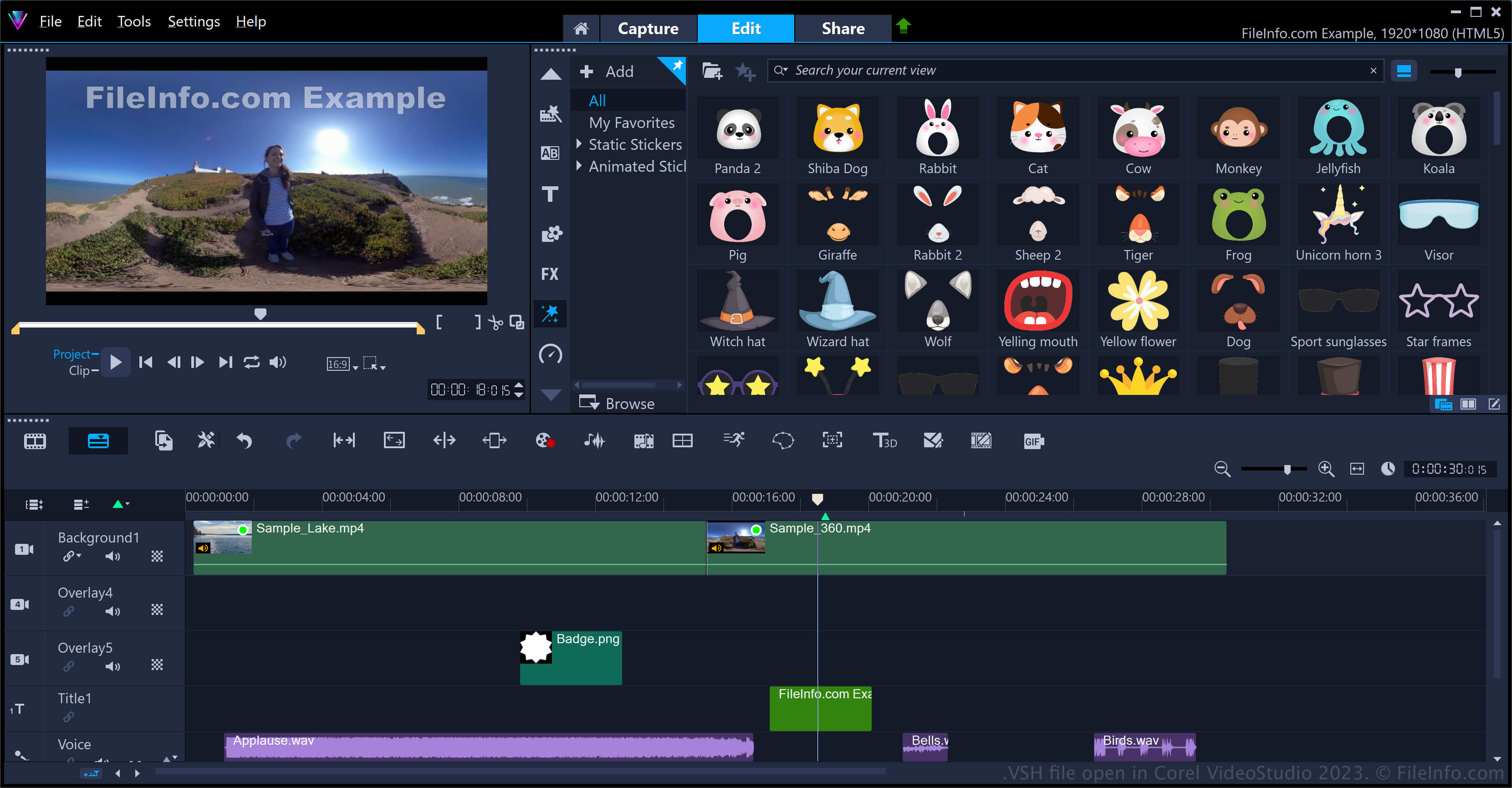
A VSH file is an HTML5 video project created by Corel VideoStudio, a program used to create slideshows and movies. It contains video project data, similar to a .VSP file, which includes timeline settings, effects, and references to audio, video, and image files but also includes chapters and hyperlinks. VideoStudio users save videos in the VSH format to post them to the web.

추가 정보

Corel VideoStudio 2023에서 열린 .vsh 파일의 스크린샷
Corel VideoStudio 2023에서 열린 VSH 파일

VideoStudio users primarily save projects as VSP files to preserve their edits. Then, they export their video to common video formats, such as .MP4 or .AVI, to publish them.

However, they can also save their projects as VSH files if they intend to export them for publishing on the web. One of the features of the VSH format is that it saves interactive links web users can click on to interact with the video. To create a VideoStudio VSH HTML5 project file, select File → New HTML5 Project, edit your project, then select File → Save or Save As....

참고: VideoStudio, originally owned by Ulead, was acquired by Corel in 2006.

VSH 파일을 여는 방법

You can open a VSH file with Corel VideoStudio in Windows. To open a VSH project file, select File → Open Project.

VSH 파일을 변환하는 방법

Corel VideoStudio can convert VSH files to various file types, including the following formats:

  • .MP4 - MPEG-4 Video
  • .MOV - Apple QuickTime Movie
  • .AVI - Audio Video Interleave File
  • .WMV - Windows Media Video

VSH 파일을 여는 프로그램

Windows
무료 체험판
카테고리: 비디오
업데이트: 2023-08-09

검증자 FileInfo.com

FileInfo.com 팀 이 페이지에 나열된 모든 파일 형식과 소프트웨어 프로그램을 독자적으로 조사했습니다. 저희의 목표는 100% 정확성이며, 검증한 파일 유형에 대한 정보만 게시합니다.

이 페이지에 추가하거나 업데이트할 내용을 제안하고 싶으시면 알려 주세요.