

.QOI 파일 확장자
Quite OK Image Format
| 개발사 | Dominic Szablewski |
| 인기도 |
4.3 | 4 표 |
QOI 파일이란 무엇인가요?
QOI 파일은 Quite OK Image Format(QOI)으로 저장된 래스터 이미지입니다. 파일에 포함된 이미지는 무손실 방식으로 압축되며 24비트 RGB 또는 32비트 RGBA 형식으로 저장됩니다. QOI 파일은 비슷한 .PNG 파일과 크기가 같지만 더 빠르게 인코딩하고 디코딩할 수 있습니다.
추가 정보
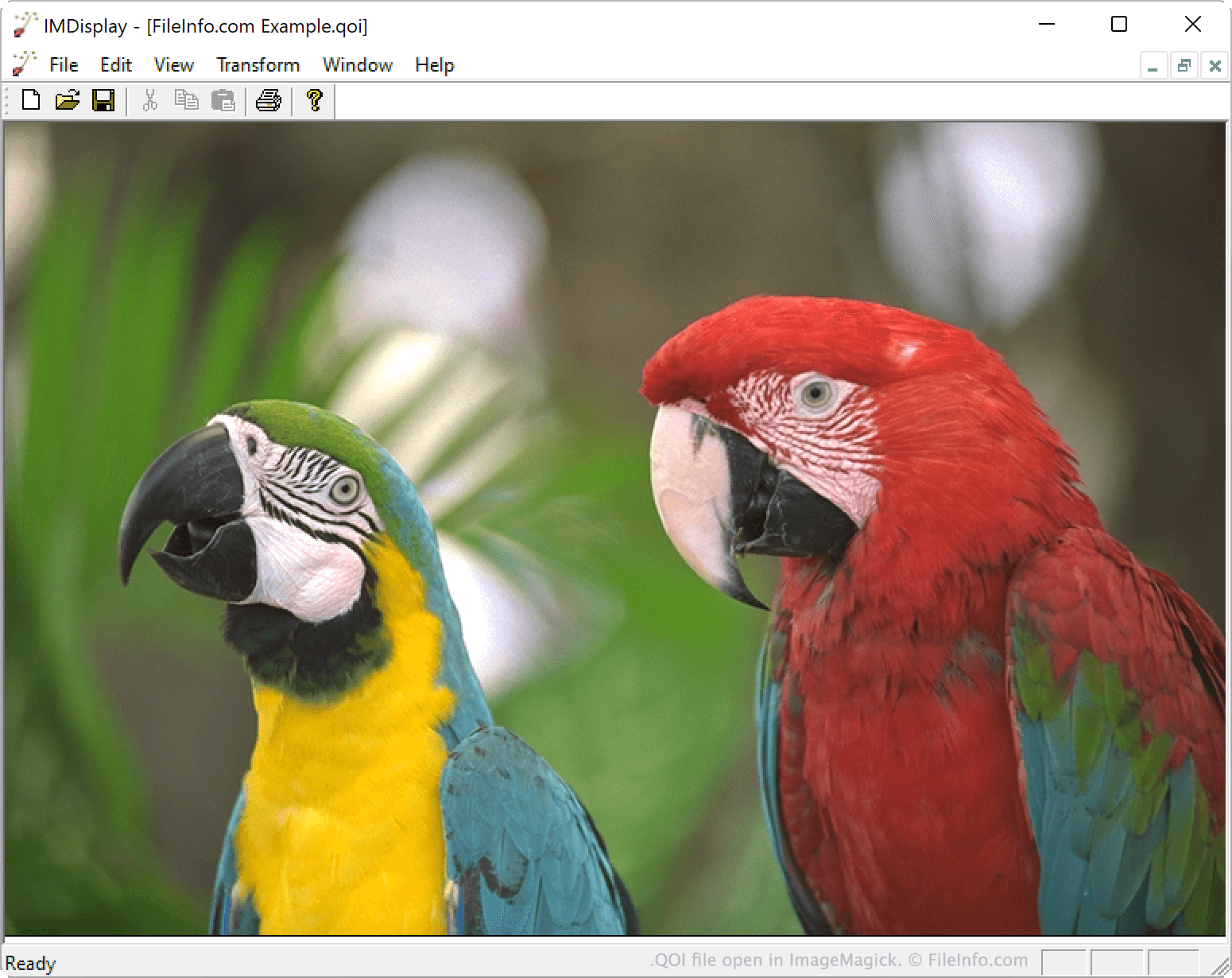
2021년 11월, 개발자 Dominic Szablewski가 QOI 형식을 공개했습니다. 이 형식은 PNG보다 구현하기 쉽고 사용하기 빠른 오픈 소스 형식을 목표로 합니다.
구체적으로 QOI 이미지는 비슷한 크기의 PNG 이미지보다 20~50배 빠르게 인코딩할 수 있으며, 디코딩 속도는 3~4배 더 빠릅니다. 각 QOI 이미지에는 14바이트 헤더가 포함되어 있습니다. 이 헤더는 이미지를 QOI 파일로 식별하고 이미지의 너비, 높이, 포함된 채널 및 색 공간을 지정합니다.
QOI 파일을 여는 방법
ImageMagick 7.1.0-20 이상 버전(다중 플랫폼) 또는 XnViewMP 1.0 이상 버전(다중 플랫폼)을 사용하여 QOI 파일을 열 수 있습니다. 관련 플러그인을 설치한 후 IrfanView(Windows)에서 QOI 파일을 열 수도 있습니다.
QOI 파일을 변환하는 방법
ImageMagick 또는 XnViewMP를 사용하여 QOI 이미지를 다른 형식으로 변환할 수 있습니다. 예를 들어 XnViewMP는 QOI 파일을 다음 형식(및 그 외 여러 형식)으로 변환할 수 있습니다:
QOI 파일을 여는 프로그램
Windows
Mac
무료
Linux
무료