.QOI 文件扩展名
Quite OK Image Format
| 开发者 | Dominic Szablewski |
| 受欢迎程度 |
4.3 | 4 票 |
什么是 QOI 文件?
A QOI file is a raster image saved in the Quite OK Image Format (QOI). The image it contains is losslessly compressed and saved in a 24-bit RGB or 32-bit RGBA format. QOI files are the same size as similar .PNG files, but can be encoded and decoded more quickly.
更多信息
In November 2021, developer Dominic Szablewski released the QOI format. The format is intended to be an open-source format that is easier to implement and faster to use than PNG.
Specifically, QOI images can be encoded 20 to 50 times faster than similar-sized PNG images, and they can be decoded 3 to 4 times faster. Each QOI image includes a 14-byte header, which identifies the image as a QOI file and specifies the image's width, height, included channels, and colorspace.
如何打开 QOI 文件
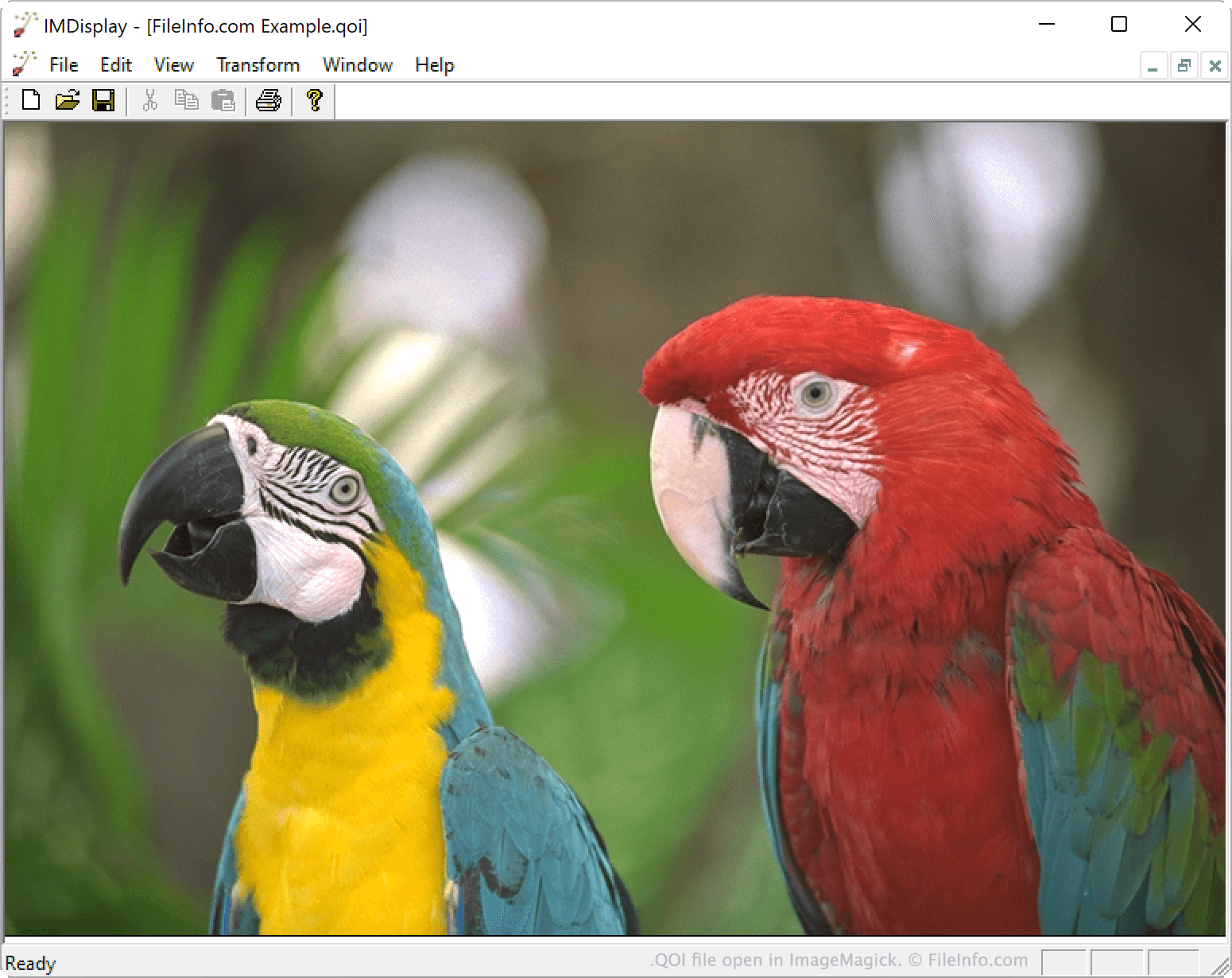
You can open a QOI file with ImageMagick 7.1.0-20 and later versions (multiplatform) or XnViewMP 1.0 and later versions (multiplatform). You can also open a QOI file in IrfanView (Windows) after installing an associated plug-in.
如何转换 QOI 文件
You can use ImageMagick or XnViewMP to convert QOI images to other formats. For example, XnViewMP can convert QOI files to the following formats (and many others):