

.QOI Extensão de arquivo
Quite OK Image Format
| Desenvolvedor | Dominic Szablewski |
| Popularidade |
4,3 | 4 Votos |
O que é um arquivo QOI?
Um arquivo QOI é uma imagem raster salva no formato Quite OK Image Format (QOI). A imagem que ele contém é compactada sem perdas e salva em um formato RGB de 24 bits ou RGBA de 32 bits. Os arquivos QOI têm o mesmo tamanho que arquivos .PNG semelhantes, mas podem ser codificados e decodificados mais rapidamente.
Mais informações
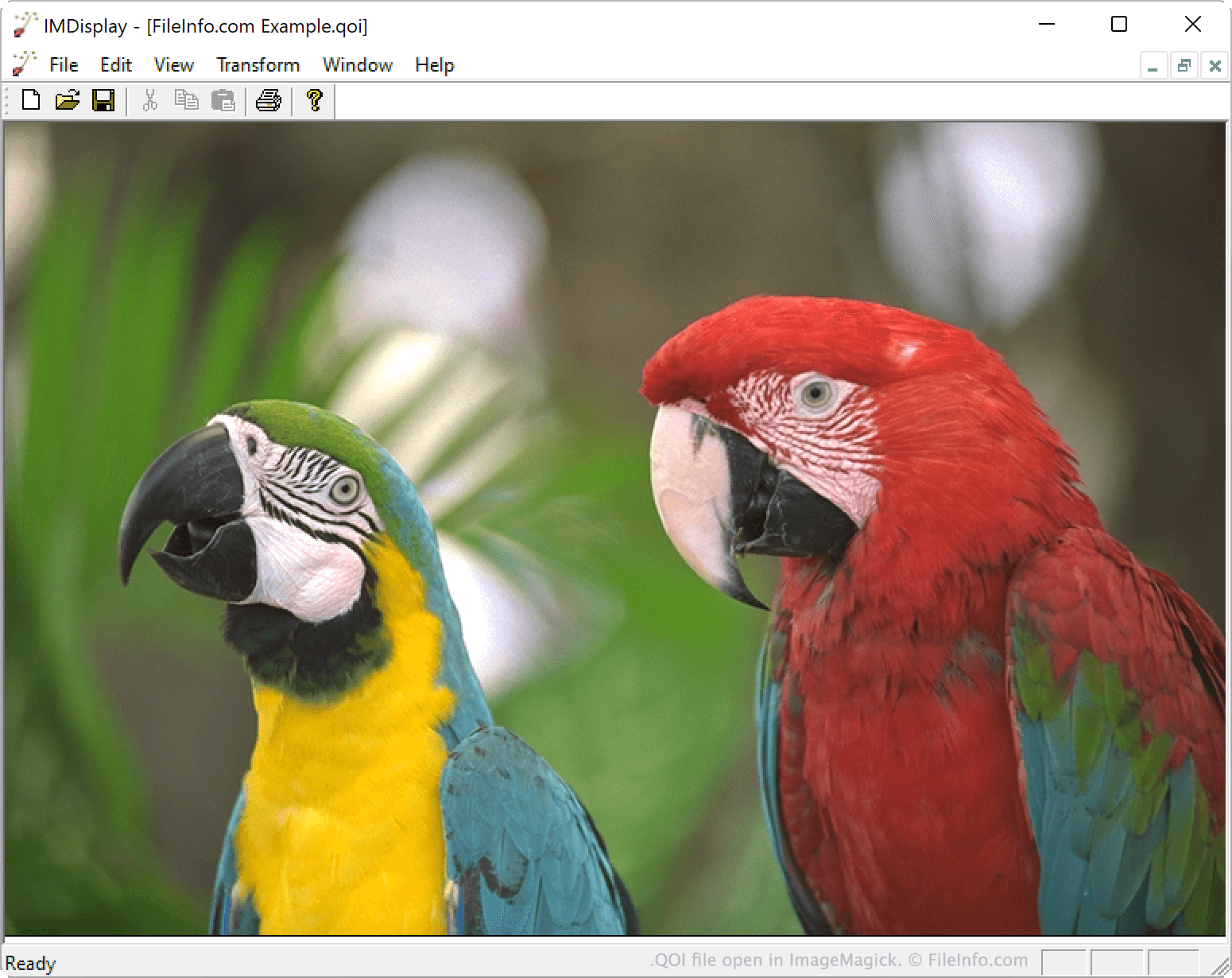
Em novembro de 2021, o desenvolvedor Dominic Szablewski lançou o formato QOI. O formato foi projetado para ser um formato de código aberto mais fácil de implementar e mais rápido de usar do que o PNG.
Especificamente, as imagens QOI podem ser codificadas de 20 a 50 vezes mais rápido do que imagens PNG de tamanho semelhante e podem ser decodificadas de 3 a 4 vezes mais rápido. Cada imagem QOI inclui um cabeçalho de 14 bytes, que identifica a imagem como um arquivo QOI e especifica a largura, a altura, os canais incluídos e o espaço de cores da imagem.
Como abrir um arquivo QOI
Você pode abrir um arquivo QOI com o ImageMagick 7.1.0-20 e versões posteriores (multiplataforma) ou o XnViewMP 1.0 e versões posteriores (multiplataforma). Você também pode abrir um arquivo QOI no IrfanView (Windows) depois de instalar um plug-in associado.
Como converter um arquivo QOI
Você pode usar o ImageMagick ou o XnViewMP para converter imagens QOI para outros formatos. Por exemplo, o XnViewMP pode converter arquivos QOI para os seguintes formatos (e muitos outros):
- .JPG - Imagem JPEG
- .GIF - Formato de intercâmbio gráfico
- .PNG - Gráfico de rede portátil
- .TIFF - Formato de arquivo de imagem marcado
- .BMP - Imagem bitmap
- .PCX - Imagem bitmap do Paintbrush
- .TGA - Gráfico Targa
- .JP2 - Imagem JPEG 2000 Core
- .JXR - Imagem JPEG XR
- .WEBP - Imagem WebP
- .WEBP - Imagem WebP