.PXI 파일 확장자
Pyrex Include File
| 개발사 | Greg Ewing |
| 인기도 |
3.4 | 5 투표 |
PXI 파일이란 무엇인가요?
A PXI file is a source code file written in Pyrex, a programming language designed to help developers write Python modules that include C-level performance code. Developers primarily use PXI files to store chunks of code to be inserted into a .PYX file, allowing them to reuse code or break large modules into smaller, more manageable parts.
추가 정보
PXI files are similar to how the #include directive works in the C programming language. Additionally, PXI files are different from .PXD files, which are definition files that declare classes, functions, or variables for use in other Pyrex (or Cython) modules. While PXD files serve a similar purpose to .C header files, PXI files are more like inline text includes that are copied directly into a file at compile time.
참고: Pyrex is less commonly used today (not actively developed) but served as the basis for Cython, a more modern and widely adopted tool for writing Python-compatible C extensions.
PXI 파일을 여는 방법
You can open PXI files with any source code or text editor. Some options include Microsoft Notepad (Windows), Apple TextEdit, and Microsoft Visual Studio Code (cross-platform).
PXI 파일을 열거나 참조하는 프로그램
PlexTools Disc Image
| 개발사 | Plextor |
| 인기도 |
3.0 | 2 투표 |
A PXI file is a disc image created by Plextor PlexTools, a now-discontinued disc copying and management program bundled with Plextor CD and DVD drives. It contains an exact copy of the data from a CD or DVD, including files, folders, and disc structure. Users typically created PXI files to back up physical discs or to make duplicate copies of discs.
추가 정보
PlexTools was a suite of CD and DVD management tools developed by Plextor, a company known for its high-quality optical drives. Plextor released the program in the early 2000s to work exclusively with Plextor drives, offering advanced features like disc copying, audio extraction, drive diagnostics, and media quality testing.
It was often bundled with Plextor hardware and became a favorite among users who wanted greater control over their optical media and drive performance. Plextor eventually discontinued PlexTools, making the PXI format obscure as physical media declined.
PXI 파일을 여는 방법
You can open PXI files with EZB Systems UltraISO or Smart Projects IsoBuster in Windows. You can also open PXI files with Plextor PlexTools Professional software, but it is discontinued.
PXI 파일을 변환하는 방법
Several programs, including Smart Projects IsoBuster and EZB Systems UltraISO, can convert PXI files to other file types. For example, IsoBuster can convert PXI files to the .ISO Disk Image format.
PXI 파일을 여는 프로그램
Pixen Image
| 개발사 | Furnace Creek Software |
| 인기도 |
3.0 | 1 투표 |
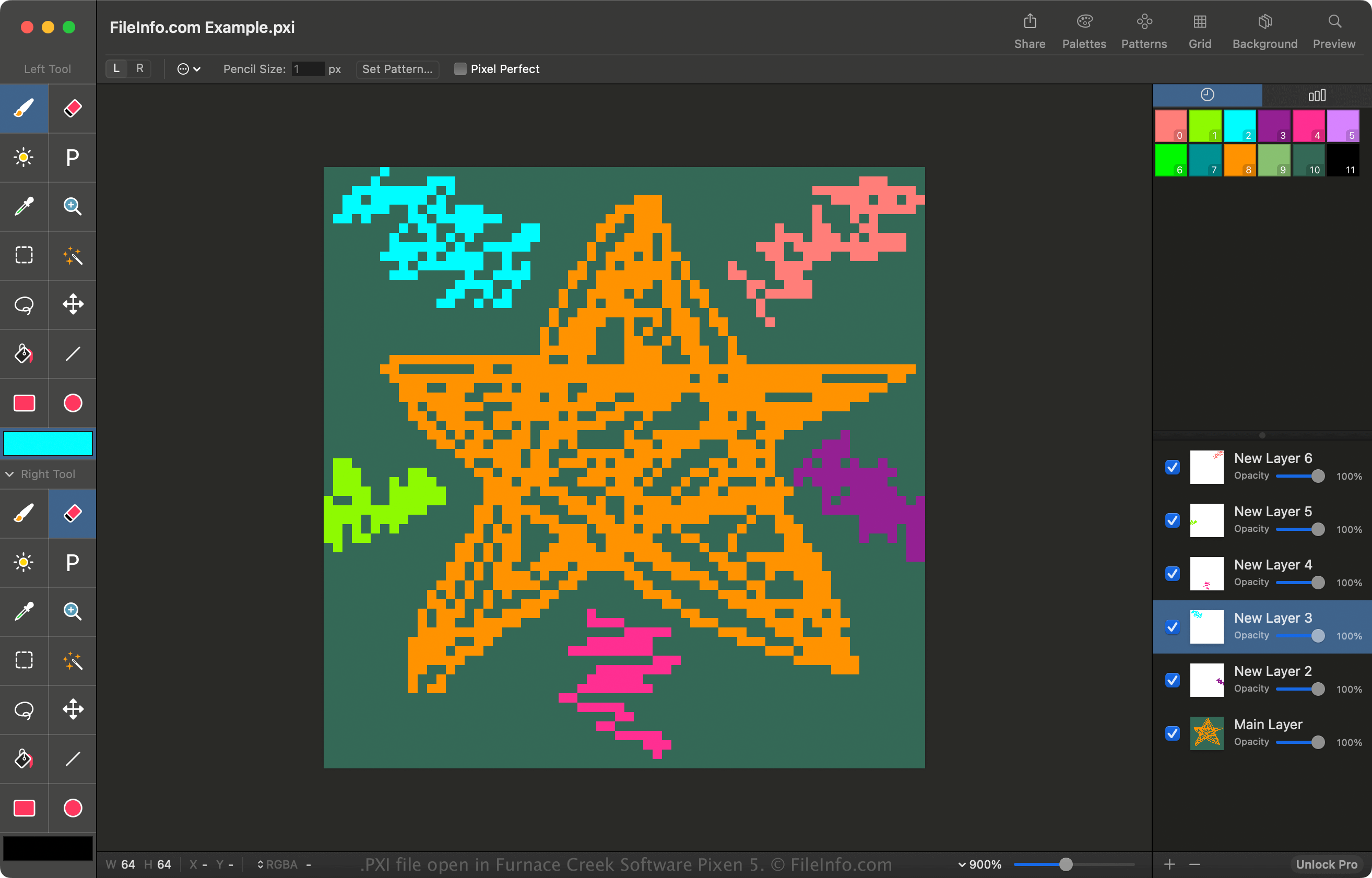
A PXI file is the native image format used by Pixen, a pixel art editor developed for macOS by Furnace Creek Software. It stores all the components of an art project, including image layers and their elements, such as shapes, colors, and brush strokes. The PXI format enables users to save their work, then return to it later and continue editing with full access to layers and settings.
추가 정보
Artists use Pixen to create detailed pixel-based artwork, animations, and game assets. The PXI format is particularly useful for artists working on complex or multi-frame images, such as character sprites or animated tiles used in video games.
The PXI format is similar to Adobe Photoshop's .PSD format, allowing users to edit their artwork non-destructively so they can make changes without altering the original layers. Because PXI files store editable project data, users must export them to a standard image format before using them in games or on websites.
PXI 파일을 여는 방법
You can open a PXI file with Furnace Creek Software Pixen. To open a PXI file with Pixen, select File → Open.
PXI 파일을 변환하는 방법
Pixen can convert PXI files to various types of image formats, including the following:
- .JPG - JPEG Image
- .PNG - Portable Network Graphic
- .TIF - Tagged Image File Format
- .GIF - Graphical Interchange Format
- .BMP - Bitmap Image
- .SVG - Scalable Vector Graphic
- .HEIC - High Efficiency Image Format
- .ICO - Icon File
- .PSD - Adobe Photoshop Document
The free version of Pixen can only convert PXI files to JPEG or PNG format. The Pro version is required to convert to the other formats.